

What Is Clash Detection in BIM?
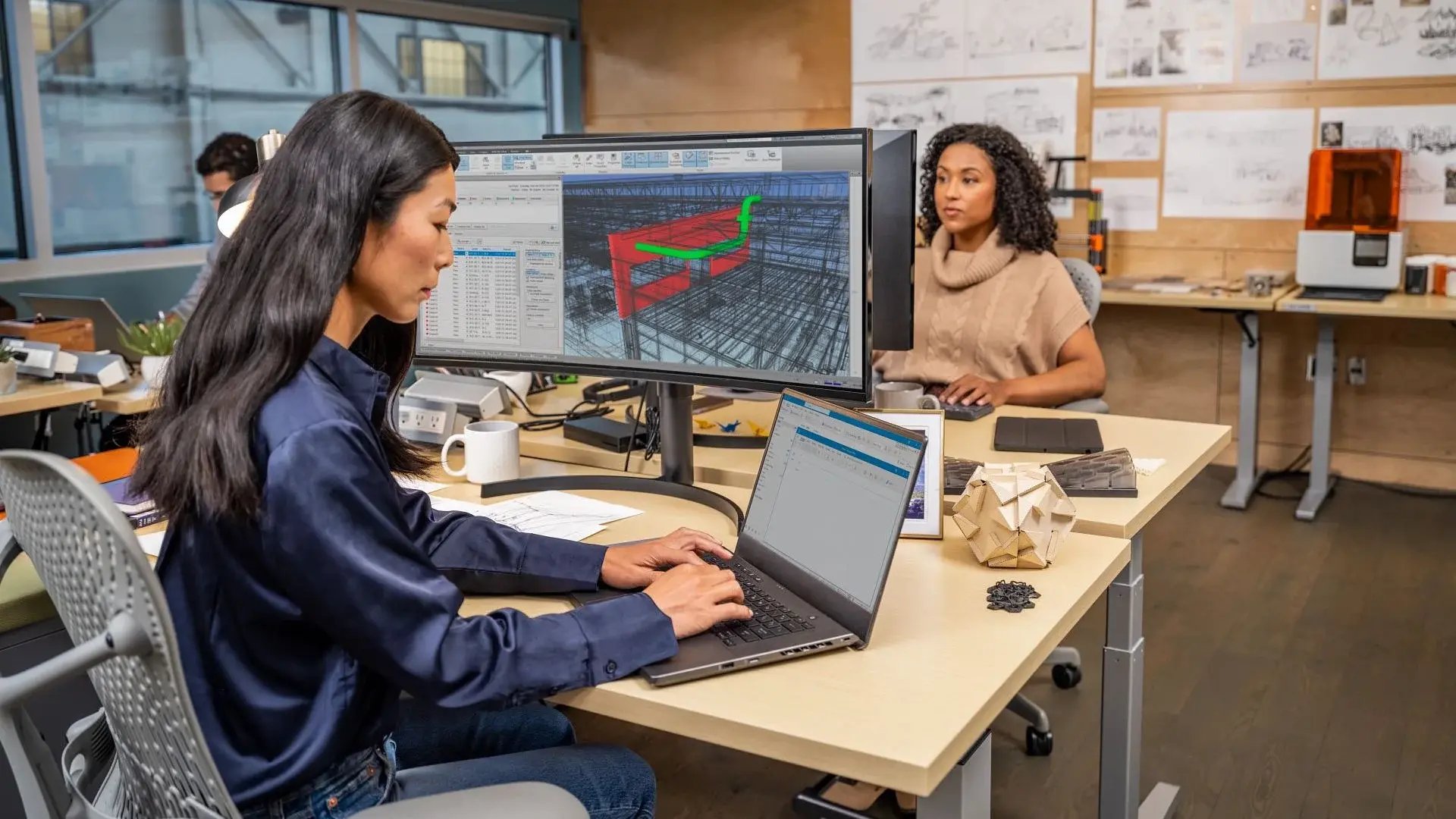
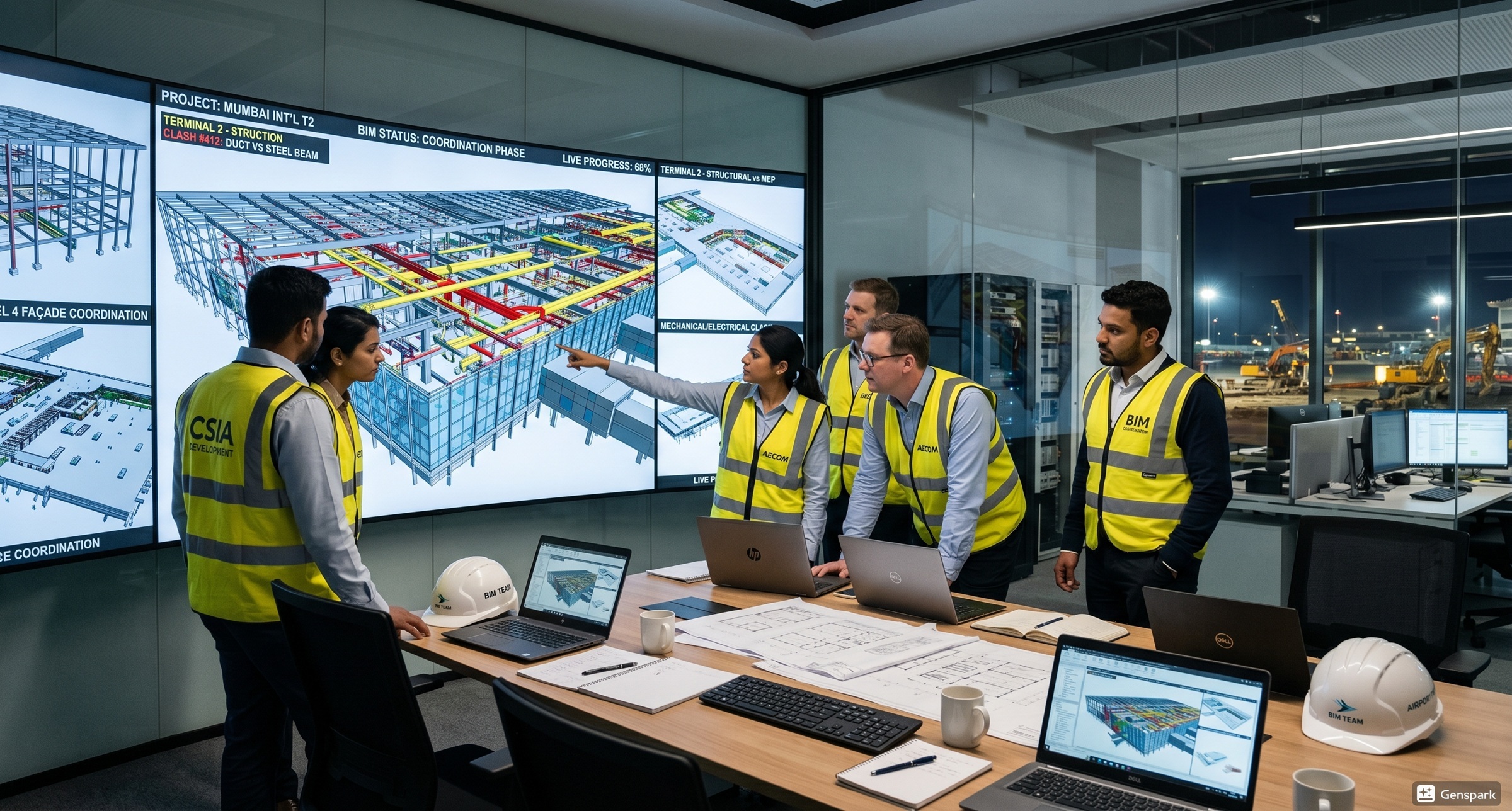
Clash detection offers a foresight into potential conflicts that may arise in a project during the construction stage. It helps teams identify where different building elements, such as beams, pipes, ducts, or electrical conduits, occupy the same space or interfere with one another.
What Are Hard, Soft, and Workflow Clashes?
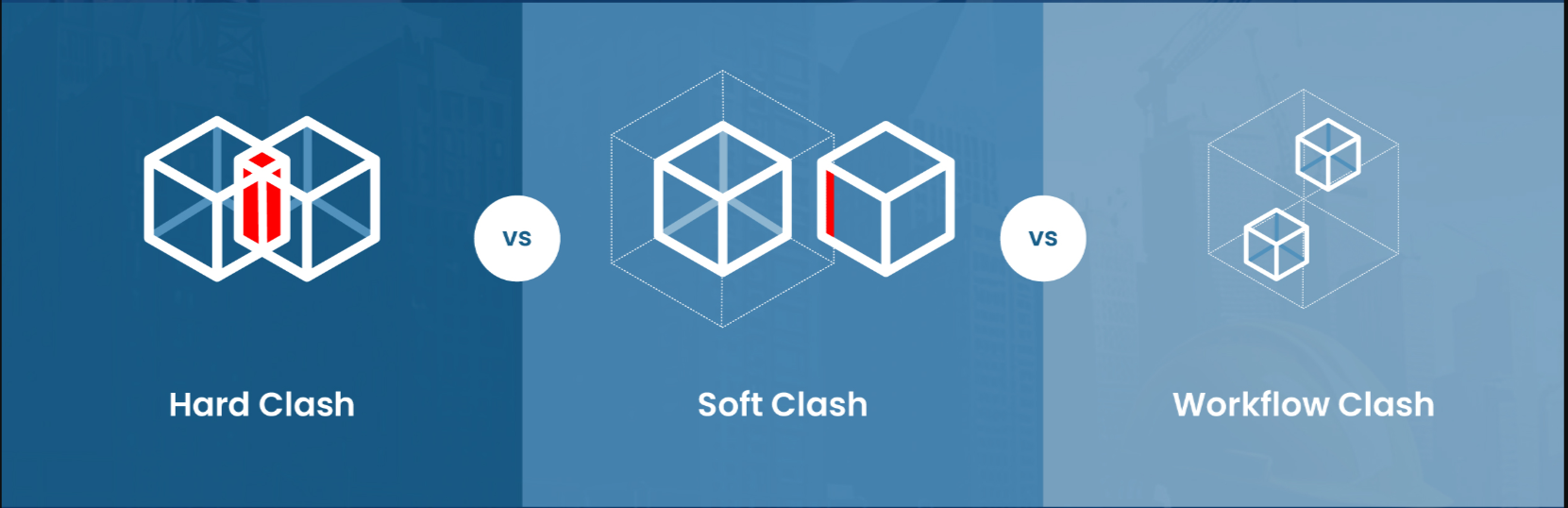
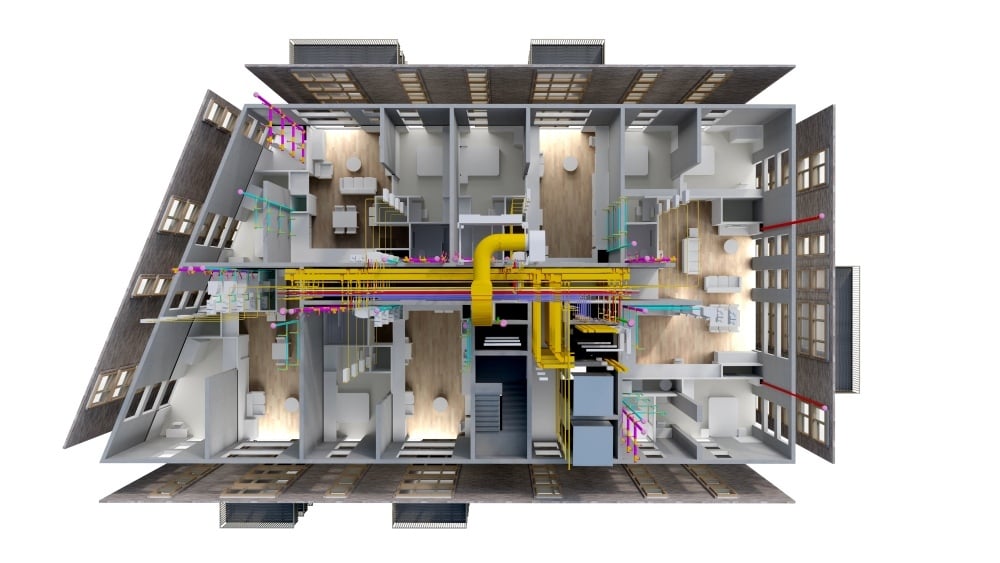
When architectural, construction, and MEP drawings are overlaid, project coordination and design conflicts become easier to identify. Here are the 3 types of clashes that are generally observed in the clash detection process:
1. Hard Clashes
These clashes occur when two or more building components intersect with each other. They are the most notable conflicts in a BIM model and can lead to expensive on-site modifications.
Examples:
-
A beam crossing a staircase waist slab
-
A plumbing pipe intersecting an RCC column
-
An electrical cable tray running through a shear wall
2. Soft Clashes
This type of clash arises when building components do not intersect but fail to maintain the required clearance or access space. The proximity of these elements could create difficulties during the assembly and execution phase.
Examples:
-
An electrical panel without the required front clearance for maintenance.
-
An HVAC unit is installed too close to a wall, restricting service access.
-
Insufficient clearance around a chiller for equipment servicing.
3. Workflow Clashes
Unlike hard and soft clashes, this category of clash has nothing to do with physical conflicts in the BIM model. Rather, it arises from poor coordination between teams, incorrect construction sequencing, or scheduling overlaps.
Examples:
-
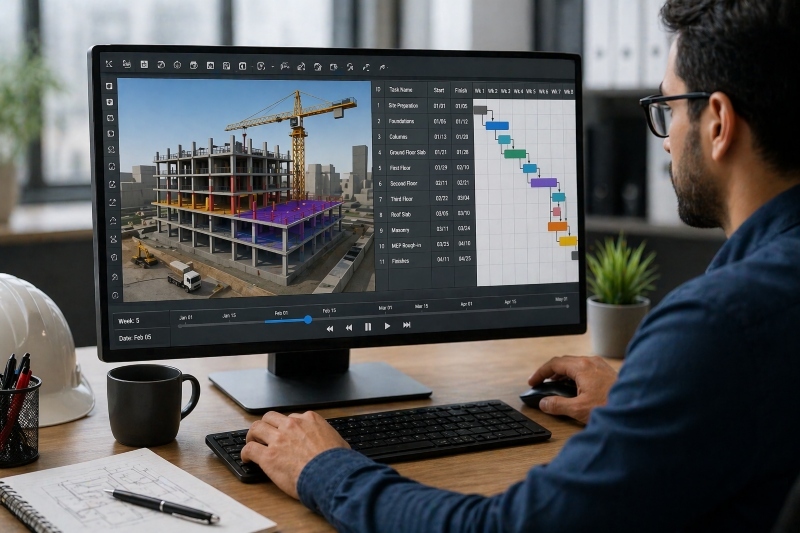
Ceiling finishes are planned before MEP services have been installed and tested.
-
Multiple subcontractors are scheduled to work in the same area at the same time.
-
Interior finishes begin before plumbing pressure tests are completed.
How Are Different Clash Types Detected and Resolved?
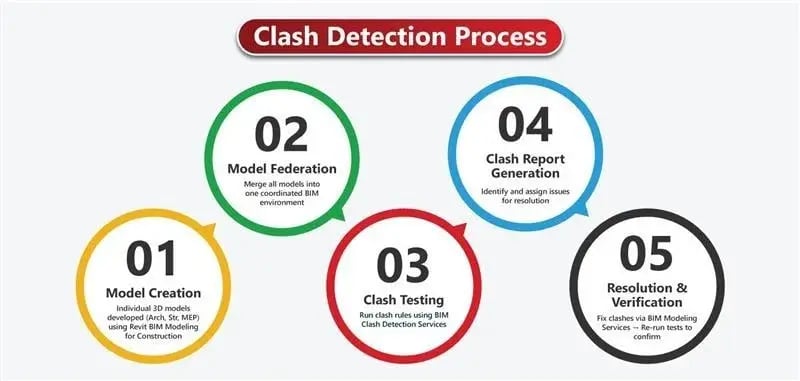
During project coordination, teams encounter a range of clashes that must be addressed prior to the beginning of construction. Let’s explore how issues are detected and resolved:
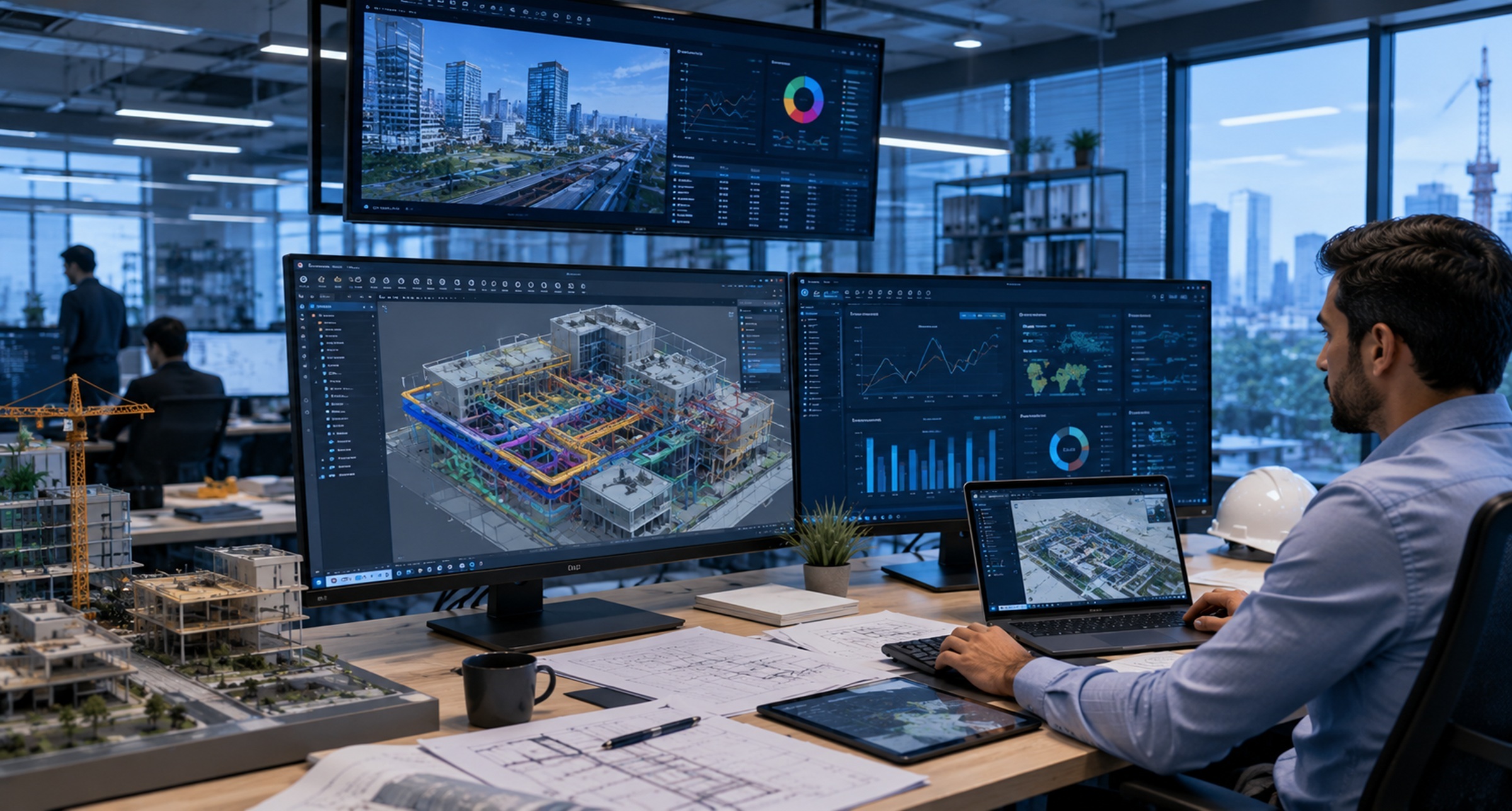
Model Coordination: Architectural, structural, and MEP models are brought together in a shared BIM environment to create a coordinated view of the project. This enables teams to identify conflicts between different building systems that may not be visible when disciplines work in isolation.
Automated Clash Detection: Specialised BIM tools compare the coordinated models and automatically detect hard, soft, and workflow clashes. This speeds up the review process while improving the accuracy of conflict detection across large and complex projects.
Clash Analysis: Once clashes are detected, project teams evaluate their severity, eliminate false positives, and determine which issues require immediate attention. This helps prioritise critical conflicts that could affect project cost, timelines, or constructability.
Design Coordination: Architects, engineers, and contractors work together to modify the affected building elements and resolve the identified clashes. Collaborative decision-making ensures that changes made by one discipline do not introduce new conflicts in another.
Model Validation: The updated BIM model is reviewed again to confirm that the clashes have been resolved. This iterative process continues until the project is sufficiently coordinated for construction, reducing the risk of costly rework on site.
Which BIM Tools Help Manage Clash Detection?
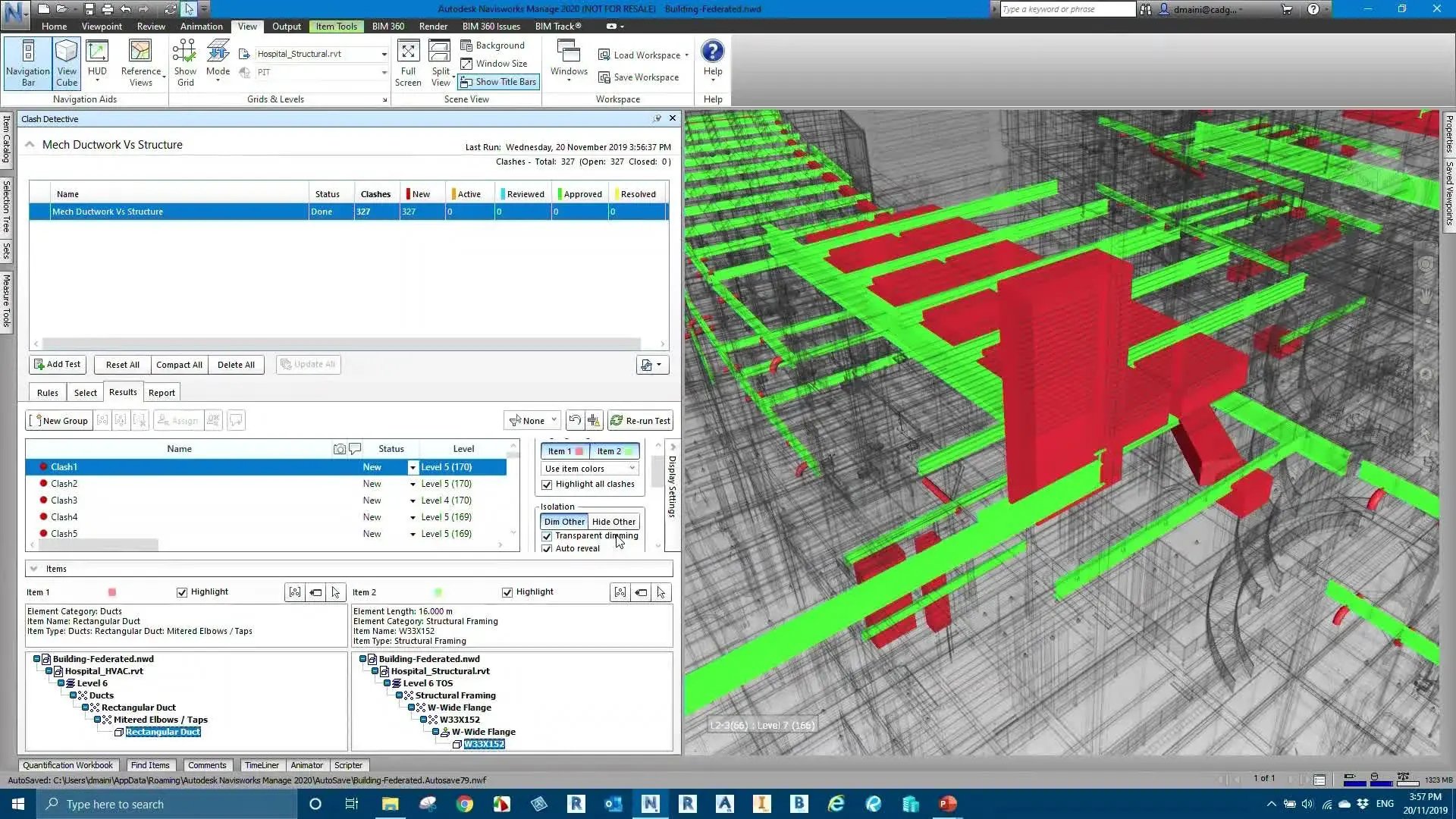
A variety of BIM software and plug-ins are used for clash detection in building construction and infrastructure projects. Here’s the list:
Navisworks: It is the most widely used clash detection tool in the AEC industry. Navisworks enables teams to combine models from multiple disciplines, identify clashes, and generate detailed coordination reports.
Autodesk Construction Cloud: ACC provides a cloud-based Common Data Environment for model coordination, issue tracking, and collaboration. Professionals can review clashes, assign responsibilities, and monitor resolution progress from a centralised platform.
Revit: While primarily a BIM authoring tool, Revit software allows all project stakeholders to identify primary clashes during the modelling stage. It can also be integrated with Navisworks and ACC for advanced coordination.
Solibri: It is extensively used for model checking, rule-based validation, and quality assurance. It helps teams detect clashes, verify BIM standards, and improve the overall quality of models.
Trimble Connect: It allows multidisciplinary teams to share, review, and coordinate BIM models in a cloud environment. Trimble Connect’s clash detection capabilities improve communication between designers, contractors, and project managers.
Revizto: Revizto combines BIM coordination with issue tracking by allowing teams to visualise clashes in 3D, assign tasks, and monitor their resolution in real time. It is particularly useful for multidisciplinary collaboration.
What Best Practices Reduce Clashes Before Construction?
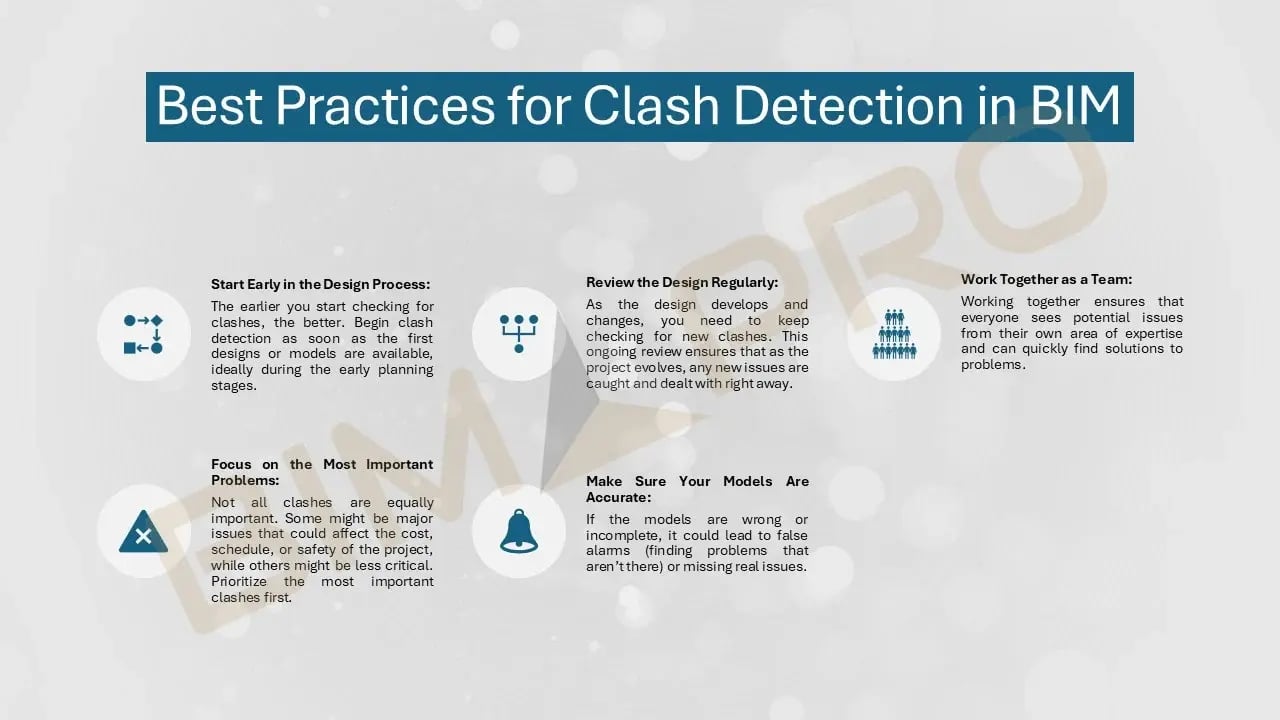
BIM is a design and construction technology that encourages collaborative planning and helps teams reduce design conflicts. Below are the best practices for clash detection using BIM:
Develop a BIM Execution Plan: A BIM Execution Plan (BEP) defines project objectives, team responsibilities, and model-sharing protocols based on EIR. Establishing these standards early helps reduce inconsistencies and improves collaboration throughout the project.
Follow Standardised Modelling Practices: Using consistent naming conventions, modelling ideals, and Levels of Development (LOD) makes it easier to coordinate models. Templatizing also improves the accuracy of clash detection by reducing modelling errors.
Coordinate Models Regularly: Waiting until the design is complete to run clash detection can lead to significant rework. Regular coordination sessions help identify and resolve conflicts early, keeping the project on schedule.
Improve Cross-Disciplinary Collaboration: To ensure clash detection, architects, structural engineers, and contractors should review coordinated BIM models throughout the design process. Early communication enables faster decision-making and prevents minor issues from becoming major conflicts.
Prioritise Critical Clashes: Not every clash has the same impact on a project. Categorising issues based on their severity, constructability, and safety implications allows teams to resolve the most critical conflicts first and use their resources more effectively.
Validate Models Before Construction: After design changes are implemented, the 3D model should be reviewed again to ensure all critical clashes have been resolved. This final validation reduces the likelihood of costly site modifications and construction delays.
How Can You Master BIM Coordination and Clash Detection?
Effective BIM training can help individuals become proficient in digital construction. Let’s explore key channels through which they can learn BIM coordination.
Start with Free Learning Resources: If you're new to BIM, it is best to start with introductory blogs or tutorials on YouTube videos. These resources help you understand BIM fundamentals and the basics of clash detection before investing in formal training.
Take Short-Term Courses: Once you've built a foundation, enrol in certification courses that cover BIM workflows and coordination. These programs provide structured learning, guided exercises, and practical assignments to help you become familiar with industry-standard tools.
Choose an Industry-Led BIM Training: Comprehensive BIM programs go beyond software training by combining technical skills with practical project workflows. They also offer hands-on experience with tools such as Revit, Navisworks, and Autodesk Construction Cloud, preparing learners for multidisciplinary project coordination.
For example, Novatr’s BIM Professional Program is an expert-led course, taught by practising architects and engineers. Alongside BIM workflows and processes, the course teaches 10+ software to participants, including clash detection tools like Navisworks and Autodesk Cloud Construction. This prepares the trainees for real-world challenges and BIM application.