

.jpg)
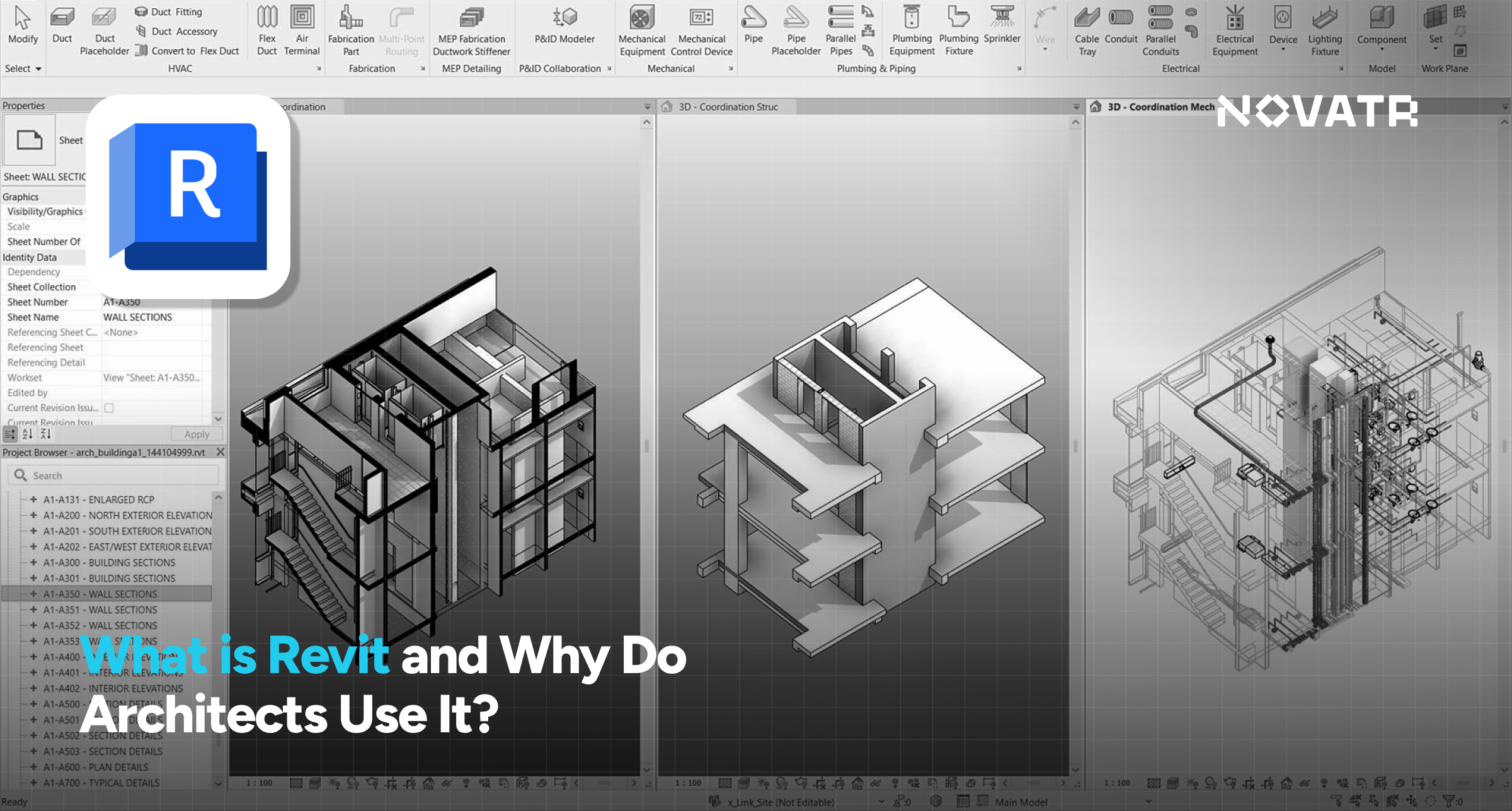

What Is Revit?
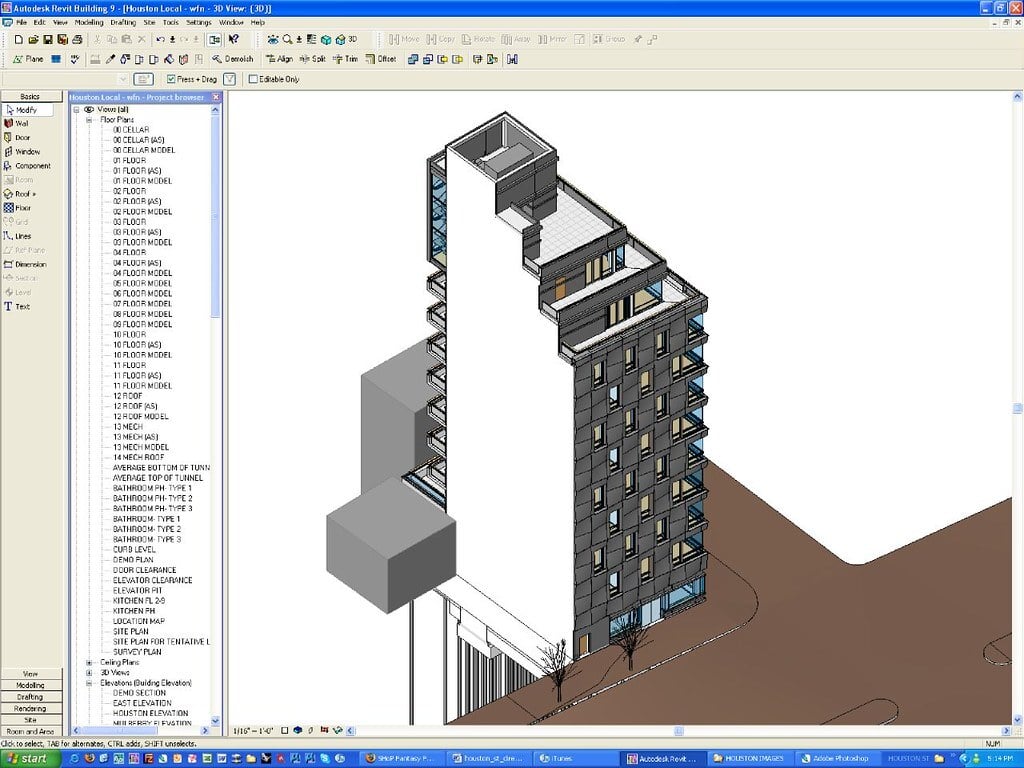
Revit is Autodesk’s flagship Building Information Modeling platform. Unlike standalone CAD programs, Revit combines intelligent Revit models with comprehensive drafting, documentation, scheduling, visualization, and data management all in one unified environment. When using Revit architecture tools, everything derives from a central model: every change updates all views, sheets, and schedules, ensuring project-wide coordination.
The software uses revit families, which are intelligent parametric components stored in a revit library, like doors, windows, furniture, or structural components. Each family includes geometry and embedded data dimensions, materials, and performance metrics, helping to maintain consistency and leverage automation. Revit supports revit modeling in full 3D, facilitating the creation of a revit 3d model that integrates smoothly into the BIM workflow.
You can also harness revit plugins to add custom schedules, render engines, energy tools, or interoperability with analysis platforms. This openness has made autodesk revit architecture the standard BIM tool for many clients and partners.
How Does Revit Differ from Traditional CAD Tools?
Traditional CAD focuses on drawing basic lines, arcs, and text on layers. Every view, plan, section, and elevation must be drawn and updated manually. In contrast, what is revit software used for? It replaces traditional drafting by using a shared database. With Revit:
- You model architectural elements walls, roofs, and floors, with parameters. They are real building components, not lines.
- A single edit in the model propagates automatically to all revit drawings, eliminating errors from inconsistent updates.
- Revit enables advanced visualization, including 3D views and virtual walkthroughs, unlike static CAD layouts.
- Revit’s interface supports revit shortcuts to speed workflows, while CAD typically requires repetitive manual drawing.
Ultimately, Revit is not just a digital drafting board: it’s a Revit design environment that ties geometry, metadata, and collaboration together, an evolution from 2D CAD to modern BIM.
Also Read: Architecture Thesis Topics: A Comprehensive List of 30 Topics to Pick From 2026
Why Is Revit So Popular Among Architects?
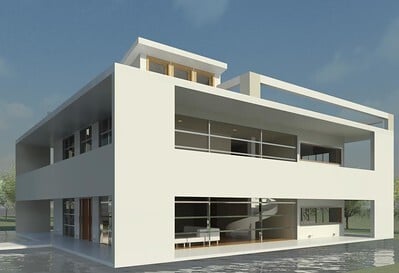
Architects choose Revit software for several compelling reasons:
1. Efficiency & Accuracy
With a central parametric model, Revit minimizes rework and errors. The GSA emphasizes that BIM reduces redundant work and improves design clarity.
2. Coordination & Collaboration
All views are updated with changes. Team members, even across disciplines like MEP and structure, can coordinate through shared models, reducing revit mep software clashes and saving time.
3. Data-Driven Design
Quantitative insights material volumes, cost estimates, and energy models stem organically from the revit models, enabling information-rich decisions early on.
4. Visualization & Communication
3D and 4D views enhance stakeholder engagement. Clients relate more to visual walkthroughs than flat blueprints.
5. Extensible Ecosystem
Revit plugins allow customization for energy analysis, performance simulation, rendering, sustainability, and interoperability with other platforms.
6. Industry Adoption & Demand
A growing body of architecture, engineering, and construction firms demand proficiency in revit architecture, meaning learning Revit improves employability.
The benefits of revit and the application of revit in architecture transcend mere drafting. It’s a full-project platform that architects rely on to deliver better projects faster and with stronger coordination.
What Are the Key Features of Revit for Architecture?
Revit for architecture stands out due to features tailored for architectural workflows:
1. Comprehensive Revit Library
Thousands of revit families windows, doors, furniture, and finishes are pre-configured with parametric data.
2. Central Parametric Revit Models
Edits in the revit 3d model automatically update across all views and documentation.
3. Documentation Tools
Tools for annotation, dimensioning, callouts, and tagging simplify creating construction-ready revit drawings.
4. View Creation & Scheduling
Auto-generate plan sheets, sections, elevations, schedules, and legends in real time.
5. Conceptual Massing & Visualization
Start with conceptual forms and evolve into detail while keeping the revit models intact.
6. Revit Shortcuts & Interface
Customize shortcuts, tool layouts, and templates to streamline modeling, annotation, and output. Understanding Revit requirements is also key to optimizing performance across teams
These features create a cohesive experience from initial design concept to full construction-drawing sets, with less manual hand-off and room for error compared to traditional CAD.
Also Read: Top 12 Architecture Portfolios Examples 2026
How Does Revit Support Collaboration in Design Teams?
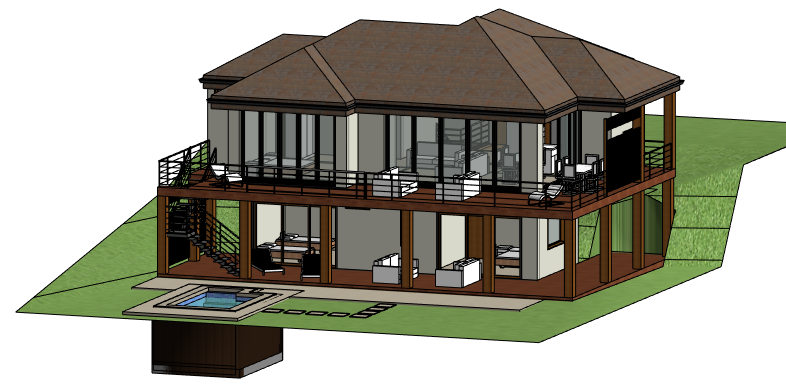
Revit’s work sharing and collaboration tools are central to multidisciplinary teamwork:
1. Version Tracking & Change History
The model logs who edited what and when helpful during design reviews.
2. Clash Detection
Teams using revit mep software alongside architectural and structural models can run clash reports, catching coordination issues early.
3. Cloud Collaboration
Autodesk BIM Collaborate and BIM 360 allow real-time, multi-location access with markups, issues tracking, and BIM metadata sharing.
4. Linked Discipline Models
Link models from architecture, structure, and MEP. Changes in one discipline flow to others, maintaining consistency.
5. Comments and Markups
Stakeholders can review within Revit or its web viewer, no need for PDF markups.
This built-in collaboration ensures all disciplines, including architecture, structure, and MEP, are working from a single source of truth, reducing errors and reinforcing design integrity.
Is Revit Useful Beyond Architecture?
The answer is yes, Revit software spans architecture, MEP, and structural workflows:
1. Revit MEP Software
This handles HVAC, electrical, plumbing, and fire protection. Engineers can model ductwork, piping, and equipment with coordination in Revit itself.
2. Structural Features
This offer beam, column, and foundation modeling, plus analysis links to structural software.
3. Parameter Sharing
MEP and structural elements carry data loads, capacities, etc., that connect to the revit models used by architects.
4. Analysis Integration
Energy and structural performance simulations can run on shared Revit models, enabling multi-disciplinary design review.
5. Output Flexibility
Each discipline can extract its revit drawings from the central model with discipline-specific filters and annotations.
Revit’s multi-disciplinary capabilities, enriched by revit plugins, make it a unified solution for design and delivery across professions.
Also Read: Top 7 Places to Learn BIM (Building Information Modelling) in India
.png)
.png)
