
What Is Navisworks & Types of Navisworks?
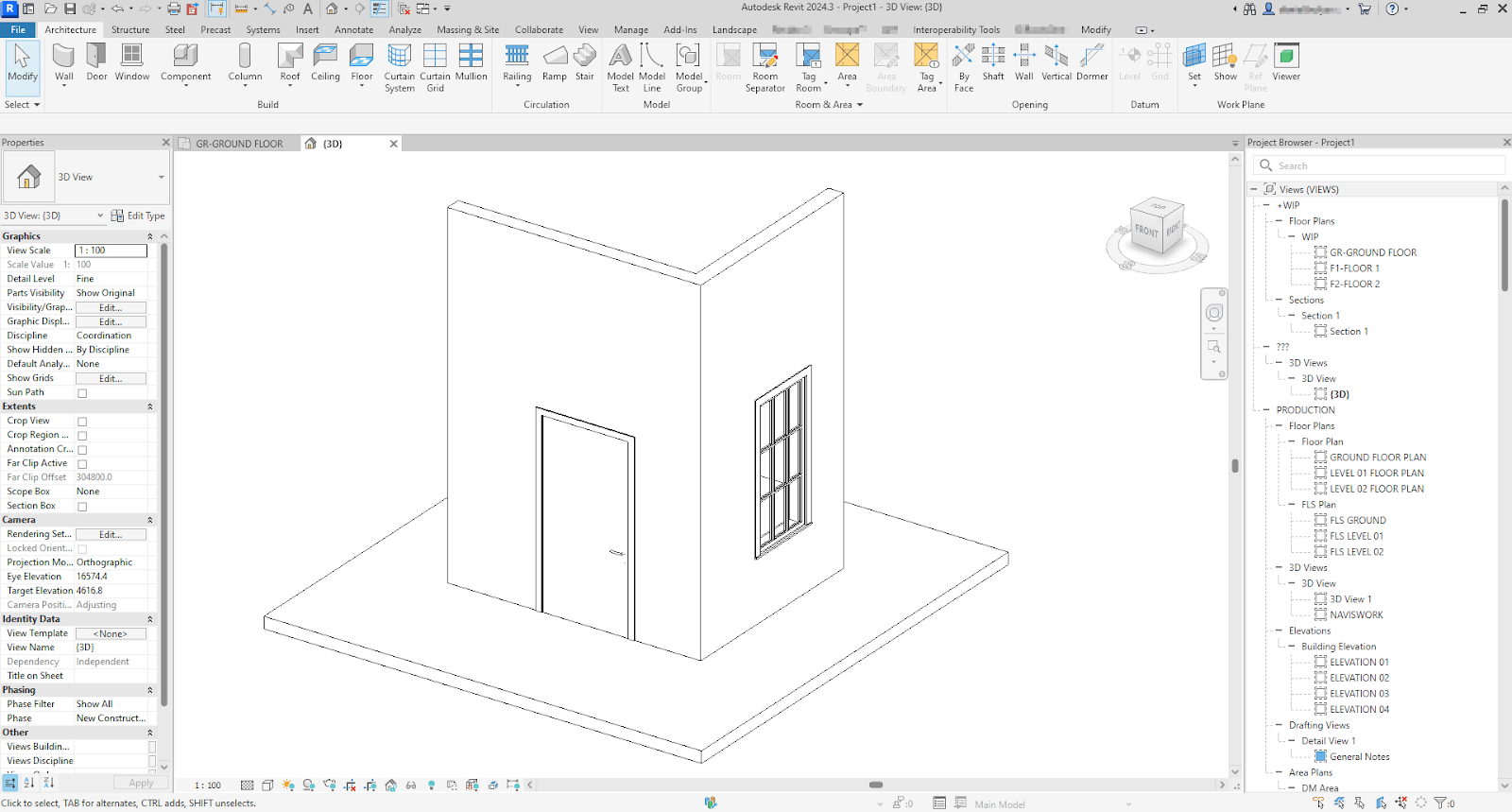
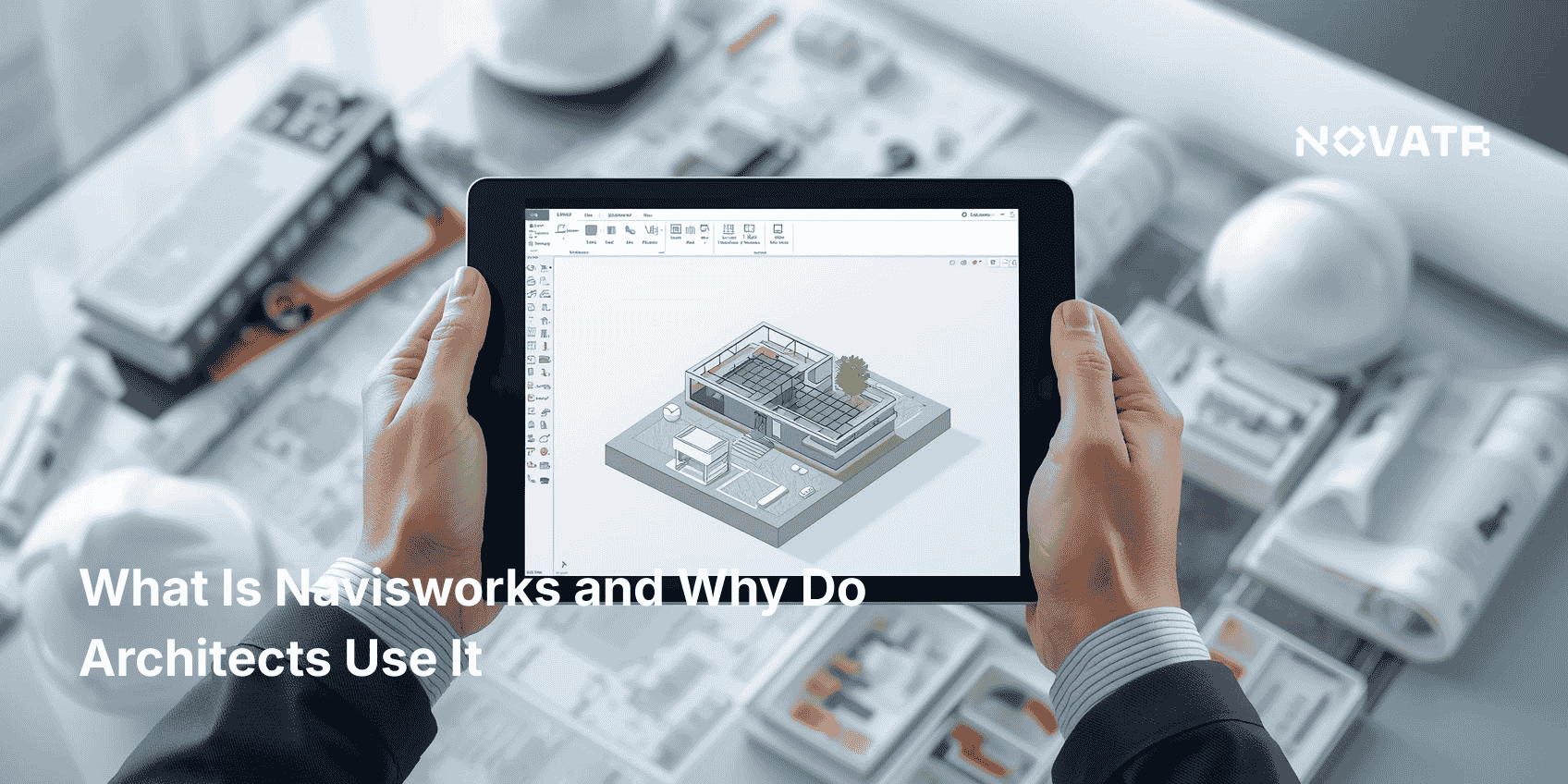
Navisworks is a model review and project coordination software used mainly in the AEC (Architecture, Engineering, and Construction) industry. It allows users to combine design and construction data into a single 3D model, enhancing cross-disciplinary collaboration and problem-solving.
There are three main types of Navisworks:
-
Navisworks Freedom: A free viewer that enables stakeholders to view whole-project models without editing or markup capabilities. It supports NWD and DWF files and helps non-technical team members stay involved in the project.
-
Navisworks Simulate: Includes visualization features and enables 4D simulation in Navisworks. It supports model animations, timelines, and interactive navigation to better communicate design intent.
-
Navisworks Manage: This is the most comprehensive version. It includes all features from Freedom and Simulate, along with advanced tools like Navisworks clash detection and coordination review.
Each version caters to different user needs, making Navisworks flexible and scalable depending on project complexity and stakeholder roles. Navisworks basics are easy to learn, which helps new professionals onboard faster. Earning a Navisworks certification can further validate expertise and improve job prospects, especially as BIM adoption grows.
What Features Make Navisworks Popular Among Architects and Engineers?
Several Navisworks features make it a top choice for industry professionals:
-
Model Aggregation: Navisworks software supports integration of various file types (DWG, RVT, IFC), enabling the creation of a single, unified 3D model Navisworks environment. This helps streamline data from different disciplines.
-
Navigation & Visualization: Tools like walkthroughs and flyovers help architects present designs to clients and stakeholders. The high-quality Navisworks rendering features improve understanding and communication.
-
Time Simulation (4D): By linking time schedules to models, 4D simulation in Navisworks allows users to visualize construction progress over time. This improves planning and reduces rework.
-
Clash Detection: One of the most valuable features is Navisworks clash detection, which identifies conflicts between different systems (e.g., HVAC and structural beams) before construction begins.
-
Plugins & Integration: Navisworks integration with tools like Revit, AutoCAD, and Civil 3D, as well as the Navisworks coordination plugin, enhances collaboration across platforms.
-
Reporting & Analysis: Navisworks Software can generate detailed Navisworks clash detection reports that are easy to interpret, share, and resolve.
These features provide tangible Navisworks benefits such as reducing field conflicts, saving time, improving collaboration, and enhancing overall project outcomes. For teams implementing BIM, these Navisworks features help streamline coordination and drive project efficiency from the start.
As projects grow more complex, these capabilities make Autodesk Navisworks essential in delivering quality results.
How Does Navisworks Help with Design Coordination?
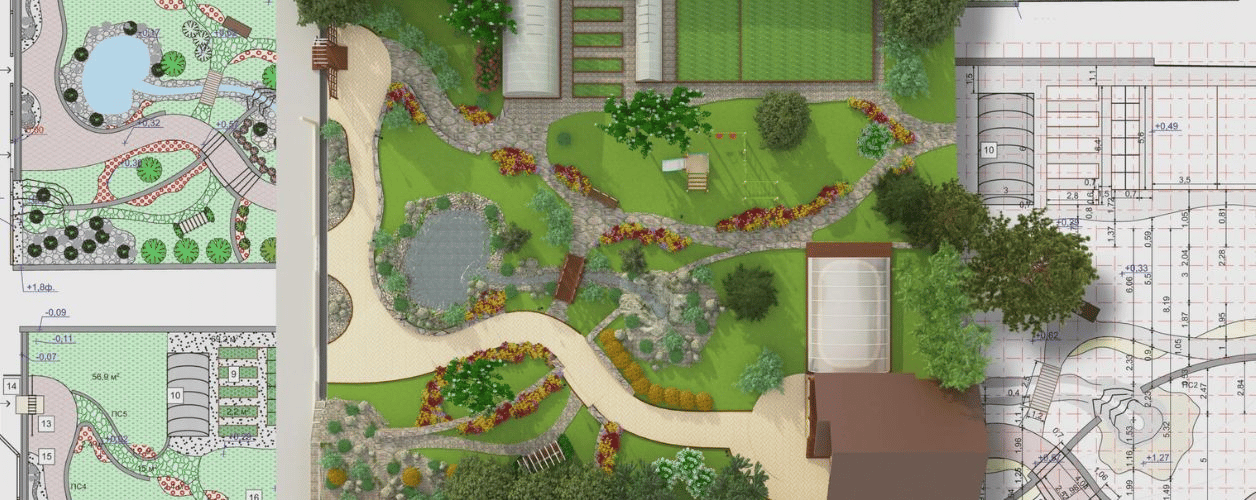
Navisworks for construction plays a crucial role in the design coordination process, particularly in large-scale projects. It enables team members from different disciplines to merge their models into one, providing a comprehensive overview of the entire structure.
Using Navisworks for architects, design professionals can ensure their spatial layouts do not interfere with MEP (Mechanical, Electrical, Plumbing) or structural elements. For instance, if an air duct passes through a beam, Navisworks clash detection highlights this issue early.
Navisworks for engineers adds value by allowing structural, civil, and systems engineers to coordinate their contributions with the architectural design. The software’s integration with Primavera or Microsoft Project allows for time-based coordination through 4D simulation in Navisworks.
Additionally, the Navisworks coordination plugin enhances collaboration by syncing design revisions and ensuring all team members are working on the most up-to-date model. Combining data in a Navisworks 3d model environment ensures no detail is overlooked.
These coordination features not only help avoid costly on-site changes but also ensure smoother communication among all stakeholders involved in the project.
How Does Navisworks Compare with Other BIM Tools Like Revit or Archicad?
While Revit and Archicad are powerful BIM authoring tools, Navisworks is a model aggregator and project coordination tool. Here’s how they compare:
-
Revit is ideal for detailed design, documentation, and building systems modeling. However, it lacks the comprehensive model review and clash detection features found in Navisworks Manage.
-
Archicad offers excellent 2D and 3D modeling capabilities and is favored for its intuitive design interface. Yet, it doesn’t support Navisworks features like time simulation and federated model viewing at the same level.
Navisworks excels in scenarios where cross-disciplinary teams need to coordinate, review, and analyze models from different software platforms. Its integration capabilities and Navisworks rendering features make it ideal for project-wide visualization and communication.
While Revit or Archicad might be used to create individual models, Navisworks brings all these elements together into a unified Navisworks 3d model environment. This enhances oversight and decision-making.
In summary, Navisworks complements rather than competes with other BIM tools, serving as the hub for coordination and simulation. As more firms adopt BIM tools, the role of Navisworks software in unifying these workflows will only grow stronger.

.png)
.png)