
What is Clash Detection?
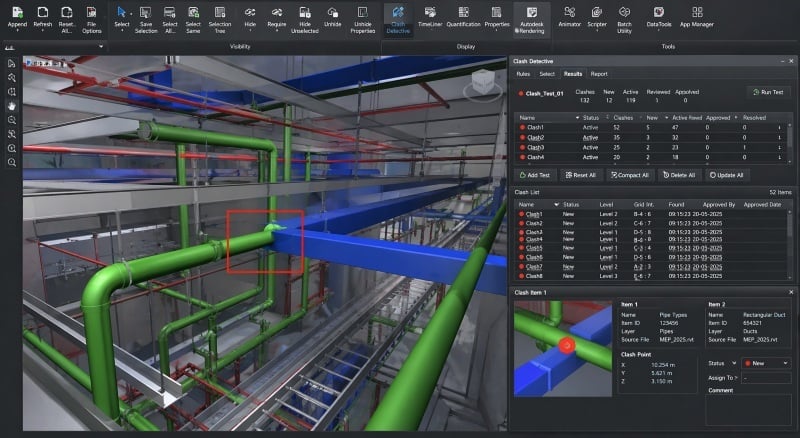
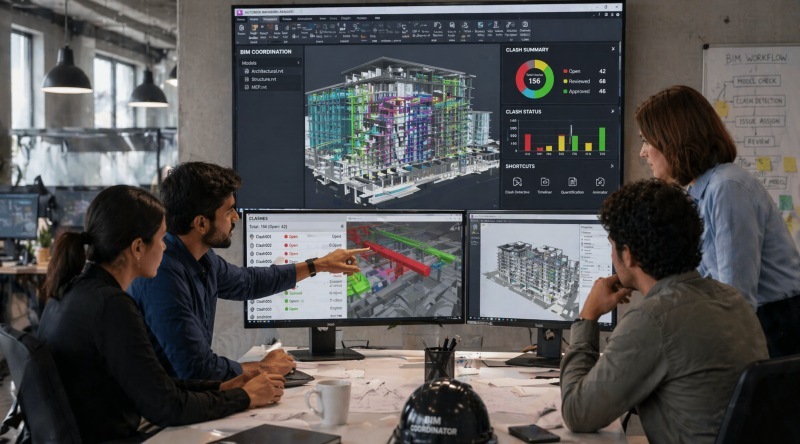
Clash detection in BIM refers to the process of identifying conflicts between different elements within a digital model before construction begins. These conflicts often occur between structural components, MEP systems, or architectural elements.
In simple terms, what is clash detection in BIM can be understood as a method of checking whether different parts of a design interfere with each other. For example, a duct intersecting with a beam represents a clash that must be resolved before construction.
Clash detection ensures that all systems within a project align correctly. It improves coordination between teams and supports efficient planning. This process is a key part of BIM model clash detection, making it essential in modern construction workflows.
Types of Clashes in BIM (Hard, Soft, Workflow)
Clashes in BIM are categorized based on how conflicts occur within a model. Understanding these categories helps engineers identify and resolve issues effectively.
In practice, clashes are generally grouped into three types:
- Hard clashes
These occur when two elements physically intersect, such as a pipe passing through a structural column. These are the most direct conflicts identified in BIM model clash detection. - Soft clashes (clearance clashes)
These occur when elements are placed too close to each other without maintaining required clearances, such as insufficient space for maintenance access. - Workflow clashes
These are related to scheduling and sequencing issues, such as two teams planning to work in the same location at the same time.
Understanding these categories supports effective resolving BIM conflicts and improves coordination across disciplines.
Why Clash Detection is Important in Construction Projects?
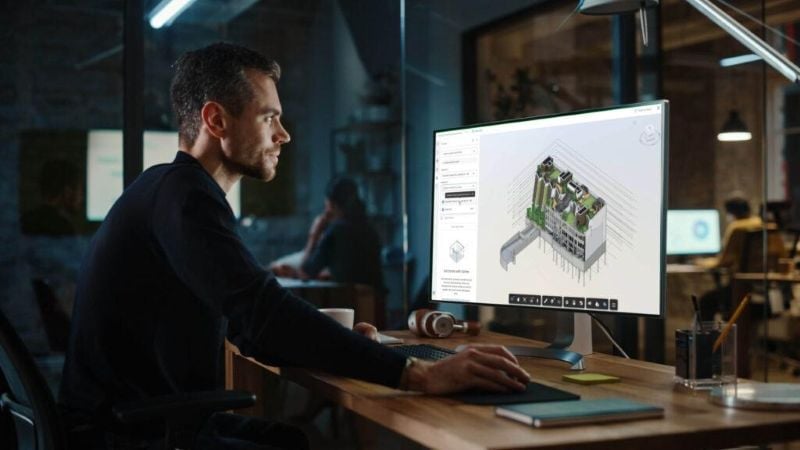
Clash detection plays a significant role in improving project outcomes by identifying issues early and reducing risks.
In traditional construction workflows, conflicts are often discovered during execution, leading to delays and additional costs. BIM changes this by enabling early detection during the design phase.
Its importance can be understood through the following advantages:
- Reduced rework and cost savings: Detecting issues early minimizes costly changes during construction.
- Improved coordination: Teams across disciplines can align their work more effectively.
- Better planning and scheduling: Early conflict detection allows for smoother project execution.
- Improved model accuracy: Ensures all systems are properly aligned before construction begins.
These advantages highlight the BIM clash detection benefits that contribute to efficient and reliable project delivery.
How Clash Detection Works in BIM Projects?
Clash detection follows a structured process that ensures models are reviewed and coordinated before construction begins.
A typical workflow includes:
- Model integration: Models from different disciplines are combined into one coordinated environment.
- Clash detection analysis: Software tools automatically identify conflicts between elements.
- Clash review and reporting: Identified clashes are reviewed and categorized based on priority.
- Resolution and updates: Teams collaborate on resolving BIM conflicts and update models accordingly.
This process demonstrates how BIM helps in clash detection by improving accuracy and reducing manual effort in coordination workflows.
Tools Used for Clash Detection
Clash detection relies on specialized tools that help identify and resolve conflicts within BIM models efficiently.
Some widely used tools include:
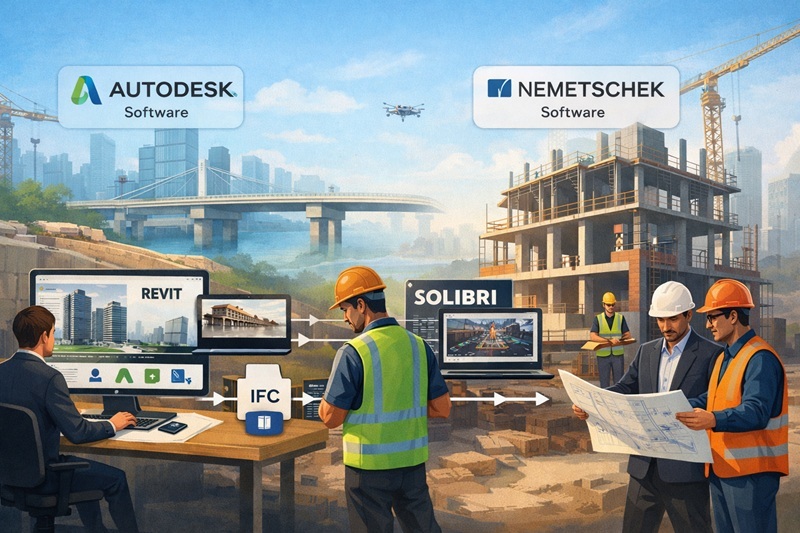
- Autodesk Navisworks: Used for advanced coordination and clash detection across disciplines.
- Autodesk Revit: Supports basic clash detection within the modeling environment, often referred to as clash detection in Revit.
- Solibri Model Checker: Provides rule-based model validation and quality checks.
- Bentley Navigator: Used for coordination and clash detection in infrastructure projects.
These tools are examples of BIM clash detection software that support efficient coordination and model validation.
Who Performs Clash Detection in BIM Projects?
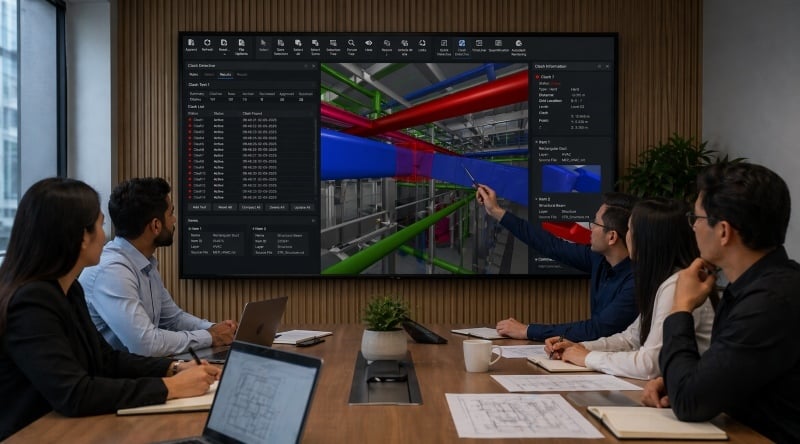
Clash detection is typically carried out by professionals responsible for coordination and model management.
Different roles contribute to this process:
- BIM Coordinators: Manage clash detection and coordination workflows.
- BIM Managers: Oversee standards, processes, and coordination strategies.
- Design Engineers: Address and resolve discipline-specific clashes.
- Project Managers: Ensure coordination aligns with timelines and project goals.
These roles collectively implement BIM clash detection construction conflict resolution strategies, ensuring models are accurate and aligned.
Skills Required for Clash Detection and Coordination
Clash detection requires a combination of technical knowledge and coordination skills.
Professionals working in this area develop:
- Knowledge of BIM tools: Familiarity with modeling and coordination software.
- Attention to detail: Ability to identify conflicts in complex models.
- Communication skills: Effective coordination requires clear communication across teams.
- Problem-solving ability: Skills in resolving BIM conflicts efficiently.
- Understanding of construction workflows: Knowledge of how systems interact during execution.
These skills are essential for applying BIM model clash detection effectively in real projects.
How to Learn BIM Coordination Skills?
Learning BIM coordination requires understanding both tools and workflows together rather than separately. Take your civil engineering career to the next level with Novatr’s BIM Professional Course for Civil Engineers, a project-based program that prepares you to plan, design, and manage construction projects using 12+ industry software and essential BIM plugins.
Learn how to work with Autodesk Revit, Navisworks, construction cloud and key plugins like DiRoots.One, pyRevit, EF-Tools, ProSheets, Issue and Model Checker for Revit to improve automation, accuracy, and project efficiency.
Here’s what you’ll gain:
- End-to-end understanding of BIM workflows, modeling, estimation, coordination, sequencing, and documentation.
- Hands-on training aligned with ISO 19650 standards and real residential + commercial projects.
- Globally recognized certifications:
o Novatr Course Certificate
o Autodesk User Certification
o NSDC Skill Certificate
o Novatr Specialization Certificate, if opted
After completing the core modules, learners can also choose 2 additional specializations, including:
- Visual Programming with Dynamo – for automation and parametric workflows
- 4D, 5D & 6D with BIM – for time, cost, and facility integration
- Tekla for RCC Modeling – for detailed steel and concrete modeling
- Civil 3D for Infrastructure – for roadways, railways, and utilities
- Project Strategy & Optimization with Plannerly - Plan, structure, and audit BIM execution plans.
Structured learning helps engineers understand coordination workflows and apply BIM clash detection benefits effectively in real-world projects.