---
title: "Navisworks Workflows for Architects: Enhancing Coordination 2026"
description: Explore how Navisworks workflows help architects improve model coordination, clash detection, and BIM integration in 2026.
image: https://blog.novatr.com/hubfs/Navisworks%20Workflows%20for%20Architects%20Enhancing%20Coordination.png
---
[Blogs](https://www.novatr.com/learning-hub)
- [Architecture & Construction](https://www.novatr.com/learning-hub?category=Architecture+%26+Construction)
- [BIM](https://www.novatr.com/learning-hub?category=BIM)
- [Computational Design](https://www.novatr.com/learning-hub?category=Computational+Design)
- [Company News](https://www.novatr.com/learning-hub?category=Company+News)
- [Expert Talks](https://www.novatr.com/learning-hub?category=Expert+Talks)
Explore Courses
[Just Launched  BIM Professional Program v.2026 Take your career to the next level by mastering the real-world application of BIM. Know More](https://www.novatr.com/courses/bim-professional-program)
[ Master Computational Design Course Break into an advanced career by learning to apply the power of computation to the art of design. Know More](https://www.novatr.com/courses/computational-design)
[Blogs](https://www.novatr.com/learning-hub)
Explore Blogs
- [Architecture & Construction](https://www.novatr.com/learning-hub?category=Architecture+%26+Construction)
- [BIM](https://www.novatr.com/learning-hub?category=BIM)
- [Computational Design](https://www.novatr.com/learning-hub?category=Computational+Design)
- [Company News](https://www.novatr.com/learning-hub?category=Company+News)
- [Expert Talks](https://www.novatr.com/learning-hub?category=Expert+Talks)
Courses
- [BIM Professional Program v.2026](https://www.novatr.com/courses/bim-professional-program)
- [Master Computational Design](https://www.novatr.com/courses/computational-design)
- [Archi/](https://www.novatr.com/learning-hub?category=BIM)
Featured Article
# Navisworks Workflows for Architects: Enhancing Coordination in 2026

Neha Singh
February 24, 2026
4 min read
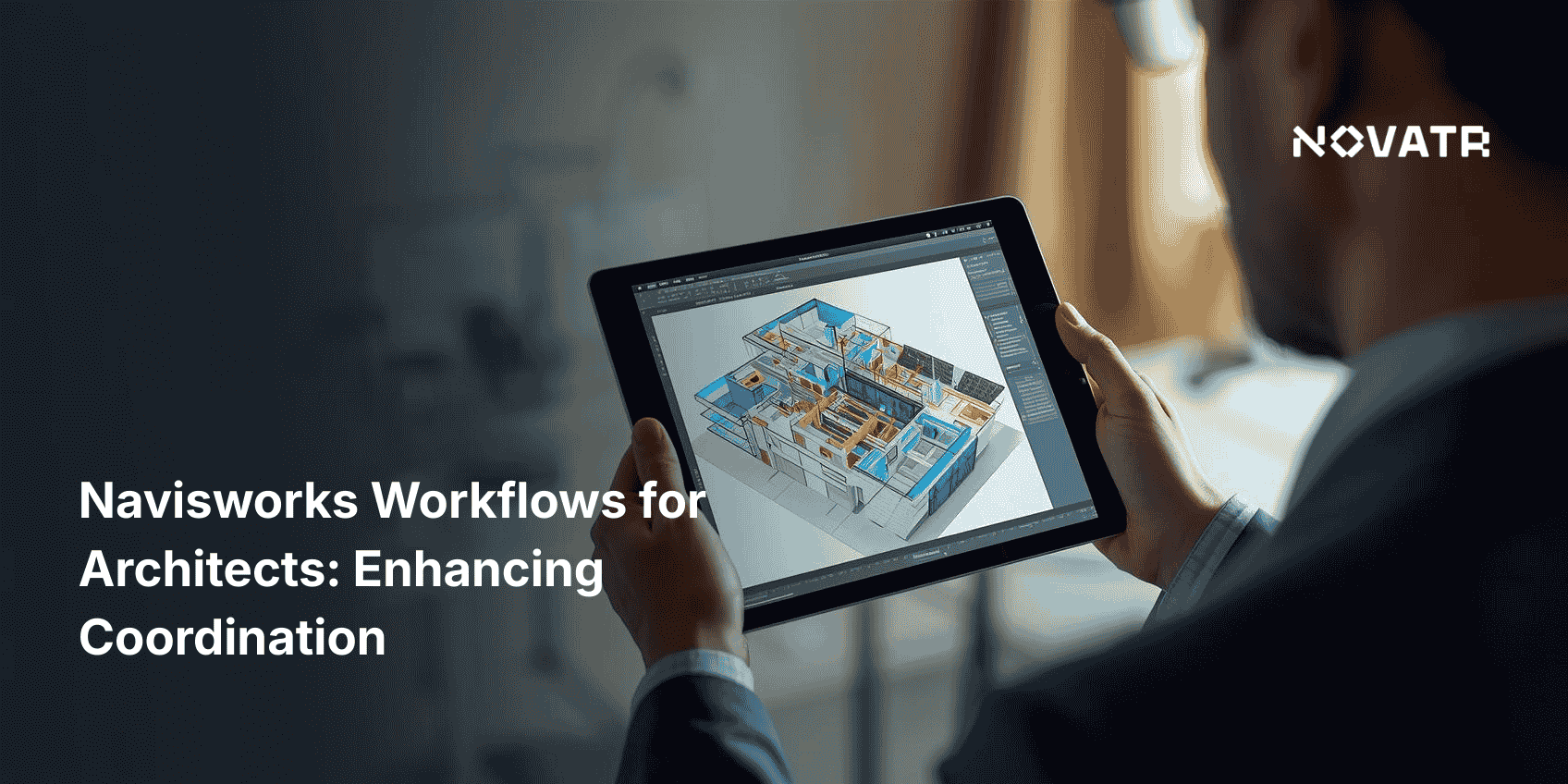

In 2026, architecture firms are expected to deliver highly coordinated BIM models as early as the design development stage. According to [Global Growth Insights](https://www.globalgrowthinsights.com/market-reports/building-information-modelling-market-105605), the building information modelling (BIM) market size was valued at USD 4.05 billion in 2024 and is projected to grow to USD 4.69 billion in 2026, reaching an impressive USD 14.95 billion by 2033. These changes highlight why more firms are embedding Navisworks workflows into their architectural process.
Unlike isolated tools, Navisworks software offers complete control over model coordination. It enables professionals to combine files from multiple disciplines, run accurate clash detection, and simulate timelines all in one place. With tools like Navisworks Freedom, Navisworks Manage, and Navisworks Simulate, architects can enhance visibility and reduce risk. Let’s break down how architects can take full advantage of Navisworks workflows in 2026.
Unlock High-Paying Careers With BIM
Master BIM workflows, software and skills on real projects.
Apply Now
\*Limited seats available
## **Why Should Architects Use Navisworks in Design Workflows?**
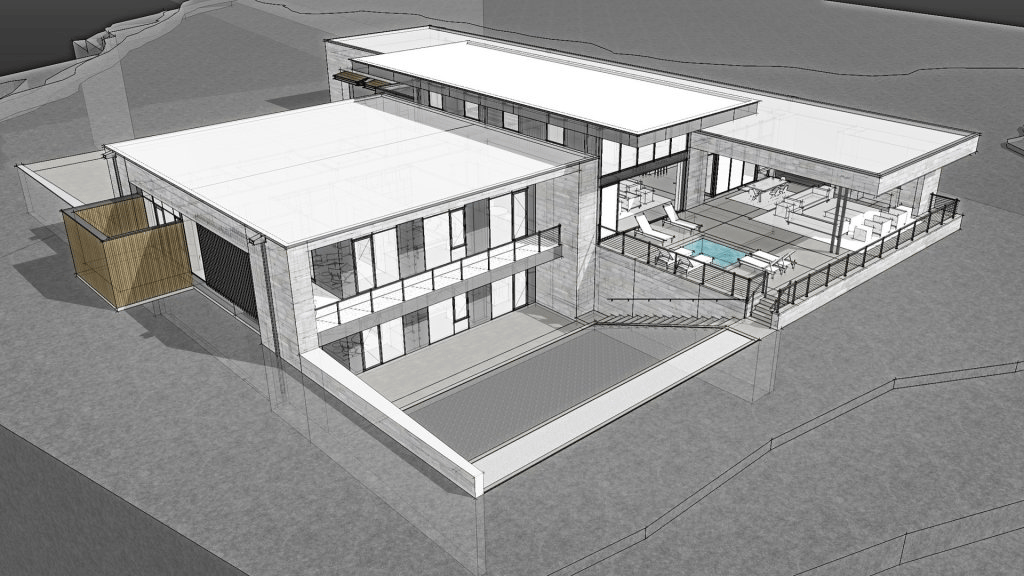
Architects manage increasingly complex projects, with models involving structural engineers, MEP consultants, contractors, and developers. Poor coordination between these disciplines often leads to project delays and increased costs. This is where Navisworks workflows step in.
By incorporating Navisworks for architects into their process, design teams gain access to:
- Real-time clash detection using Navisworks Manage
- Interactive viewing with Navisworks Freedom, even for stakeholders without design software
- Timeline visualization via 4D simulation in Navisworks, improving scheduling and logistics
- Centralized model reviews with Navisworks coordination plugin that links to Revit
Navisworks benefits are significant: fewer design conflicts, faster feedback loops, and better collaboration across teams. The Navisworks 3D model viewer brings together multiple trades into one coordinated environment, reducing reliance on siloed updates.
More importantly, clients and developers can better visualize the final product through Navisworks rendering features, improving confidence in design choices. This makes stakeholder engagement smoother and decisions more data-driven. Ultimately, Navisworks workflows help project teams deliver more accurate, constructible models while maintaining creative control.
## **What Are the Key Steps in a Navisworks Workflow for Architects?**
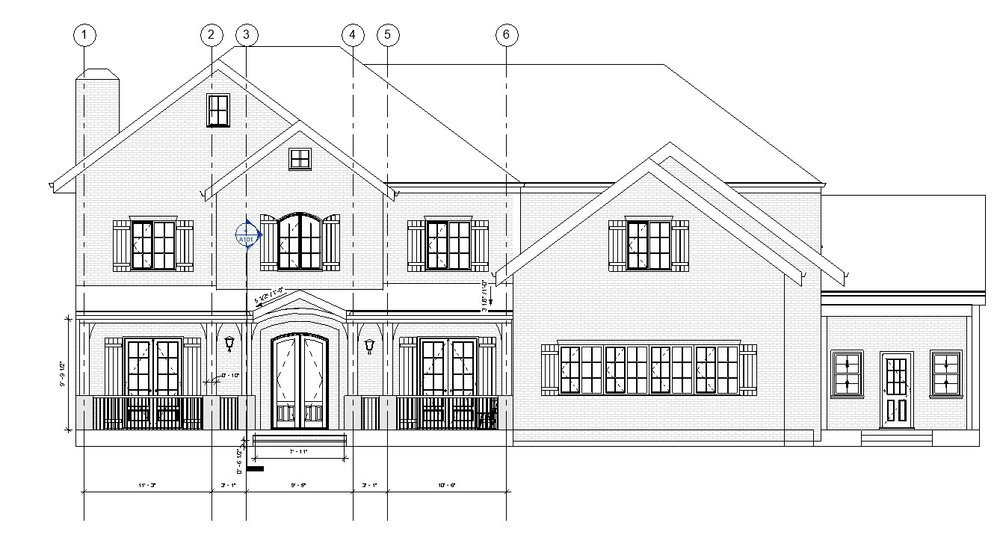
A typical Navisworks workflow follows a structured, repeatable process that facilitates collaboration and precision. Architects can use these steps to ensure all design elements, from HVAC ducts to window frames, are coordinated across disciplines.
### Step 1: Model Aggregation
Import all relevant models (Revit, AutoCAD, IFC, SketchUp) into one environment. This unified 3D model Navisworks serves as the master file for review. Save files in NWC or NWD formats for easy access in Navisworks Freedom.
### Step 2: Clash Detection Setup
Use Navisworks Manage to run clash detection. Define hard clashes (e.g., wall intersecting beam) or clearance clashes (e.g., HVAC ducts too close to the ceiling). This step is essential to identify and prioritize errors early.
### Step 3: Review and Assign Issues
Navigate through clashes using viewpoints. Assign them to relevant disciplines using the built-in issue tracker. Generate a Navisworks clash detection report that includes screenshots, timestamps, and assignments.
### Step 4: Timeline Simulation
Use TimeLiner in Navisworks Simulate to link building components to project timelines. This 4D simulation in Navisworks allows teams to visualize construction sequencing and resolve logistical conflicts before they happen.
### Step 5: Share, Resolve, Re-test
Share coordination files via Navisworks BIM 360 integration or export them to Navisworks Freedom for stakeholder review. Resolve issues collaboratively and rerun tests to confirm corrections. Use the Navisworks coordination plugin to re-import issues into Revit for design updates.
### Step 6: Presentation and Handoff
Use Navisworks features in rendering to create walk-throughs and high-fidelity visuals for client reviews. At project completion, export an NWD model as a digital handoff document.
By following this Navisworks workflow, architects ensure that all design components work together as intended, minimizing costly field changes and rework.
## **How Does Navisworks Improve Model Coordination and Clash Detection?**
Model coordination is no longer optional; it’s essential. In 2026, miscommunication between trades can derail entire projects. Navisworks workflows offer architects the precision needed to prevent this.
Using Navisworks software, designers combine all models into a single Navisworks 3D model, allowing cross-disciplinary reviews. Clash tests are conducted in Navisworks Manage, where tolerance levels and rules can be tailored to each project’s needs. This flexibility ensures both hard and soft clashes are identified and prioritized.
Key ways Navisworks improves coordination:
- Allows real-time clash updates and re-testing
- Auto-generates a Navisworks clash detection report for accountability
- Simplifies issue tracking through built-in communication tools
- Enhances stakeholder engagement through Navisworks Freedom
In addition, Navisworks for engineers and consultants makes multi-disciplinary reviews easier. By aligning design intent early, field errors drop, and team morale increases. This is the power of a well-structured Navisworks process coordination that prevents construction chaos.
With these tools, coordination becomes a continuous process rather than a last-minute scramble. The result? Fewer errors, improved timelines, and better designs.
## **How to Integrate Navisworks with Revit and Other BIM Software?**
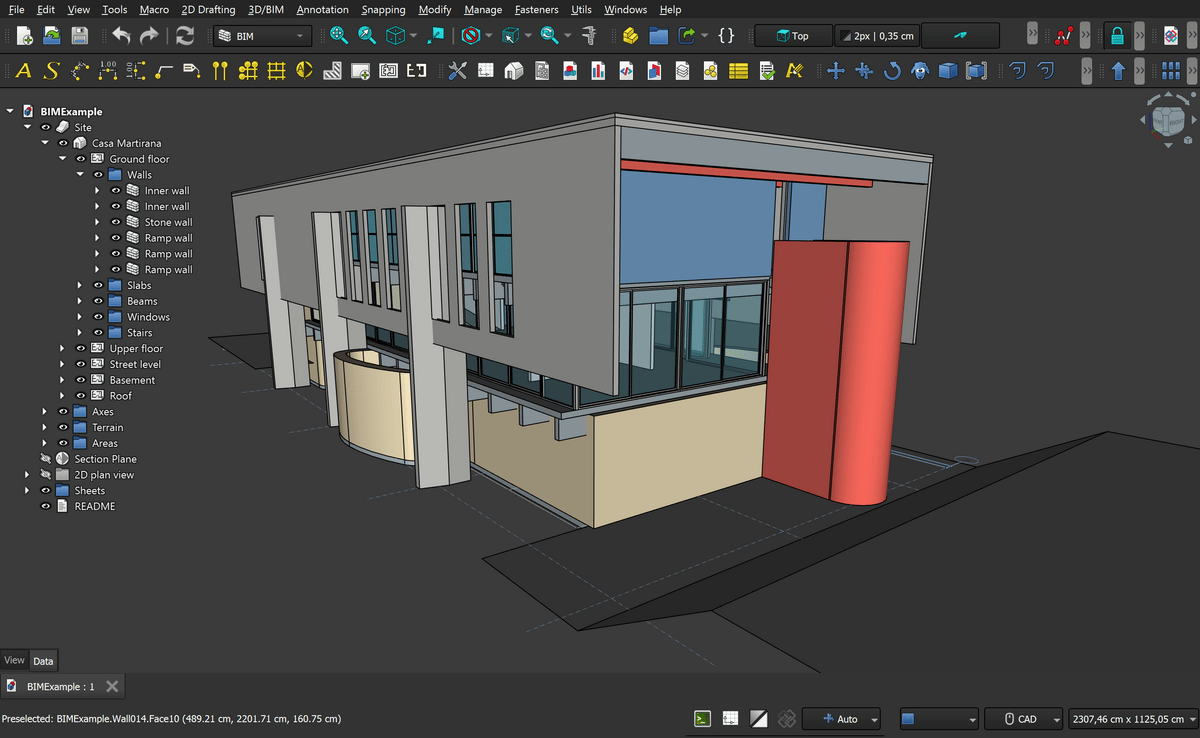
Modern architecture firms rarely work in isolation. Projects today require fluid integration between platforms like Revit, AutoCAD, and various BIM platforms. Fortunately, Navisworks workflows are designed to connect seamlessly with these tools, even if your team is still learning Navisworks basics.
### **Integration Steps:**
- Install the Navisworks coordination plugin to export directly from Revit
- Use NWC files to avoid large data loads while maintaining model fidelity
- Share files via Navisworks BIM 360 integration for cloud-based collaboration
- Import IFC models from non-Autodesk software without format loss
- Use Navisworks Freedom to review models across devices, even without a license
Architects also benefit from Navisworks rendering features, allowing them to enhance presentations with animations and photorealistic views. Teams using Navisworks for construction find this especially helpful for communicating phasing to contractors. This seamless workflow improves transparency and fosters collaboration across departments.
These Navisworks integrations allow architects to remain agile, informed, and collaborative throughout all project phases.
Master BIM and Get Hired Faster
Join a community of 8500+ Architects and Engineers.
Explore Now
\*Limited seats available
## Conclusion
The role of architects is evolving. Beyond design, they now act as coordination leads who must ensure every detail works in harmony. Navisworks workflows support this role by bringing structure, clarity, and visibility into the BIM process.
With the ability to detect clashes, simulate timelines, coordinate across software, and present high-quality visuals, Navisworks software proves indispensable in 2026. As demand for digital delivery increases, certifications like the Navisworks certification will become valuable proof of BIM coordination proficiency. By mastering this Navisworks process, architects reduce errors, enhance quality, and build stronger client trust.
Ready to master Navisworks workflows? Enroll in the [BIM Course for Architects](https://www.novatr.com/us/courses/building-information-modelling) by [Novatr](https://www.novatr.com/us) to streamline coordination and lead smarter architectural projects.
Visit [our resource page](https://www.novatr.com/learning-hub) to get started and explore expert guidance on advancing your career.
## **FAQs**
### **1. How do architects use Navisworks to improve project coordination?**
Architects use Navisworks workflows to combine Revit, structural, and MEP models into a single coordinated file. Using tools like Navisworks Manage, they run clash detection, assign issues, and share reports. The result is fewer on-site errors and better interdisciplinary collaboration.
### **2. What are the key steps in a typical Navisworks workflow in 2026?**
A modern Navisworks workflow includes model aggregation, rule-based clash testing, report generation, issue resolution via Navisworks BIM 360 integration, and final visualization using Navisworks rendering features.
### **3. How does Navisworks support clash detection and team collaboration?**
Navisworks Manage helps identify design conflicts, while Navisworks Freedom allows all stakeholders to access models. The Navisworks coordination plugin links design issues back to Revit, and the clash detection report keeps teams aligned on what needs to be fixed.
Was this content helpful to you
Like Yes
Dislike No

TABLE OF CONTENTS
BIM Is The New Standard. Are You Certified?
Get Certified in BIM
SHARE ON YOUR SOCIALS
Link Copied Successfully
Related articles
[ Top 15 Facade Engineering Firms in India & USA 13 October 2025 8 min read](https://blog.novatr.com/blog/facade-engineering-firms-in-india-and-usa) [ Robotics in Prefabricated MEP Construction: A Look Ahead 13 February 2026 4 min read](https://blog.novatr.com/blog/robotics-in-prefabricated-mep-construction) [ MEP Challenges of Designing MEP Systems for High-Rise Buildings 16 February 2026 5 min read](https://blog.novatr.com/blog/challenges-of-designing-mep-systems-for-high-rise-buildings) [.png) Top Tools for PHE BIM Engineers in 2026 30 September 2025 7 min read](https://blog.novatr.com/blog/top-tools-for-phe-bim-engineers)
Download Syllabus
## BIM Professional Program
Next Cohort
June 2026
Program Duration
7 Months
Premium Program benefits
8 Credentials from Autodesk, NSDC, Novatr
1 program. 10 career paths. Infinite Growth.
40+ ISO 19650 & RIBA real-world projects to practice
1-on-1 guidance. Access 400+ industry experts.
Access the biggest AEC-Tech community on the planet. 8500+ and counting
Curated for you by 100+ global BIM leaders.
Lifelong access to course content
Enter your details to download the program syllabus.
##### BIM Professional Program
June 2026, 7 Months
Your Name Invalid name.
Phone Number Enter a valid phone number
Email Please enter a valid email address.
Select years of experience\* Currently studying 0-1 years 1-2 years 2-4 years 4-8 years 8-10 years 10-12 years 12+ years Invalid selection.
Specialisation Select your background\* Architecture Civil Engineering Mechanical Engineering Electrical Engineering Invalid selection.
Are you professionally trained in interior design?
Yes
No
I agree to the [Terms of Use](https://www.novatr.com/terms-and-conditions) and [Privacy Policy](https://www.novatr.com/privacy-policy), and consent to be contacted by Email, Call, WhatsApp, or SMS.
Submit
Ready to skyrocket your career?
Begin your next chapter in AEC
with Novatr!
We are here to help you take the industry by storm with advanced, tech-first skills.
[Explore Courses](https://www.novatr.com/#courses)
Join our newsletter
Submit
Thank you for signing up.
We’ll send you a nice letter once per week. No spam.

Dare to Disrupt.
Join thousands of people who organise
work and life with Novatr.
Company
- [About Us](https://www.novatr.com/about)
- [BIM Professional Program v.2026](https://www.novatr.com/courses/bim-professional-program)
- [Masters Computational Design](https://www.novatr.com/courses/computational-design)
- [Become a Mentor](https://www.novatr.com/apply-as-mentor)
- [Hiring from Us](https://www.novatr.com/hire-from-us)
- [Careers at Novatr](https://www.novatr.com/career)
Resources
- [Blog](https://www.novatr.com/learning-hub)
- [Media Room](https://www.novatr.com/media-room-home-page)
- [Career Builder](https://www.novatr.com/career-navigator)
- [Events & Webinars](https://www.novatr.com/webinars)
- [FAQs & Support Center](https://www.novatr.com/contact-us)
- [Contact Us](https://www.novatr.com/contact-us)
- [Privacy Policy](https://www.novatr.com/privacy-policy)
- [Terms of Use](https://www.novatr.com/terms-and-conditions)
©2023 Oneistox Network Pvt. Ltd.
All Rights Reserved
```json
{
"@context" : "https://schema.org",
"@type" : "BlogPosting",
"author" : {
"@type" : "Person",
"name" : "Neha Singh",
"url" : "https://blog.novatr.com/blog/author/neha-singh"
},
"dateModified" : "2026-02-25T13:11:14.682Z",
"datePublished" : "2026-02-24T12:38:01.000Z",
"headline" : "Navisworks Workflows for Architects: Enhancing Coordination {{year}}",
"image" : [ "https://blog.novatr.com/hubfs/Navisworks%20Workflows%20for%20Architects%20Enhancing%20Coordination.png" ],
"mainEntityOfPage" : {
"@id" : "https://blog.novatr.com/blog/navisworks-workflows-for-architects",
"@type" : "WebPage"
},
"publisher" : {
"@type" : "Organization",
"logo" : {
"@type" : "ImageObject",
"url" : "https://blog.novatr.com/hubfs/Novatr%20Prev%20OX-2.svg"
}
}
}
```