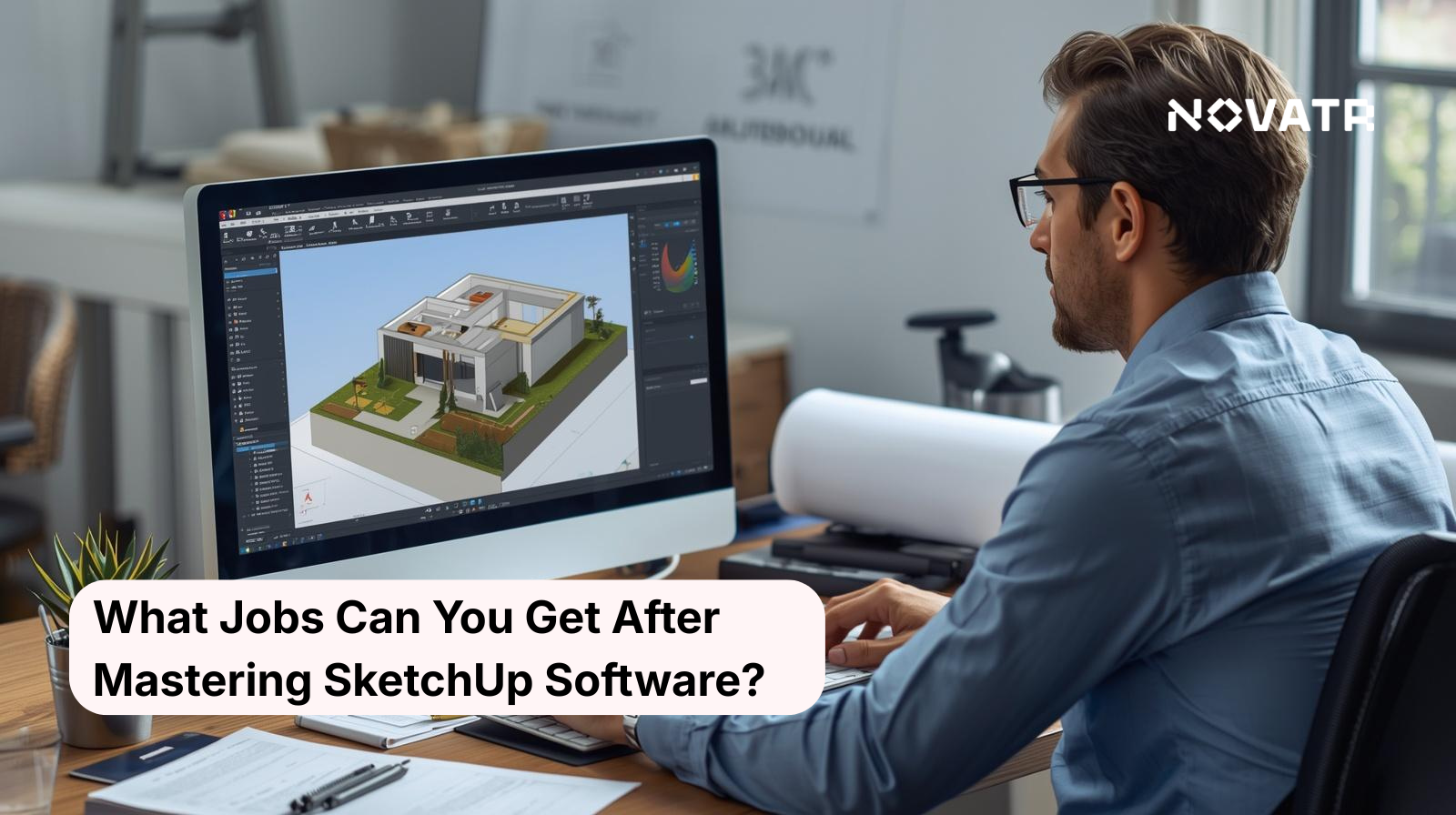

What Career Opportunities open up after Mastering SketchUp?
The answer to what jobs you can get after learning SketchUp is more varied than you might expect. SketchUp jobs range across architecture, interior design, construction, and landscaping.
SketchUp jobs for architects and designers are among the most common. Using this modeling software, professionals work across roles such as:
-
Architectural designer creating detailed building plans
-
Interior designer planning room layouts and spatial arrangements
-
Landscape architect designing precise outdoor environments
-
Construction modeller supporting site planning and project visualisation
These represent thriving careers in interior and landscape design that are actively hiring.
For beginners, entry-level jobs after learning SketchUp include:
-
3D modelling assistant
-
Drafting technician
-
Design support specialist
As your skills grow, pairing SketchUp with SketchUp rendering software or tools like Easy Render for SketchUp makes your portfolio stand out to employers.
How can SketchUp skills lead to roles in Architecture and Design?
SketchUp has become one of the most widely used tools in architecture and design. As a result, SketchUp jobs in these fields are growing steadily as firms look for professionals who create detailed 3D visuals faster and more efficiently.
Architects use this 3D modeling software to:
-
Draft and visualise building structures before construction begins
-
Present design concepts to clients in an easy-to-understand format
-
Experiment with layouts, materials, and lighting within a single SketchUp file
-
Collaborate with engineers and contractors using shared models
Furthermore, interior designers rely on SketchUp tools to plan furniture arrangements, lighting schemes, and colour palettes within room models. Similarly, landscape designers use it to map outdoor spaces with real-world dimensions.
SketchUp jobs for architects and designers now expect candidates to know:
-
Proficiency in 3D modelling and spatial planning
-
Ability to produce client-ready renders and presentations
-
Familiarity with design workflows from concept to completion
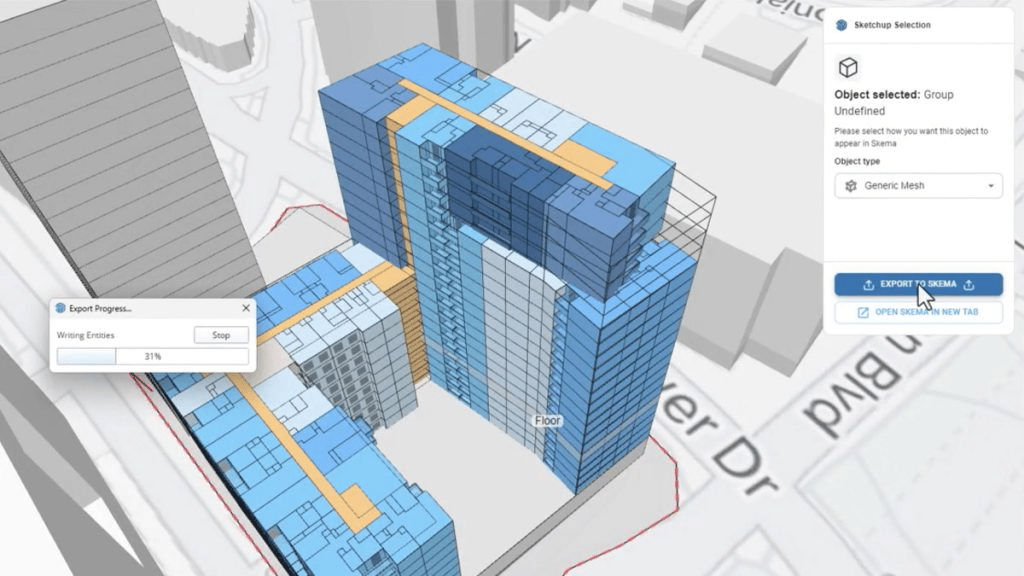
What Opportunities exist in 3D Visualisation and Rendering Careers?
3D visualisation and rendering is one of the fastest-growing areas within the design industry, and SketchUp jobs in this space are expanding rapidly.
With strong skills in this 3D modeling software, you can explore roles such as:
-
3D visualisation artist creating realistic architectural renders
-
Real estate visualisation specialist producing property walkthroughs
-
Product rendering designer showcasing designs before manufacturing
-
Set and environment designer for film or game studios
Pairing SketchUp with dedicated rendering software and tools such as Easy Render significantly improves the quality of your final output.
In addition, in visualisation, SketchUp is good for career growth because:
-
Rendered visuals from a well-built SketchUp file are used directly in client presentations and marketing
-
Mastering SketchUp tools alongside rendering plugins creates a complete, job-ready skill set
-
Freelance opportunities in this field are abundant and well-paying
How is SketchUp used in Construction, Landscape, and Urban Design Roles?
SketchUp has carved out a strong presence beyond traditional design studios, with SketchUp jobs in construction, landscape, and urban design becoming increasingly common. These fields rely on accurate, visual communication to plan and execute large-scale projects, making this 3D modeling software non-negotiable.
In construction, professionals use SketchUp to:
-
Build detailed site models that support project planning
-
Visualise structural elements before beginning construction
-
Share SketchUp file models with contractors and engineers for better coordination
-
Identify design conflicts early
In landscape design, SketchUp tools help professionals:
-
Map outdoor spaces with accurate real-world dimensions
-
Present planting layouts, pathways, and water features to clients
-
Experiment with terrain and elevation changes visually
Urban designers and city planners use SketchUp to:
-
Model neighbourhoods, roads, and public spaces at scale
-
Present development proposals to stakeholders and local authorities
-
Visualise how new structures fit within existing cityscapes
Can Freelancers and Entrepreneurs build Businesses using SketchUp Expertise?
Freelancers and entrepreneurs can build businesses using SketchUp. SketchUp jobs aren't limited to a 9-5 job. Freelancers and entrepreneurs are building profitable businesses around SketchUp expertise in several ways:
-
Offering 3D modeling services to architecture and interior design firms
-
Creating and selling pre-built SketchUp file templates and model libraries online
-
Providing rendering services to real estate agents using Easy Render for SketchUp
-
Running online courses teaching SketchUp tools to beginners
All you need is a strong portfolio, reliable rendering software, and a few testimonials from clients to generate consistent work.
SketchUp is good for career growth as a freelancer since the demand for affordable, high-quality 3D visualisation continues to rise, particularly among small businesses that cannot hire full-time designers.

How can Certifications and Portfolio Development improve Job Prospects?
In a competitive job market, employers prioritise candidates who can demonstrate their skills, not just list them on a resume. Certifications and a well-built portfolio do exactly that.
A strong portfolio should include:
-
Diverse project types showcasing SketchUp 3D modeling software across different industries
-
Renders produced using SketchUp rendering software that demonstrate visual quality
-
Before-and-after workflow examples showing your process from SketchUp file to final output
-
Structured, industry-relevant learning
-
Mentorship from practising architecture professionals
-
Hands-on training that bridges software skills with professional application
-
A recognised credential that signals job-readiness to employers
Together, certifications and portfolio work create a complete professional profile. Employers and freelance clients alike respond to candidates who can demonstrate both theoretical and practical knowledge, making this combination one of the most effective ways to accelerate career opportunities after mastering SketchUp.