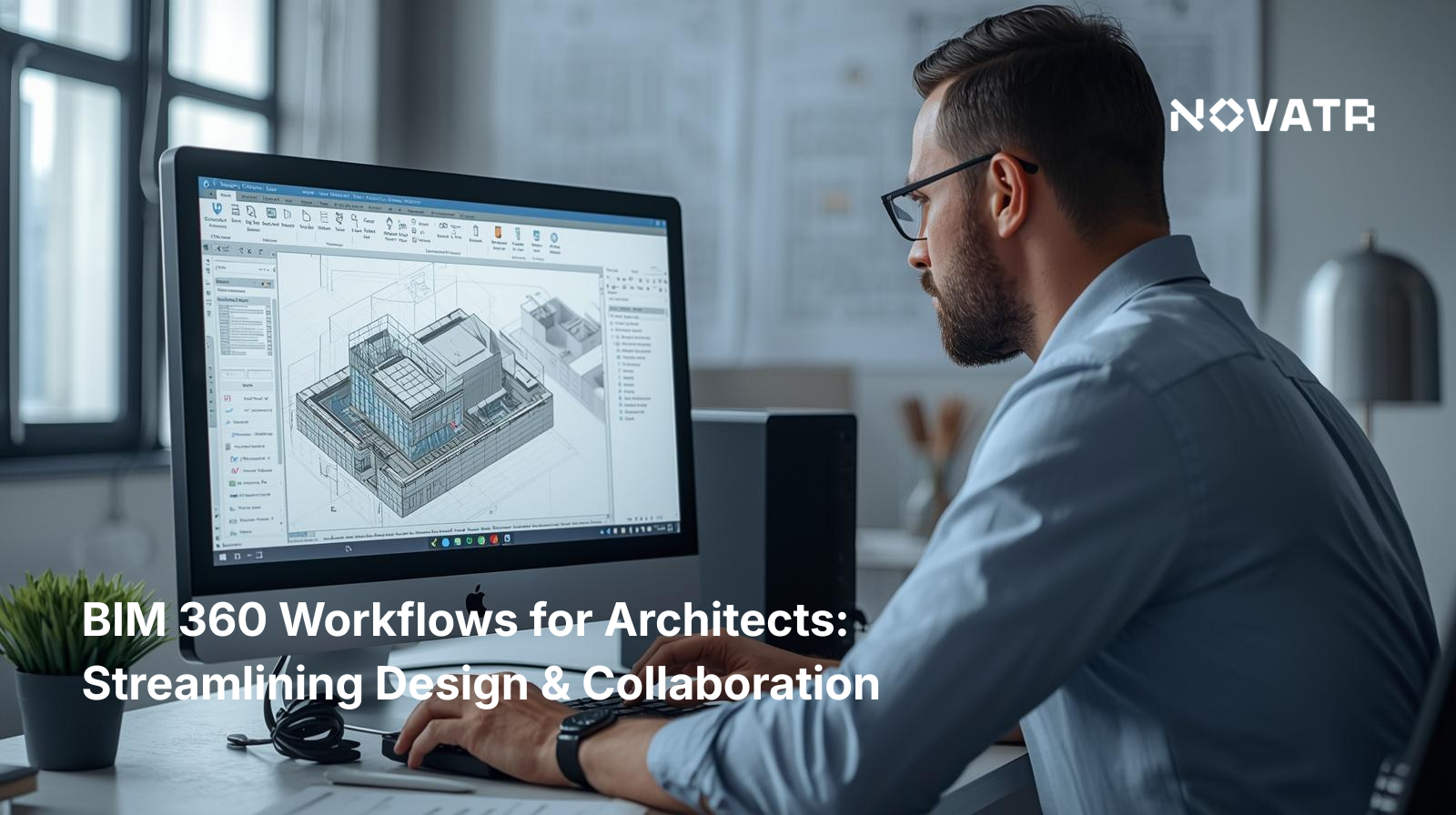

Why Should Architects Use BIM 360 in 2026?

Architects use BIM 360 to manage complex projects, collaborate in real time, and maintain design accuracy. It supports structured workflows that reduce errors and improve coordination across teams.
As projects become more data-driven, BIM 360 for architects plays an important role in improving design delivery and communication.
Its value can be understood through the following:
-
Improved Collaboration Across Teams
With BIM 360 collaboration, architects can work with engineers and contractors in real time, reducing delays and miscommunication while maintaining design intent across project stages. -
Efficient Design Management
Using BIM 360 design, teams can co-author models and maintain consistency throughout the design process, enabling better coordination across disciplines. -
Centralized File Control
BIM 360 document management ensures all project files are stored, updated, and accessed from a single source, reducing version conflicts. -
Enhanced Project Oversight
BIM 360 project management tools allow teams to track progress, manage tasks, and monitor performance effectively. -
Data-Driven Decision-Making
With BIM 360 insight, architects can analyze project data and improve planning accuracy while identifying potential risks early.
These advantages show the overall BIM 360 benefits in modern architectural practice and support better project outcomes.
What Does a Typical BIM 360 Workflow Look Like for Architects?
A typical BIM 360 workflow follows a structured sequence from model creation to coordination and delivery. Each step ensures that data is shared, reviewed, and updated efficiently.
To understand how this works in practice, consider the following stages:
-
Model Creation and Setup
Architects begin by creating models using BIM 360 design, ensuring that files are structured and ready for collaboration. Proper setup at this stage ensures that models are aligned with project requirements and standards. -
File Organization and Management
All project data is stored using BIM 360 document management, maintaining version control and accessibility. Organized data structures reduce confusion and improve workflow efficiency across teams. -
Team Collaboration and Sharing
Through BIM 360 collaboration, models are shared across teams, enabling real-time updates and coordination. This allows architects and engineers to work simultaneously, improving productivity. -
Review and Coordination
Teams review models, identify issues, and resolve conflicts using BIM 360 management tools. Early detection of issues helps reduce rework and ensures smoother project execution. -
Analysis and Optimization
Data from workflows is analyzed using BIM 360 insight, helping teams improve performance and reduce risks. This stage supports better planning and enhances project outcomes. -
Project Tracking and Delivery
Using BIM 360 tools, teams track progress, finalize designs, and ensure smooth project delivery. Continuous monitoring ensures that workflows remain aligned with project goals.
This structured process reflects how BIM 360 workflows support efficient project execution and coordination across disciplines. It also ensures that all stakeholders remain aligned from design through construction.
How Does BIM 360 Support Design Collaboration and Coordination?
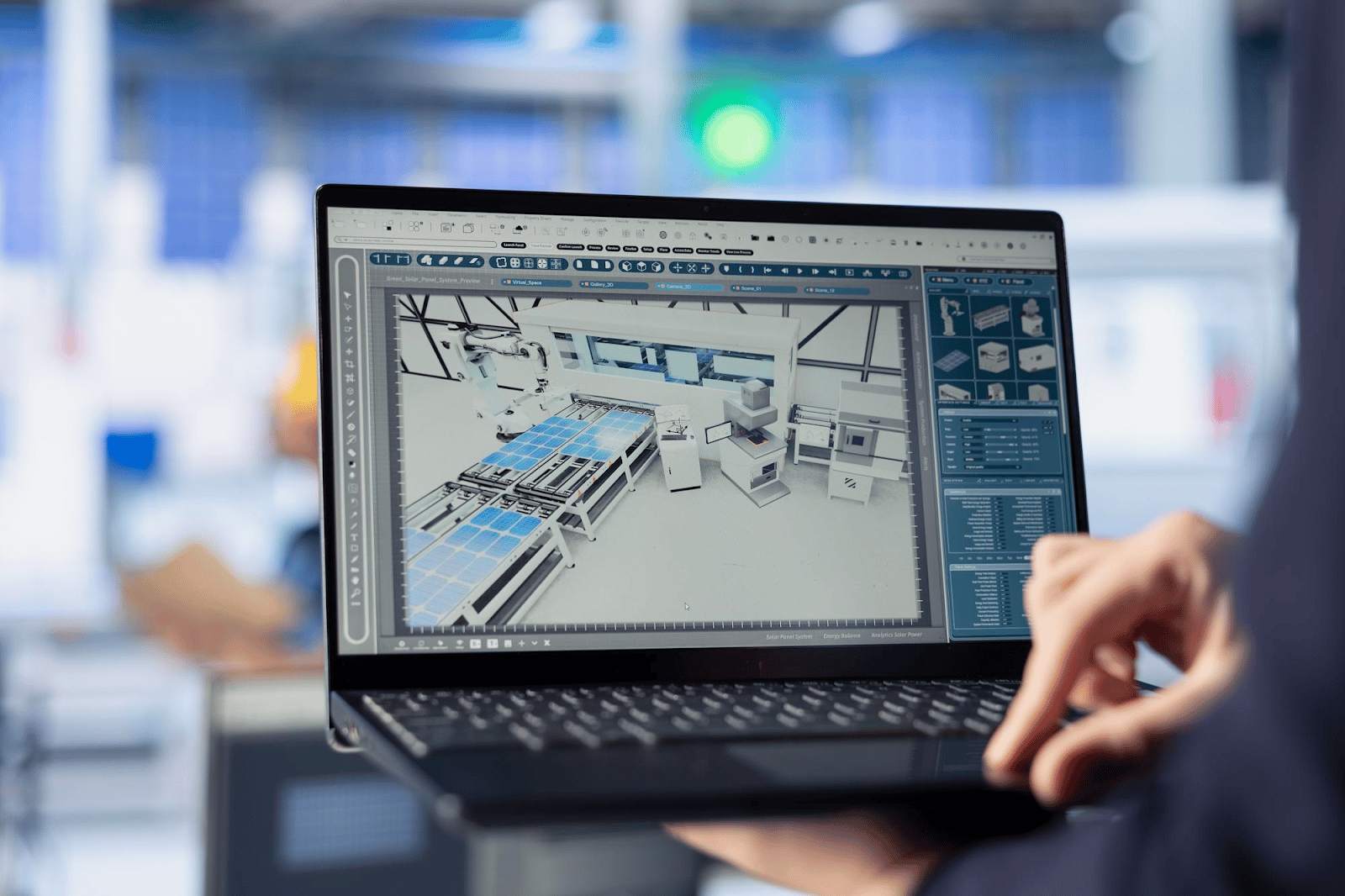
BIM 360 supports collaboration by connecting teams and data in a shared environment. This ensures that all stakeholders work with accurate and updated information.
Its role in collaboration can be seen through the following:
-
Real-Time Model Access
Teams can access and update shared models simultaneously, improving coordination and reducing delays. -
Improved Communication
Integrated tools support clear communication between architects, engineers, and contractors. -
Centralized Data Environment
A single platform ensures consistency and reduces duplication of information across teams. -
Efficient Issue Resolution
Problems are identified and resolved early, improving project accuracy and reducing rework. -
Seamless Integration Across Tools
Integration with other construction software ensures smooth workflows across project stages. -
Enhanced Transparency Across Teams
Stakeholders have visibility into updates, improving alignment and decision-making across disciplines.
These capabilities highlight how BIM 360 improves coordination and supports efficient project execution.
Which BIM 360 Modules Are Most Useful in the Architectural Workflow?
BIM 360 includes several modules that support different stages of the architectural workflow. These modules help architects manage design, data, and coordination effectively.
The most relevant BIM 360 modules include:
-
Design Collaboration Module
Supports BIM 360 design, enabling architects to work on shared models and maintain alignment across teams. -
Document Management Module
Provides structured BIM 360 document management, ensuring organized file storage and version control. -
Project Management Module
Facilitates planning and tracking through BIM 360 project management, improving accountability. -
Insight Module
Uses BIM 360 insight to analyze data and improve decision-making. -
Field Management Module
Supports on-site coordination and communication between design and construction teams.
These modules demonstrate how BIM 360 features support project delivery and improve workflow efficiency.
Best Practices for Streamlining Projects Using BIM 360
Streamlining projects with BIM 360 requires clear workflows, proper training, and consistent use of tools. Teams that follow best practices can improve efficiency and reduce errors.
To optimize workflows, consider the following:
-
Define Clear Workflow Processes: Establish structured BIM 360 workflow guidelines for model creation, sharing, and updates.
-
Train Teams Regularly: Ensure all users understand platform functions and follow consistent workflows.
-
Maintain Organized Data Structures: Consistent file naming and folder organization improve accessibility and reduce confusion.
-
Leverage Platform Capabilities: Use available BIM 360 tools to manage data, track issues, and improve coordination.
-
Monitor Performance and Data: Regularly review project data to identify issues and improve workflows.
-
Standardize Templates and Processes: Using consistent templates improves efficiency and ensures repeatable workflows across projects.
These practices help architects maximize the value of BIM 360 and improve delivery outcomes.
.png)
.png)