.png)

What are the Most Powerful AutoCAD Features Built for Architects in 2026
New AutoCAD software helps both seasoned and rookie architects increase productivity and accuracy in their design process.
-
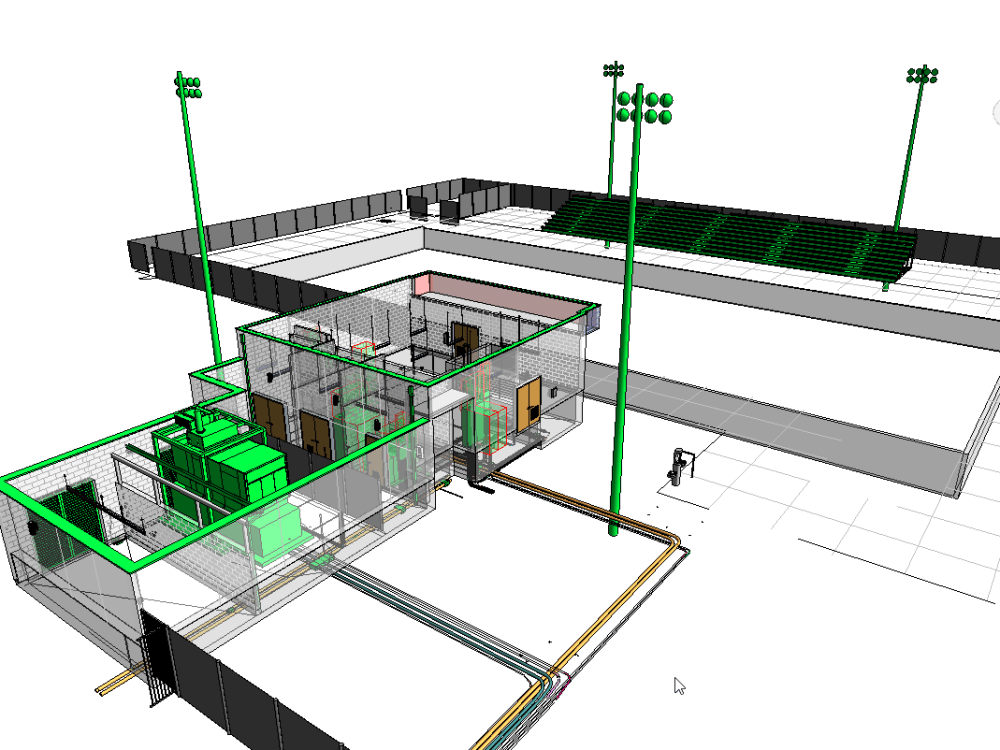
Enhanced 3D capabilities: AutoCAD 3D can now render designs faster with better visuals for interactive walkthroughs.
-
Smart Blocks- This feature uses artificial intelligence to help architects identify repetitive objects in a design and convert them into smart blocks.
-
Smart blocks (Search): Architects can use intelligent search to find geometry or object descriptions throughout 2D drawings.
-
Cloud collaboration: Architects can use Autodesk Docs to import markups in JPG, PNG, and PDF formats, and execute them in a traceable layer.
-
Improved Markup Assist: This helps Architects to address markup instructions such as “Move”, “Copy,” or “Delete” faster with the help of AI.
-
Improved Activity Insights: When architects are in critical project phases, it provides more detailed tracking of object-based changes and session times of individual activities.
-
Extended Architectural Toolset: Architects now have access to over 8,800 components for detailed architectural AutoCAD design and can use the AI feature to generate floor plans, elevations, and sections.
How Does AutoCAD's AI-Powered Automation Help Architects Save Time?
AutoCAD’s AI-powered automation redefines architects' design and innovation. It adds value in these important areas:
-
Architectural firms can accelerate project timelines using AI-generated floor plans and elevations.
-
They can also automate tasks that feel repetitive, and save valuable time to experiment on better design ideas.
-
Architects can perform AI scans on AutoCAD architecture drawings to identify mistakes or incorporate markups.
Before starting a project, they can Google to find which AutoCAD features save the most time for architects.
What Makes AutoCAD's Annotation and Dimensioning Tools Essential for Architectural Drawings?
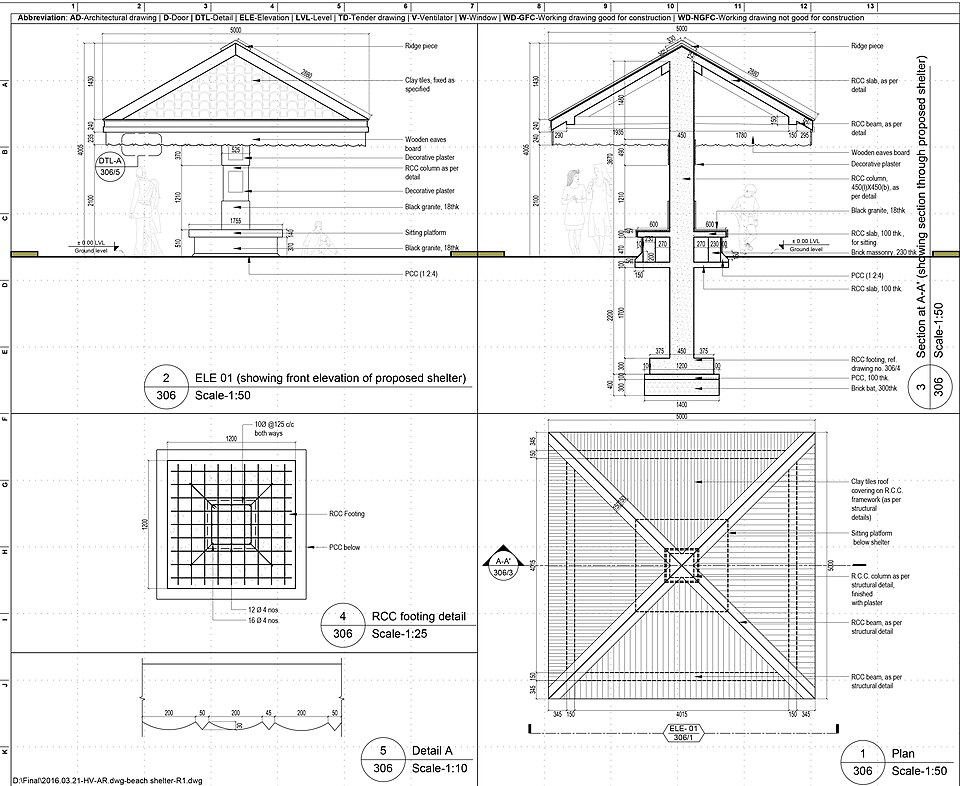
In architectural drawings, precise measurements are essential to the effectiveness of an architectural design in construction projects.
Annotation and dimensioning tools help architects in these critical areas:
-
Rapid design revisions: In the middle of design coordination phase a window or wall is moved as per the client’s suggestions, the system automatically adjusts its dimensions.
-
Automatic Resizing: Architectural drafting software features such as annotative texts, dimensions, and hatch patterns now support automatic dimension updates across different viewport scales.
-
Automatic parameter updates: When an architect updates a specific geometry component, this feature automatically updates the related elements, reducing manual errors.
How Do AutoCAD's Collaboration and Cloud Features Improve Team Workflows?
In 2026, AutoCAD offers enhanced collaboration and cloud features that connect workflows seamlessly.
Architects can collaborate with stakeholders instantly, without wasting time in manual communication protocols.
Here is how those design software features for architects improve workflows and deliverable quality:
-
Real-time collaboration and centralized data: Architects can collaborate and communicate from a single spot with centralized project data.
-
Web and Mobile app: The new mobile and web versions of the software let architects work on the go, without carrying paper plans. It saves valuable time, which might have been wasted in revisions back at the office.
-
Streamlined review and feedback process: There are new features like Trace Tool and Shared Views, for architectural teams to work collaboratively while addressing change orders by clients. And clients can give comments on the design directly on their browser by opening a link to the design.
-
Live Markup Sync: Any comments on design changes that the client makes on AutoDesk Docs instantly appear as trace layers in AutoCAD software. Hence, architectural teams can resolve markups in the design environment without looking at any other tool.
These features are answers to which AutoCAD tools improve architectural workflow the most.
How Does AutoCAD's BIM Integration Support Modern Architecture Projects?

Modern architecture projects rely on integrated environments, without which project delivery becomes chaotic. BIM integration provides architects a unified space for better collaboration during design coordination, quality checks, rapid design iterations, and much more.
The points below will explain how architects use AutoCAD efficiently in modern projects:
-
Bridge to 3D modeling: Architects can use the AutoCAD Revit LT suite to convert 2D drawings into 3D models without data loss. The integration process has become smoother in the latest updates.
-
Improved Accuracy: When architects view 2D drawings as 3D models, they can work more precisely. Various detailing tasks, such as custom cabinetry and joinery, work better in a broader view.
-
Powerful clash detection: For years, clash detection has been cumbersome in 2D AutoCAD design. However, architects can now integrate an architectural design in BIM and run automated clash detections with AI. Once identified, they can resolve those by collaborating with other disciplines in real-time.
AutoCAD’s latest updates have made BIM integration smoother, and there are no more data losses during the process.
What Are the Best AutoCAD Productivity Tools Architects Are Underusing?
There are several features that help architects to be more productive. However, most professionals underuse them or do not know where to use them.
The best AutoCAD tools to increase productivity are:
-
The specialized architectural toolset in AutoCAD software has thousands of parametric objects. Architects can leave their usual habit of drawing lines for walls, doors, and windows, and use these pre-loaded objects that interact with one another.
-
Sheet set manager is another tool that saves time architects waste when managing sheets manually. This tool enables automated managing, organizing, and plotting of drawing sets.
-
Automation scripts leverage algorithms that automate mundane tasks, such as renaming layers, cleaning drawings, or adding specific annotations. Architects can run the script and let it do the job across multiple files. This is how to use AutoCAD features to speed up architectural drawings.
.png)
.png)