
Introduction to Revit: What is Revit Software?
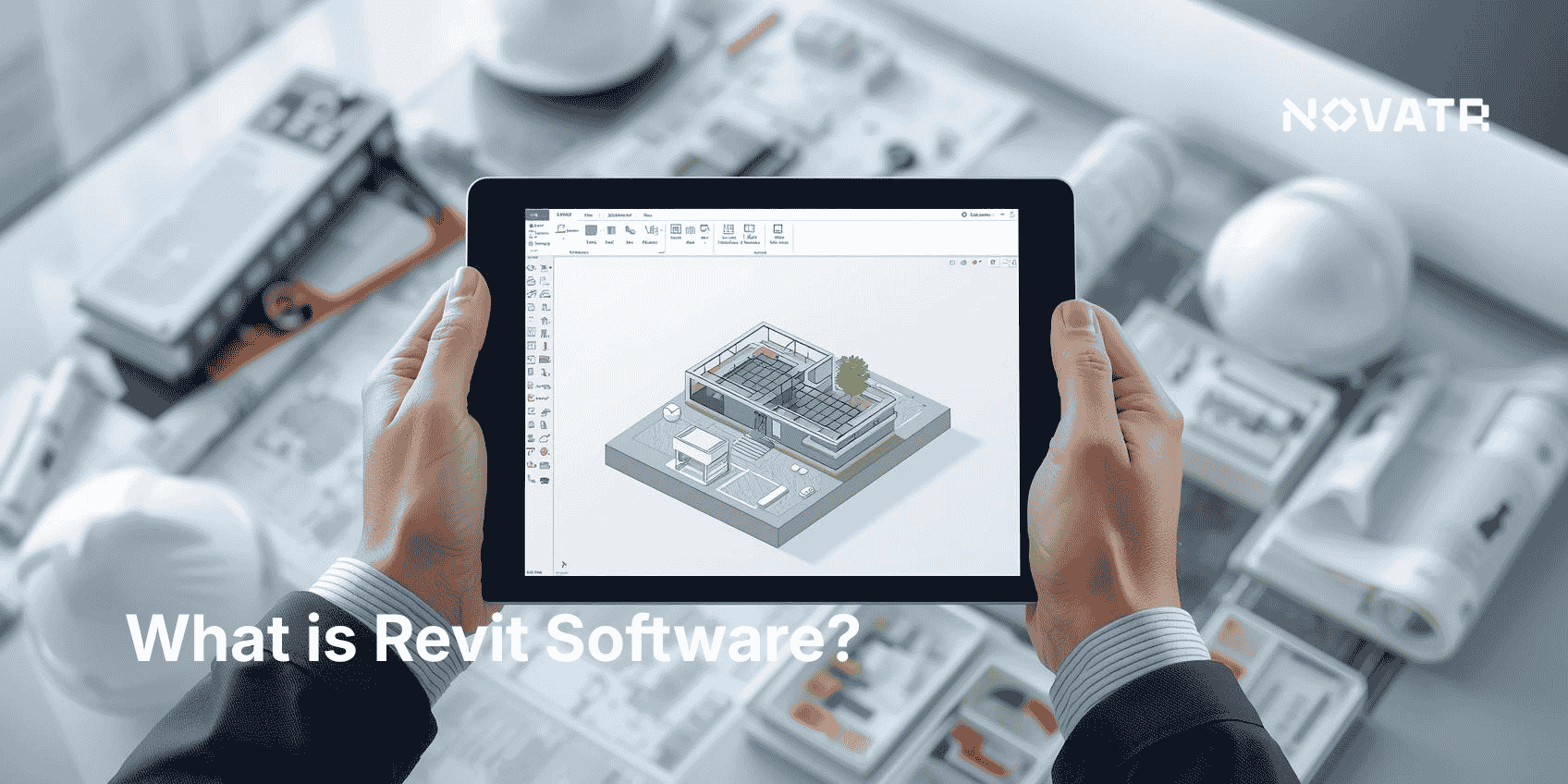
Revit is a robust BIM software that facilitates comprehensive building design and construction management. Known for its versatility, it caters to various professionals in the architecture, engineering, and construction sectors.
Revit supports collaborative workflows, enabling multiple users to work concurrently on the same project. This feature enhances team productivity and minimizes errors.
Key aspects of Revit include:
-
Parametric modeling
-
Multi-discipline integration
-
Extensive design tools
With Revit, users can create detailed construction documentation, visualize projects realistically, and explore energy analysis and sustainability assessments. These capabilities make it an indispensable tool in modern design and construction practices.
Key Features of Revit Design Software
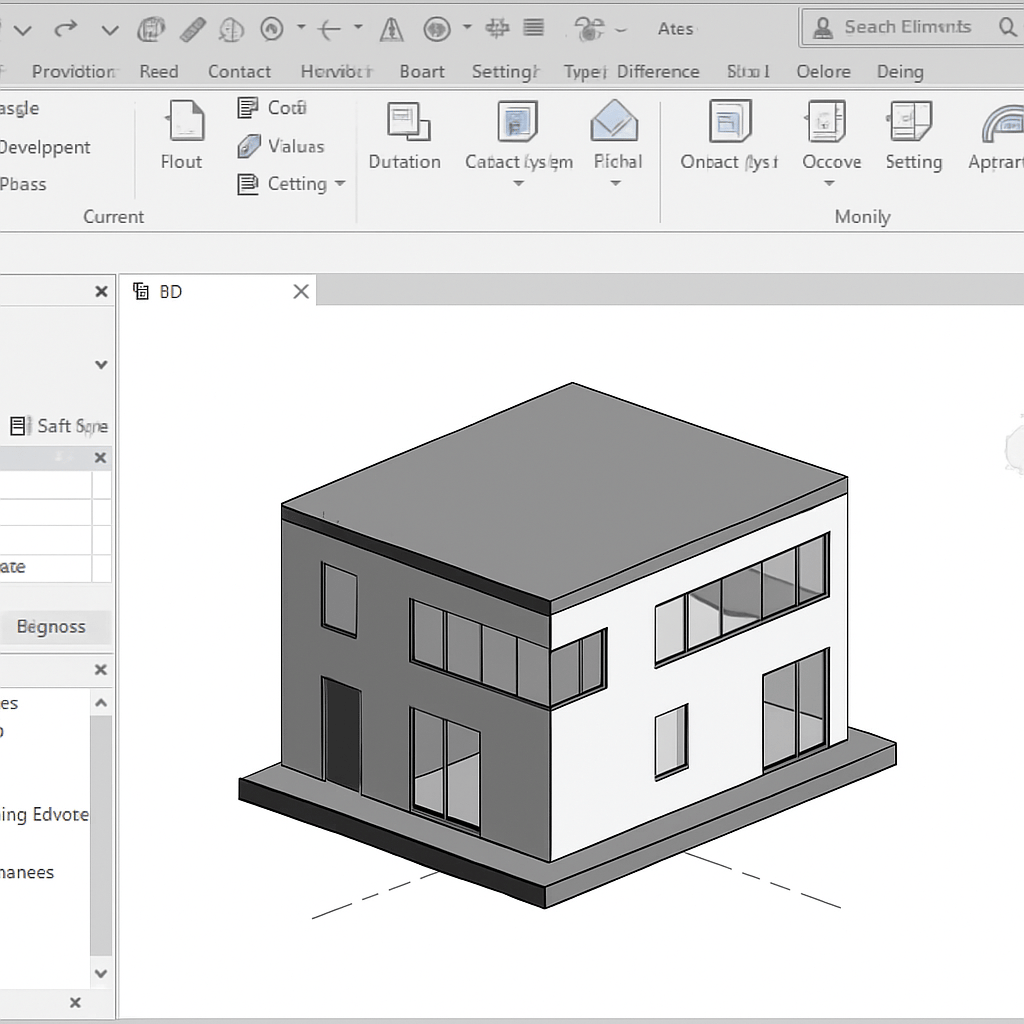
Revit boasts a range of powerful features designed to streamline design and construction processes. One notable aspect is its parametric modeling capability. This allows users to make changes in one part of the model and automatically update related components throughout the entire project.
The software is also renowned for its multi-discipline integration, supporting architectural, structural, and MEP designs within a single model. This integration simplifies coordination and minimizes design conflicts.
Additional key features of Revit include:
-
3D modeling for realistic project visualization
-
Extensive library of pre-built components
-
Collaborative tools for team coordination
Revit's collaborative features enable seamless teamwork, allowing multiple users to work on a project simultaneously. This fosters efficient project progression and enhances workflow across various teams.
How Revit Works: The Basics for Beginners
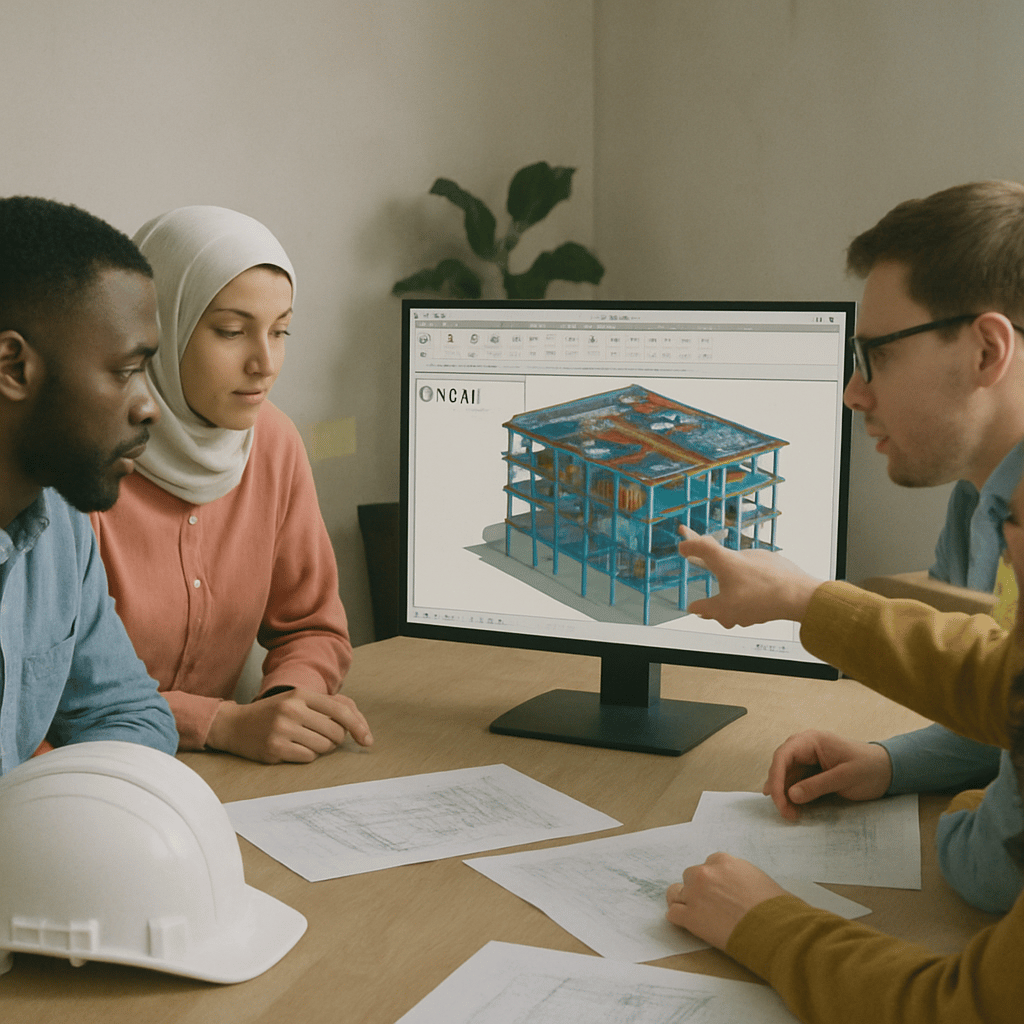
Revit offers a user-friendly interface ideal for beginners. Understanding the basics of navigation is key to maximizing its potential. The software's workspace is organized with toolbars, a properties panel, and a project browser.
Getting started with Revit involves familiarizing yourself with essential tools and commands. It's crucial to know how to create and modify basic elements such as walls, doors, and windows. These skills form the foundation for more complex design tasks.
New users should focus on these initial steps:
-
Navigating the user interface
-
Creating basic architectural elements
-
Modifying and detailing components
Beginners can also benefit from online tutorials and training courses, which provide step-by-step guidance. These resources are essential for developing confidence and proficiency in using the software effectively.
Revit for Beginners: Getting Started
Starting with Revit can seem daunting, but breaking it down helps. Identify key objectives and tackle them in manageable steps. It's about building a strong foundation in basic functionalities.
First, create a simple project. This allows beginners to explore essential features without feeling overwhelmed. Focus on understanding each tool's purpose rather than aiming for perfection.
Consider using a checklist to track progress:
-
Open a new project
-
Experiment with the user interface
-
Practice basic modeling techniques
New users should take advantage of Revit's vast resources, including tutorials and user forums, to enhance their learning. These aids provide practical insights and encourage continued growth in Revit skills.
Applications of Revit in Architecture, Engineering, and Construction
Revit is a powerful tool in architecture, engineering, and construction. Its all-encompassing features accommodate diverse project needs. This software enhances workflows and collaboration across disciplines.
In architecture, Revit allows precise and innovative design solutions. Architects benefit from its ability to visualize and iterate designs in 3D. This ensures that creative concepts are both functional and feasible.
Engineering disciplines use Revit for detailed structural and MEP (mechanical, electrical, plumbing) integration. The software aids engineers in developing efficient systems and detecting potential conflicts early. This improves project accuracy and reduces costly errors.
Here's a list of some applications:
-
Architectural design and visualization
-
Structural analysis and engineering
-
MEP design and coordination
Benefits of Using Revit Design Software
Revit design software offers numerous benefits that streamline the design and construction process. One of its primary advantages is efficient collaboration. Teams can work simultaneously on a single model, greatly enhancing productivity.
Another significant benefit is Revit's ability to produce detailed documentation. It automates the generation of plans, sections, and elevations from a unified model. This ensures accuracy and consistency in project documentation.
Additionally, Revit supports sustainable design through energy analysis tools. These tools assist in creating eco-friendly building designs. This is essential for meeting modern environmental standards and certifications.
Key benefits include:
-
Enhanced collaboration features
-
Automated documentation processes
-
Energy-efficient design capabilities
Essential Tools and Tutorials: Revit Basics Tutorial
Diving into Revit requires understanding its essential tools and functionalities. For newcomers, online tutorials are invaluable. They provide guided lessons on navigating Revit's interface and core features.
Mastering the basics ensures a strong foundation in this complex software. Start by learning how to create simple 3D models. This helps in grasping Revit's modeling capabilities.
Interactive tutorials break down each task step-by-step. These include creating floor plans and setting up views. Consistent practice solidifies these skills. Tools like the Family Editor and annotation features are also crucial.
Key learning points:
-
Navigating the user interface
-
Creating 3D models
-
Using annotation tools