
What Are the Most Powerful Archicad Features Architects Should Know in 2026?
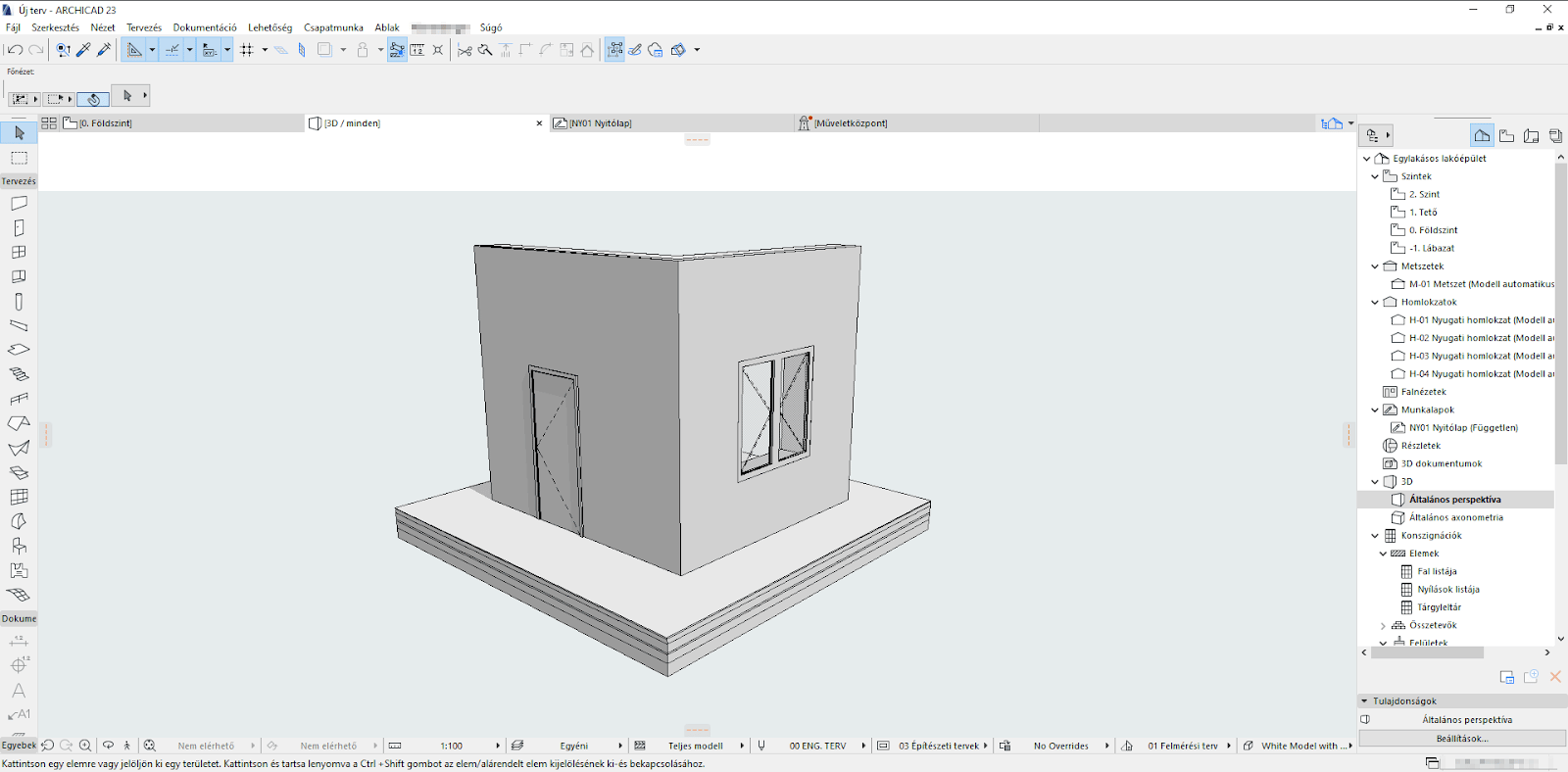
Whether you're a firm leader or just starting with Archicad for beginners, knowing the standout features of Archicad can significantly improve your design productivity and project delivery.
-
Parametric Object Libraries
Archicad offers extensive parametric libraries that allow for flexible customization of elements like walls, doors, windows, and furnishings. These save time by enabling architects to reuse and adapt components across projects.
-
Integrated Energy Evaluation
One of the lesser-known benefits of using Archicad is its built-in energy analysis tools. Users can simulate building performance directly in the model, ideal for architects focusing on sustainability.
-
Live Visualization with CineRender
Archicad 3D rendering has been taken to a new level with enhanced CineRender features by Maxon. Real-time rendering improves decision-making and presentation capabilities, especially when combined with high-quality Archicad 3D models.
-
Morph Tool for Conceptual Design
The Morph Tool gives architects the freedom to model intuitive 3D shapes, which can later be converted into construction elements. This aligns perfectly with how professionals use Archicad for architectural design workflows.
-
Teamwork Functionality for BIM Collaboration
One of the most praised collaboration features in Archicad, the BIMcloud-integrated Teamwork lets multiple users work simultaneously on the same model, with no version confusion or overwritten files.
For professionals eyeing Archicad jobs, these features reflect the demand for tech-savvy candidates in today’s competitive market.
Which Archicad Tools Help You Design Faster and Smarter?
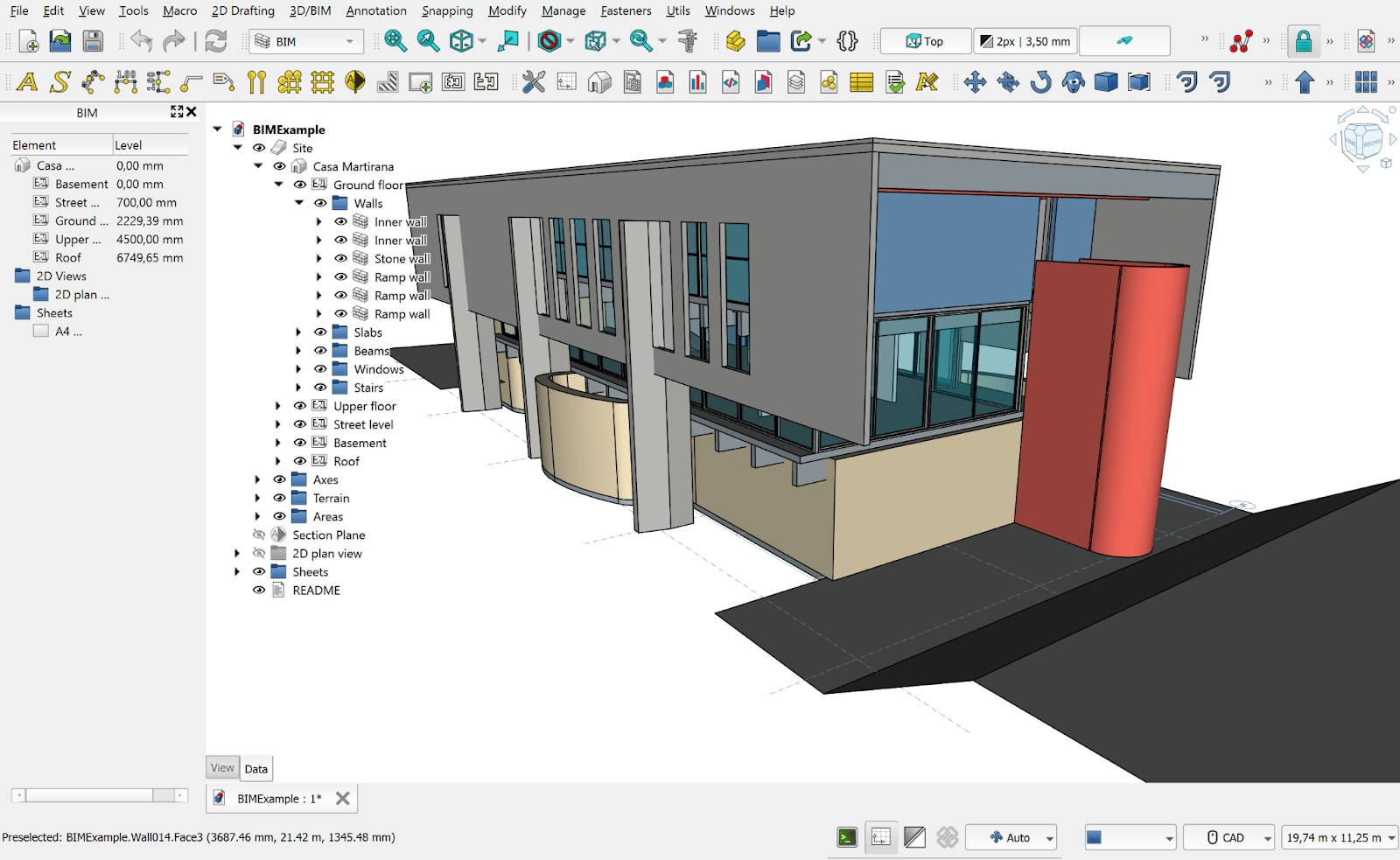
The design process is not just about creating beautiful models; it’s about speed, accuracy, and scalability. These tools in Archicad software support smarter architectural workflows:
-
Design Options Tool
This feature allows architects to explore multiple design alternatives within the same model. This not only speeds up the review process but also aligns with client feedback efficiently.
-
Graphic Overrides and Rule-Based Modeling
Customize how model elements appear based on rules (e.g., fire ratings, material types), which makes BIM for Archicad more practical and data-rich.
-
Automatic Dimensioning
The automation of dimensions, especially in floor plans, saves a lot of manual work, reducing the chances of human error.
-
Interactive Schedules
Archicad’s interactive schedules are now smarter. You can edit properties directly from the schedule view, which is crucial for keeping track of material specs or cost estimations without leaving the model.
-
Publisher Sets for Deliverables
Generate consistent document sets in a few clicks. Whether you're producing PDFs or DWGs, this feature accelerates output, which is key for firms working on tight deadlines.
-
PARAM-O for Visual Scripting
New in recent versions and refined for 2026, PARAM-O lets users create custom parametric objects through visual scripting. This no-code tool is ideal for architects who want tailored design elements without relying on GDL scripting. It enhances productivity while supporting iterative, logic-driven modeling that can adapt across different projects.
Understanding how to use Archicad for BIM modeling also means learning how to integrate these tools seamlessly into your everyday tasks, including workflows for lod 3d modelling.
How Do These Features Enhance Collaboration and BIM Accuracy?
A big reason why architects choose Archicad is due to its robust teamwork environment and coordination capabilities. Here’s how the software enhances collaborative workflows and precision:
-
Real-Time Model Sharing via BIMcloud: BIMcloud’s live data exchange means architects, structural engineers, and consultants can work on a shared model without delay. This makes collaboration features in Archicad stand out in the BIM market.
-
Clash Detection and Coordination: While Archicad isn’t traditionally known for clash detection, new plug-ins and native improvements now allow better cross-discipline checks, resulting in fewer onsite conflicts.
-
Enhanced IFC Support: Improved Industry Foundation Classes (IFC) support means better integration with other BIM platforms. This promotes open BIM and smoother handovers to stakeholders.
-
Team Messaging and Task Management: The built-in chat and task manager allow architects to assign responsibilities and provide updates within the BIM environment itself.
-
Data Integrity Checks: The 2026 update offers stronger version control and integrity verification across Teamwork files, reducing file corruption and data loss risk.
If you’re exploring Archicad jobs, familiarity with these collaborative tools boosts your value in any team-based architectural firm.
What’s New in Archicad 2026 Compared to Previous Versions?
Archicad introduces exciting upgrades in 2026 that improve both performance and user experience, making it a must-have for architecture professionals.
-
Adaptive User Interface (UI)
The new responsive UI adjusts based on your screen resolution and working style. It’s cleaner, faster, and helps reduce interface fatigue over long design sessions.
-
Smart Tracker Enhancements
The Smart Tracker now provides predictive commands and easier snapping controls for modeling accuracy, aligning perfectly with 3D modeling tools in Archicad expectations. This is particularly useful for complex geometry or when aligning multiple elements in tight urban or commercial layouts. The improved snap logic also helps reduce the need for repeated corrections, making project workflows more efficient.
-
Integration with GIS Data
You can now import Geographic Information Systems (GIS) data directly into the model. This supports urban planning and site analysis for more grounded designs. Architects working on zoning proposals or terrain-sensitive projects can pull in real-world context, improving stakeholder communication and compliance documentation.
-
Multi-User License Optimization
More flexibility in license sharing means teams can work on multiple projects with less administrative interference.
-
Performance Boosts for Large Files
File handling for larger Archicad 3D models is noticeably smoother. Rendering times have been cut by nearly 30%, helping with faster delivery cycles.
Collectively, these improvements enhance the range of architectural features in Archicad, enabling higher design precision and better interdisciplinary coordination. These advancements explain why do architects use Archicad as a future-ready solution rather than relying on older CAD tools.