
Why Civil Engineers Should Learn Software Skills?
It is no longer a choice in civil engineering to learn software skills. They directly affect the effective performance of work.
Why they are important:
- Increases productivity: Automates repetitive tasks such as calculations and drafting
- Improved project coordination: Assists teams in utilizing shared data to collaborate on projects
- Minimizes mistakes: Digital models are more accurate than drawings in the manual process
- Employment opportunities: It is a factor that employers look for in software knowledge
- Helps BIM workflows: Civil engineers need to use BIM software for civil engineers
Amongst professionals, there's often a question regarding which software is best for civil engineering. It depends on the job, but it is important to have a combination of design, analysis and BIM software.
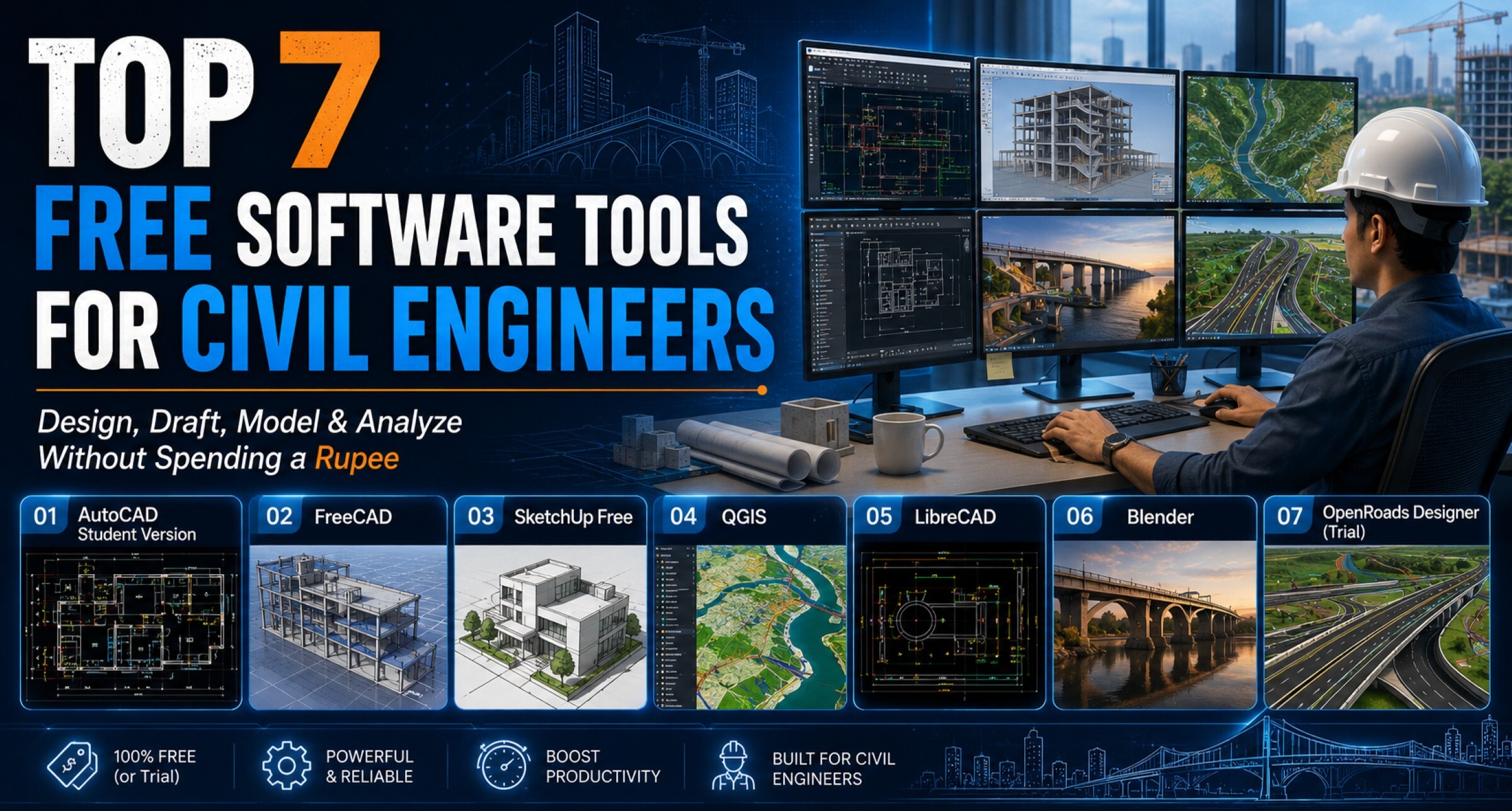
Top 7 Free Software Tools for Civil Engineers
These are the top free software tools for civil engineers. These are the best software for civil engineering options available for beginners and professionals starting their digital journey.
|
Software |
Main Use |
Skill Level |
|
AutoCAD Student Version |
Drafting and 2D design |
Beginner |
|
FreeCAD |
3D modeling and design |
Beginner |
|
SketchUp Free |
Concept design and visualization |
Beginner |
|
QGIS |
Geospatial analysis and mapping |
Intermediate |
|
LibreCAD |
2D CAD drafting |
Beginner |
|
Blender |
Visualization and rendering |
Intermediate |
|
OpenRoads Designer (Trial) |
Road design |
Advanced |
1. AutoCAD Student Version
AutoCAD is one of the top best autocad software for civil engineering worldwide.
Use case:
- Making 2D drawings and layouts
- Designing structures, streets, and other infrastructure.Planning buildings, roads and structures.
- Preparing construction documentation
The first tool that civil engineers learn is it.
2. FreeCAD
FreeCAD is 3D modelling software available for free.
Use case:
- Creating simple structures in 3D
- Learning parametric modeling
- Knowing what changes to design will make automatically
It makes for a nice choice for those who are new to 3D workflows.
3. SketchUp Free
SketchUp is one of the more well-known modeling tools that can be used for rapid visualization.
Use case:
- Creating concept designs
- Describing the form, the space and the layout of buildings
- Communicating design ideas with clients
It's easy and doesn't require expertise.
4. QGIS
QGIS is a powerful geospatial analysis tool.
Use case:
- Mapping land data
- Evaluating site and land suitability
- Supporting infrastructure planning
It is extensively applied in urban planning and surveying.
5. LibreCAD
LibreCAD is a free 2D CAD software.
Use case:
- Basic drafting work
- Creating technical drawings
- Practicing CAD skills
It's handy for drawing novices who require basic drawing tools.
6. Blender
Blender is primarily used as a rendering and visualization tool.
Use case:
- Creating realistic project pictures
- Showing designs in a three-dimensional way
- Improving client communication
Not a primary engineering device, but it can be handy for a presentation.
7. OpenRoads Designer (Trial)
This tool is used for infrastructure projects.
Use case:
- Road design and alignment
- Corridor modeling
- Infrastructure planning
It helps engineers in transportation-related projects.
Other Important Tools
Some industry-standard software are used in projects in addition to free software. Civil engineering program requirements for industrial work need these elements for an essential understanding.
- Civil engineers use Revit as their primary BIM software for civil engineers which supports 3D modeling and documentation tasks.
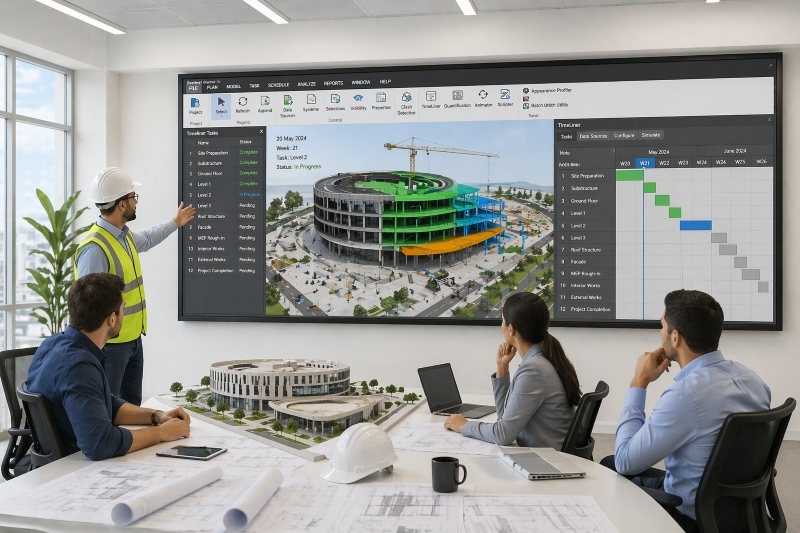
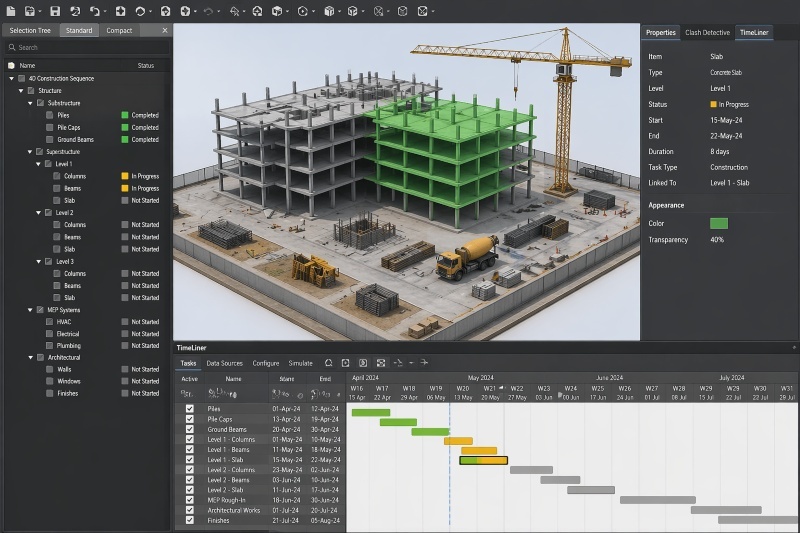
- Navisworks software handles project coordination tasks and clash detection operations.
- Civil engineering project scheduling uses Primavera software for civil engineering for its scheduling purposes.
- Tekla software for civil engineering acts as the structural detailing tool which civil engineering professionals use together with Tekla Structures.
- Civil 3D software enables users to design and construct land development projects and infrastructure systems.
These are critical tools in large-scale infrastructure and construction projects.
Benefits of Learning Software Tools Early
Professionals in Civil Engineering will find an advantage over other professions if they have an idea of software tools from an early stage of their education.
- Projects: Greater understanding of projects (theory and application)
- Brief training period: quicker learning during the internships or work experience
- Enhanced job prospects: Companies are looking for skilled candidates
- Marketability: Software skills add value to your marketability
- Better understanding of BIM: Civil engineers need to have a better understanding of BIM for their work
It is also beneficial for making early decisions about a specialization such as design, planning, or BIM.
How to Build Industry-Level Software Skills

The development of BIM skills to an industry standard requires actual fieldwork experience, together with training in operational processes and project implementation. Civil engineers receive practical training through structured programs which teach them from modelling to project execution workflows.
Take your civil engineering career to the next level with Novatr’s BIM Professional Course for Civil Engineers, a project-based program that prepares you to plan, design, and manage construction projects using 12+ industry software and essential BIM plugins.
Learn how to work with Autodesk Revit, Navisworks, construction cloud and key plugins like DiRoots.One, pyRevit, EF-Tools, ProSheets, Issue and Model Checker for Revit to improve automation, accuracy, and project efficiency.
Here’s what you’ll gain:
- End-to-end understanding of BIM workflows — modeling, estimation, coordination, sequencing, and documentation.
- Hands-on training aligned with ISO 19650 standards and real residential + commercial projects.
- Globally recognized certifications:
- Novatr Course Certificate
- Autodesk User Certification
- NSDC Skill Certificate
- Novatr Specialization Certificate, if opted
After completing the core modules, learners can also choose 2 additional specializations, including:
- Visual Programming with Dynamo – for automation and parametric workflows
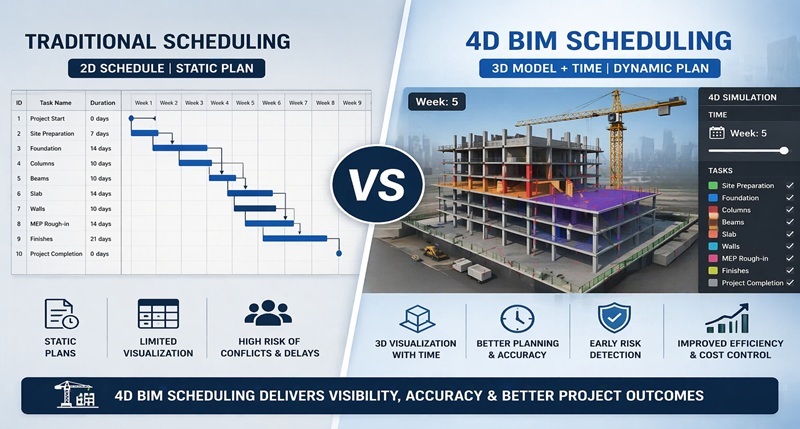
- 4D, 5D & 6D with BIM – for time, cost, and facility integration
- Tekla for RCC Modeling – for detailed steel and concrete modeling
- Civil 3D for Infrastructure – for roadways, railways, and utilities
- Project Strategy & Optimization with Plannerly - Plan, structure, and audit BIM execution plans.
This approach is structured to help professionals develop strong and effective BIM skills that can be transferred to real projects.