
What is BIM in Construction?
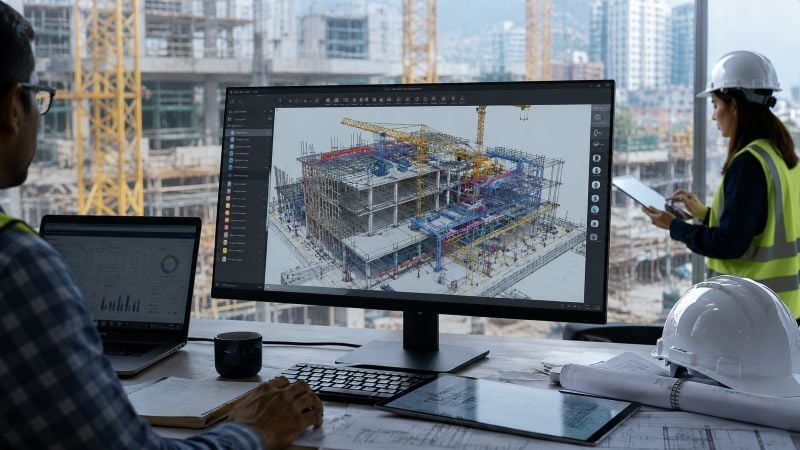
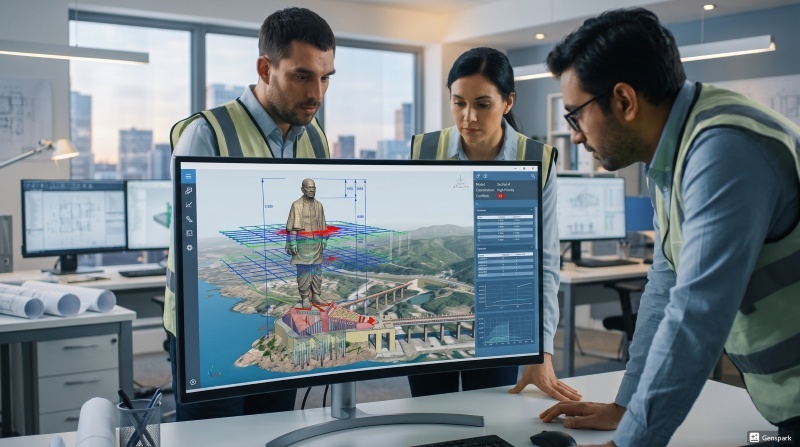
Building Information Modeling (BIM) is a digital process used to create and manage project information throughout construction and operations. Unlike traditional drafting methods, BIM combines 3D models with data related to materials, scheduling, quantities, costs, and maintenance.
Today, BIM in construction supports collaboration between architects, engineers, contractors, and facility teams through a shared project environment.
BIM is commonly used for:
- 3D visualization
- Clash detection
- Quantity estimation
- Construction sequencing
- Documentation management
- Asset maintenance
In large infrastructure projects, BIM improves coordination while reducing design conflicts and rework. Metro and airport projects both rely heavily on BIM, though their workflows are structured differently based on project priorities.
BIM Workflow in Metro Projects
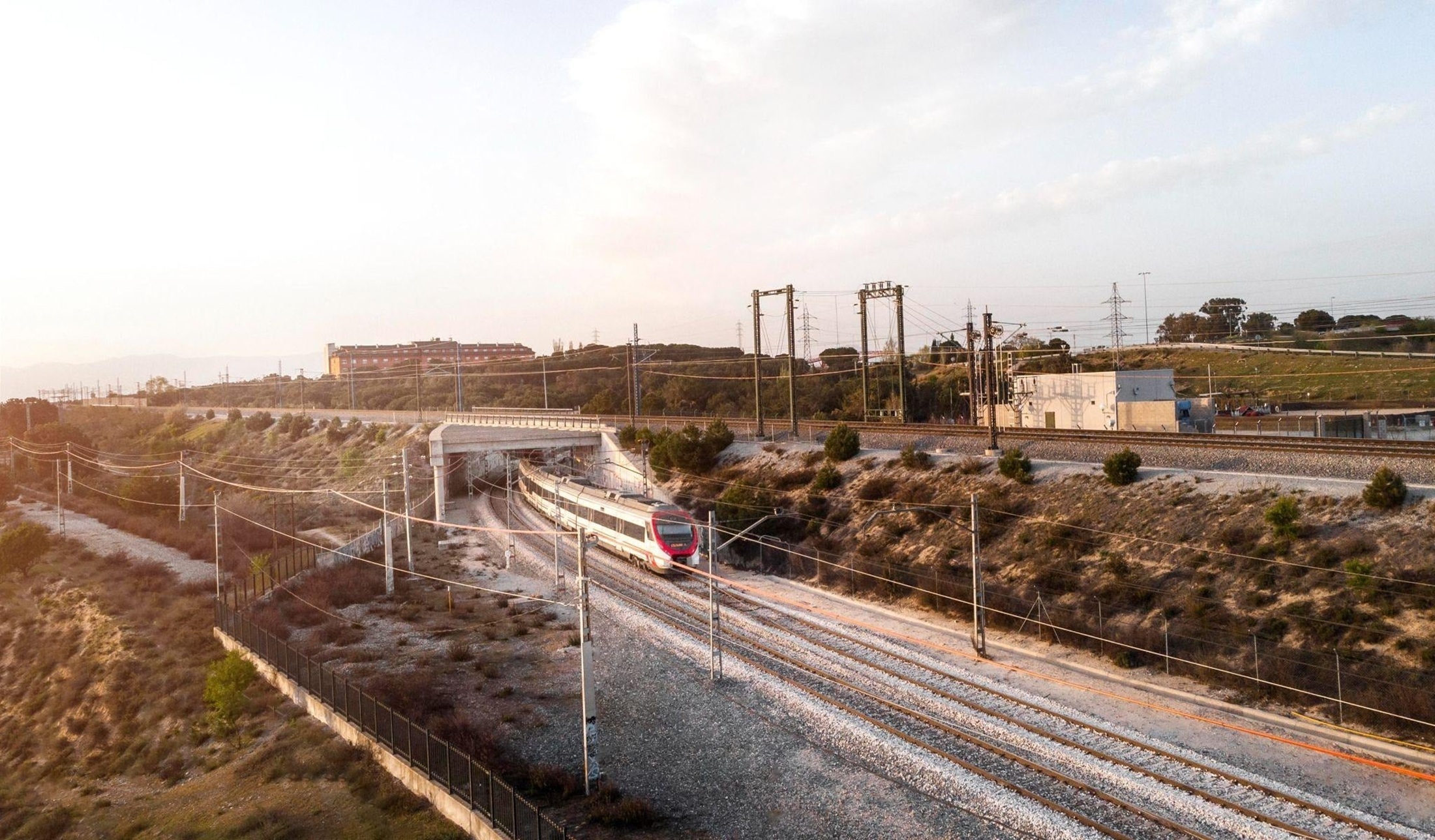
The BIM workflow in metro projects focuses mainly on infrastructure coordination, sequencing, and utility integration. Since metro systems are usually developed in busy urban areas, BIM teams must carefully coordinate tunnels, stations, tracks, bridges, and underground utilities.
The workflow often begins with route planning, terrain analysis, and utility mapping before detailed modeling starts.
Key workflow areas include:
- Rail alignment modeling
- Tunnel and station coordination
- Utility integration
- Clash detection
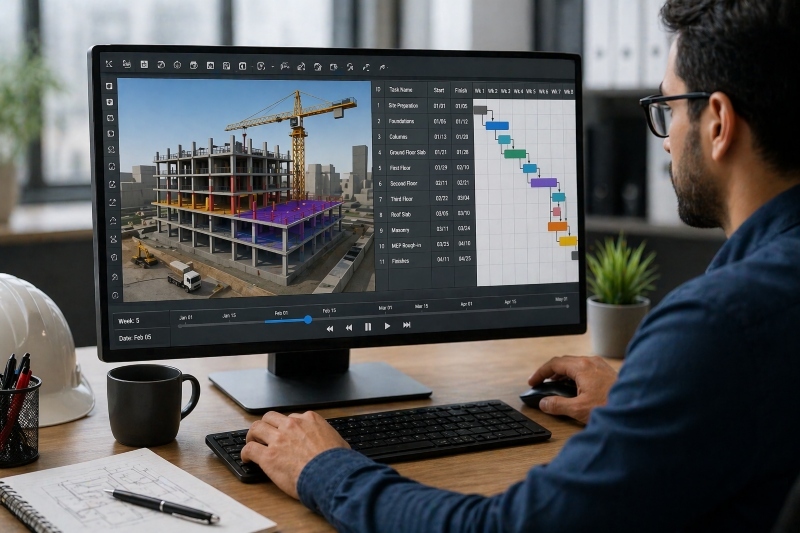
- 4D scheduling
- Construction sequencing
Metro construction typically happens in congested city environments, so BIM models are also used to manage traffic diversions and phased construction activities.
Projects related to BIM in nagpur metro and BIM in chennai metro show how BIM supports multidisciplinary coordination while improving project efficiency.
Another important part of metro BIM workflows is asset management. BIM data helps operators manage long-term maintenance of stations, rail systems, ventilation units, and utilities after project completion.
These requirements continue to create opportunities for professionals exploring a BIM career in India within transportation infrastructure projects.
BIM Workflow in Airport Projects

The BIM workflow in airport projects is more focused on operational planning, passenger movement, and facility coordination. Airports combine transportation systems, commercial areas, public spaces, and aviation infrastructure within a single environment.
Airport BIM workflows generally begin with master planning and zoning studies. Teams coordinate terminals, runways, utilities, security systems, and circulation areas before detailed modeling begins.
The workflow commonly includes:
- Terminal modeling
- Runway coordination
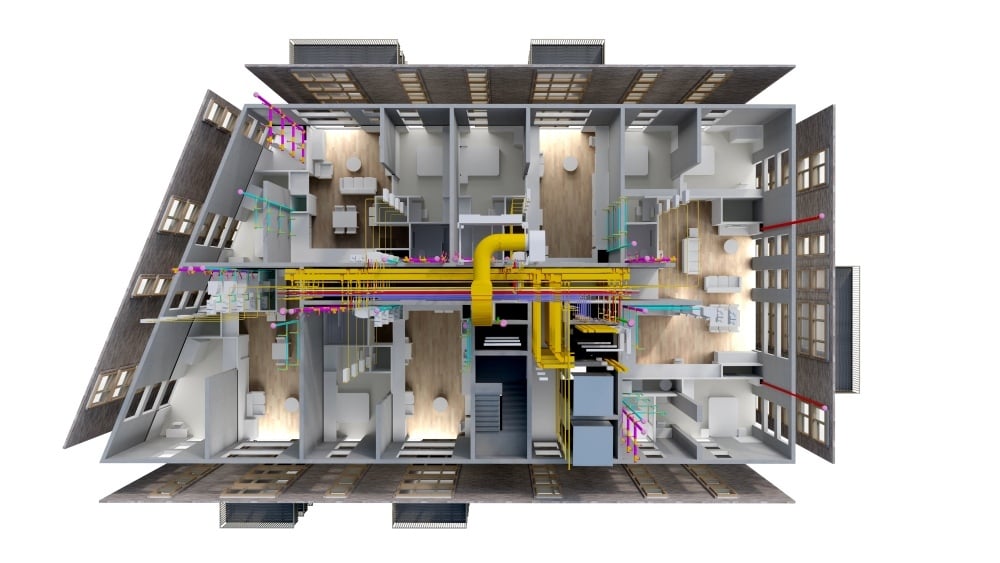
- HVAC and MEP integration
- Passenger flow planning
- Baggage system coordination
- Facility management integration
Unlike metro projects, airports require stronger coordination between architectural, operational, and MEP systems. Passenger comfort, safety, and continuous operations are major priorities throughout the project lifecycle.
Airport operators also use BIM for long-term facility management, maintenance tracking, and operational planning after construction is complete.
Because these projects involve multiple specialized systems, professionals working in airport projects need advanced coordination capabilities along with technical BIM Skills.
Key Differences Between Metro and Airport BIM Workflows
Both sectors rely on BIM for planning and coordination, but their workflows differ because of operational and infrastructure priorities.
|
Aspect |
Metro Projects |
Airport Projects |
|
Main Focus |
Transit infrastructure |
Passenger operations |
|
Construction Environment |
Dense urban corridors |
Large campus layouts |
|
BIM Priority |
Utility coordination and sequencing |
Facility and operational management |
|
Key Systems |
Tracks, tunnels, stations |
Terminals, HVAC, baggage systems |
|
Design Structure |
Linear infrastructure |
Multi-functional facilities |
|
Asset Management |
Rail systems and stations |
Airport operations and facilities |
|
Coordination Needs |
Civil and utility integration |
MEP and operational systems |
These differences influence how BIM teams handle coordination, documentation, and project execution.
Challenges in Both Project Types
Metro and airport projects both involve large-scale coordination and complex infrastructure systems. Despite their differences, several BIM-related challenges are common across both sectors.
Some major challenges include:
- Managing large multidisciplinary models
- Coordinating multiple stakeholders
- Maintaining BIM standards across teams
- Detecting clashes between systems
- Managing large volumes of project data
- Integrating different software platforms
- Supporting long-term asset management
These challenges highlight the growing need for professionals with practical BIM coordination experience.
Which Skills Are Needed for Each Project Type
.jpg?width=800&height=533&name=image3%20(1).jpg)
Metro and airport BIM workflows require both common and specialized technical capabilities.
For metro projects, professionals generally need skills in:
- Rail and corridor modeling
- Utility coordination
- 4D scheduling
- Civil infrastructure workflows
- Clash detection management
Airport projects require stronger coordination between architecture, MEP systems, and operations management. Important capabilities include:
- Advanced MEP coordination
- Facility management integration
- Passenger circulation planning
- Terminal modeling workflows
- Interdisciplinary coordination
Across both sectors, engineers benefit from software knowledge in Autodesk Revit, Navisworks, Civil 3D, and cloud-based BIM platforms.
As infrastructure projects continue adopting digital workflows, many engineers evaluate is BIM a good career option because BIM roles now extend beyond modeling into coordination, planning, and project management. This growth has also expanded the BIM career path for civil engineers in infrastructure development.
How to Build BIM Skills for Different Projects?
Developing hands-on BIM expertise requires more than software training. Engineers also need exposure to real workflows used in infrastructure projects.
A strong learning approach usually includes:
- Understanding BIM standards and execution plans
- Practicing multidisciplinary coordination
- Learning clash detection workflows
- Working on infrastructure project simulations
- Building proficiency across BIM software platforms

For civil engineers looking to strengthen practical expertise, take your civil engineering career to the next level with Novatr’s BIM Professional Course for Civil Engineers — a project-based program that prepares you to plan, design, and manage construction projects using 12+ industry software and essential BIM plugins.
Learn how to work with Autodesk Revit, Navisworks, construction cloud and key plugins like DiRoots.One, pyRevit, EF-Tools, ProSheets, Issue and Model Checker for Revit to improve automation, accuracy, and project efficiency.
Here’s what you’ll gain:
- End-to-end understanding of BIM workflows — modeling, estimation, coordination, sequencing, and documentation.
- Hands-on training aligned with ISO 19650 standards and real residential + commercial projects.
- Globally recognized certifications:
- Novatr Course Certificate
- Autodesk User Certification
- NSDC Skill Certificate
- Novatr Specialization Certificate, if opted
After completing the core modules, learners can also choose 2 additional specializations, including:
- Visual Programming with Dynamo – for automation and parametric workflows
- 4D, 5D & 6D with BIM – for time, cost, and facility integration
- Tekla for RCC Modeling – for detailed steel and concrete modeling
- Civil 3D for Infrastructure – for roadways, railways, and utilities
- Project Strategy & Optimization with Plannerly - Plan, structure, and audit BIM execution plans.
Equip yourself with hands-on BIM skills and become job-ready for global infrastructure and construction opportunities.