
What Is a Typical Archicad Workflow for Architects?
A typical Archicad workflow begins with conceptual sketches and ends with polished construction documentation, without switching platforms.
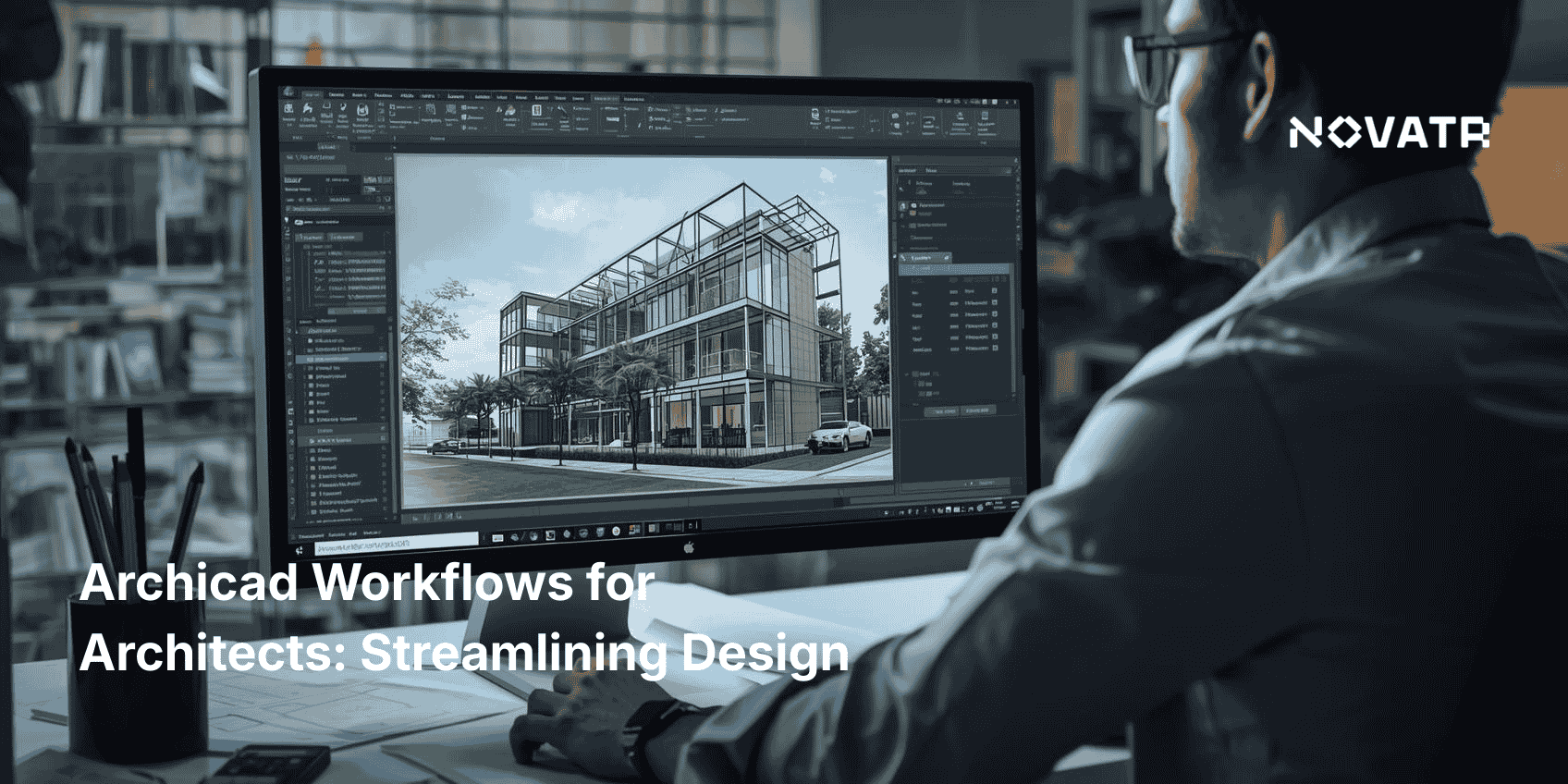
Here’s a breakdown of a standard Archicad workflow for architectural design:
-
Conceptual Modeling
Use Archicad 3D modeling tools to create basic forms, explore spatial relationships, and assess feasibility early in the design process. These tools make Archicad for beginners approachable by simplifying complex geometry early on.
-
Design Development
Refine geometry, assign building materials, and simulate real-world conditions like daylight or thermal performance. This stage often involves Archicad 3D rendering for client visuals.
-
BIM Integration
Insert intelligent BIM data such as classifications, zones, and property values using BIM for Archicad principles to improve project coordination. Understanding how to use Archicad for BIM modeling early helps architects keep data structured and meaningful.
-
Documentation
Generate drawings, schedules, and layouts directly from the model. Changes are updated automatically through associative views and references, supporting an Archicad BIM workflow that’s both accurate and efficient.
-
Quality Assurance
Use issue detection tools, clash checking, and real-time updates to ensure accuracy. Reduce rework and enhance design confidence with built-in architectural features in Archicad and smart validation tools.
-
File Management & Sharing
Utilize built-in collaboration features in Archicad tools like Teamwork and BIMcloud to store, share, and synchronize project files securely.
-
Publishing
Export to IFC, DWG, PDF, or BIMx for external collaboration and client presentations.
This end-to-end Archicad workflow is especially beneficial in team environments or fast-paced projects, where consistent deliverables and time-saving processes are critical. For freshers and entry-level architects, following this structure enhances productivity while learning professional standards.
How Does Archicad Support Conceptual to Construction-Ready Design?
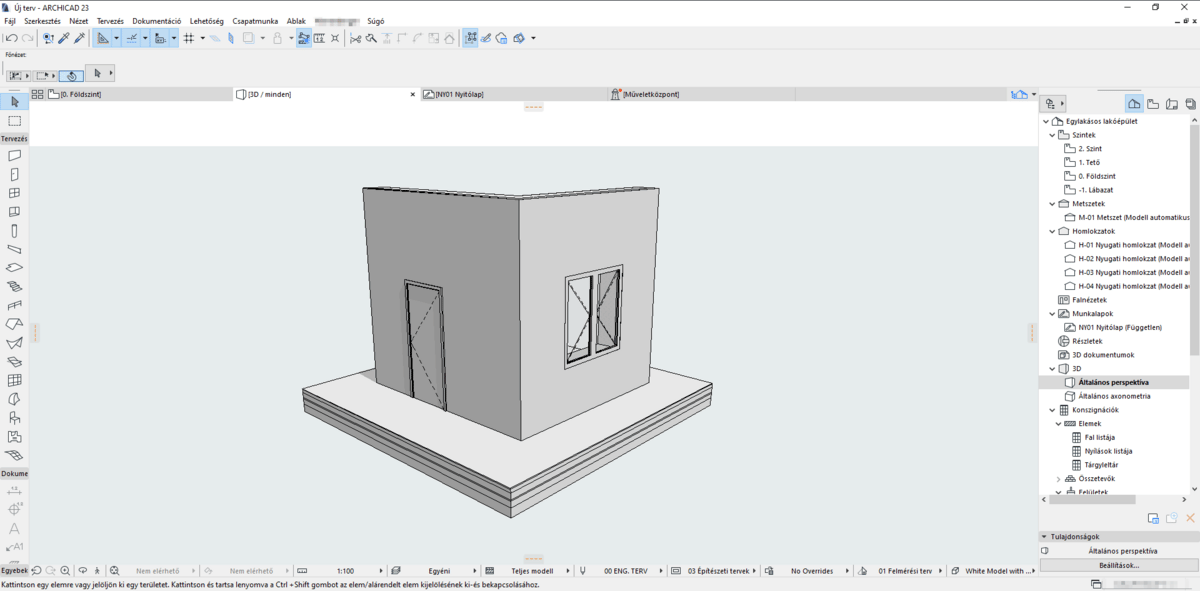
One of the standout strengths of Archicad for architectural design is its ability to evolve with your project. Architects can start with broad ideas and end with detailed construction documentation, all in the same platform.
Here’s how Archicad for architects supports that continuation:
-
Flexible Modeling
Use parametric objects like doors, walls, and windows that can be resized or modified without redrawing. These smart components improve design accuracy and reduce manual tasks, particularly useful for those exploring Archicad jobs.
-
LOD 3D Modeling
Gradually increase detail levels from basic forms to high-detail components without sacrificing performance or losing model integrity. This gradual detail evolution is a hallmark of a refined Archicad BIM workflow.
-
Integrated Performance Data
Include thermal properties, cost data, or manufacturer specs directly into model elements. This ensures early design decisions remain valid throughout development.
-
Photorealistic Rendering
Clients expect compelling visuals. Archicad 3D rendering tools offer real-time rendering, VR experiences, and immersive walkthroughs to win approvals faster.
-
Automated Documentation
Changes made to the model reflect instantly across views, saving time and maintaining consistency in documentation.
-
Real-Time Updates
Real-world modifications (e.g., structural changes or client revisions) are integrated into the master model without breaking the Archicad workflow.
This seamless progression from early design to build-ready documents makes Archicad for architects a powerful ally. If you've ever wondered, “Why do architects use Archicad?” the reason is to maintain both creative freedom and technical control within one platform.
Which Tools in Archicad Help Architects Collaborate Effectively?
Collaboration isn’t optional; it's essential. Teams now span disciplines, time zones, and platforms. Fortunately, Archicad software provides purpose-built tools to support streamlined team collaboration.
Key tools that support collaboration include:
-
Teamwork Environment: Enables multiple architects to work on a shared model. Users reserve elements, work independently, and merge updates without overwriting others' work.
-
BIMcloud & BIMcloud Basic: Provides cloud-based model hosting and version control. With real-time syncing, firms can manage projects remotely or collaborate with external consultants.
-
BIMx Viewer: Non-technical clients and stakeholders can view and comment on Archicad 3D models via desktop or mobile. This democratizes access and improves project alignment.
-
Change Tracking: Revisions are highlighted and categorized, making it easy to track progress and roll back if needed.
-
Markup & Issue Management: Integrated markup tools allow teams to annotate models, raise issues, and assign tasks all within the Archicad collaboration environment.
-
Interoperability: Archicad supports open BIM and standard file formats like IFC, DWG, and XLS, ensuring smooth integration with consultants using different software.
These tools are just a few of the many Archicad features that support agile, real-time communication and document control.
By adopting uniform workflows and optimizing Archicad project workflow, teams ensure everyone is working with up-to-date information, reducing costly errors and delays. Even for freelancers and those searching for Archicad jobs, clients prefer professionals who can seamlessly join their established systems.
Why Streamlined Workflows Matter in 2026 ?

Modern architecture is competitive. Firms that fail to modernize their workflows risk inefficiency, poor coordination, and lower client satisfaction. That’s why adopting a structured, tool-supported workflow, such as Archicad’s, is a strategic decision.
Some of the top features of Archicad that support streamlined workflows include:
-
Work Environment Customization: Architects can personalize their interface, tool palettes, and keyboard shortcuts to maximize productivity.
-
Project Templates: Pre-configured templates maintain consistency across teams and projects. These include standard layouts, layers, pens, and title blocks, key to optimizing Archicad requirements for performance.
-
Automated Labeling & Tagging: Save time by auto-assigning element properties and linking tags to model data.
-
IFC Translation Setup: Use built-in translators to ensure smooth data exchange with structural, MEP, and landscape consultants.
-
Hotlink Modules: Manage repeated design elements like apartment units or façade panels across large projects without duplicating effort.
-
Model Portfolios: Store frequently used assemblies and design details for reuse in future projects, an essential feature for those focused on optimizing Archicad project workflow.
These Archicad features are not just conveniences; they’re competitive advantages that improve speed, quality, and accuracy. For solo professionals or firms hiring fresh graduates, knowing the reason why architects choose ArchiCAD adds real value to design operations.
Even architects working independently or just starting can benefit from setting up smart templates and leveraging tools like BIMcloud Basic. For those unsure how to begin, there are countless Archicad for beginners guides and resources to ease the learning curve.