
Why Is Archicad a Valuable Skill in the AEC Industry?
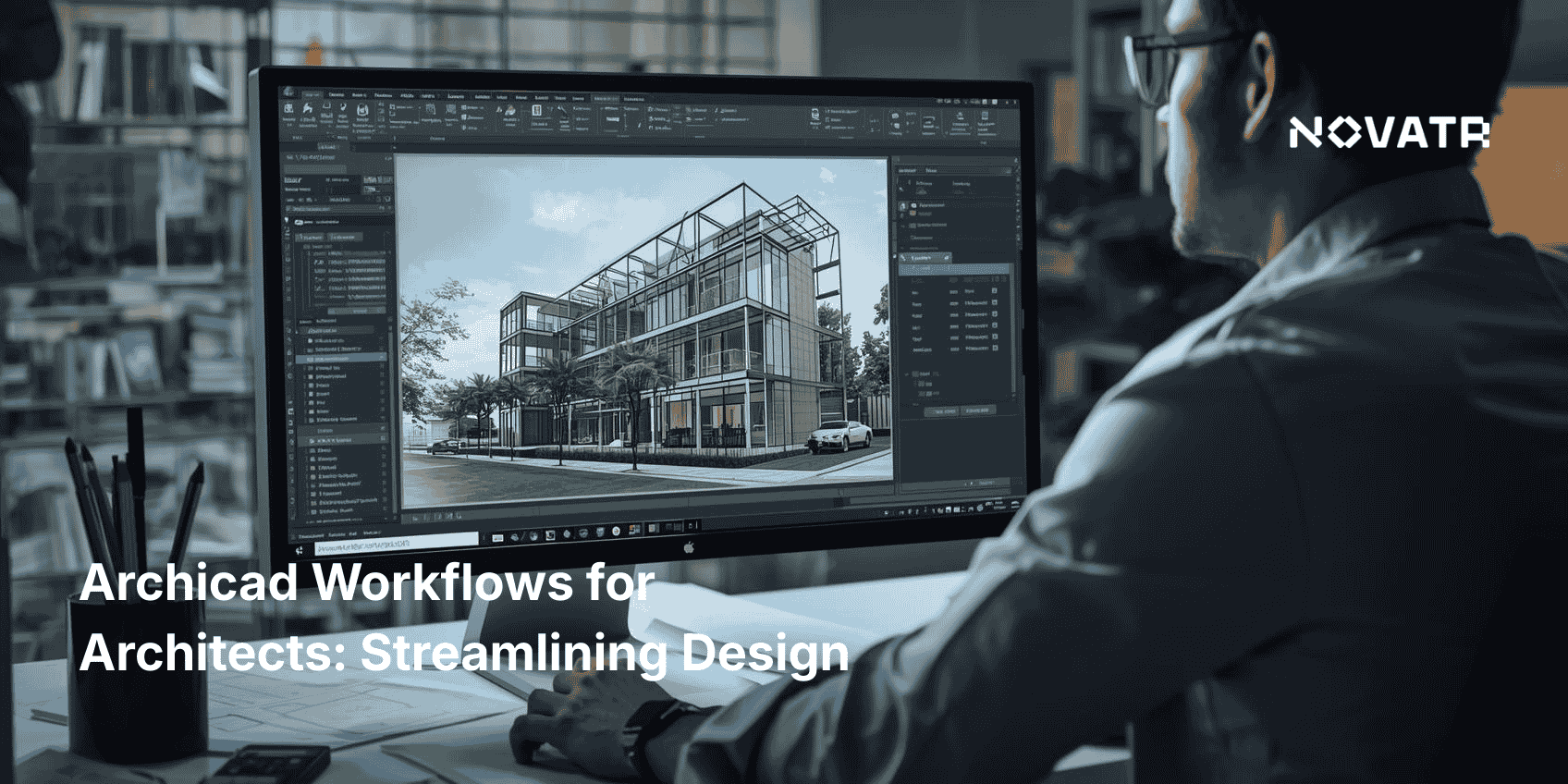
In today’s fast-paced AEC industry, mastering Archicad software gives architects a competitive edge. It offers powerful tools like 3D modeling tools in Archicad and smooth integration with platforms like Rhino and Grasshopper, enabling smarter, faster design workflows.
But why do architects use Archicad so widely? Its user-friendly interface, visual clarity, and flexible modeling capabilities make it ideal for every stage from concept to construction. It’s especially useful when working on complex projects where speed and precision matter.
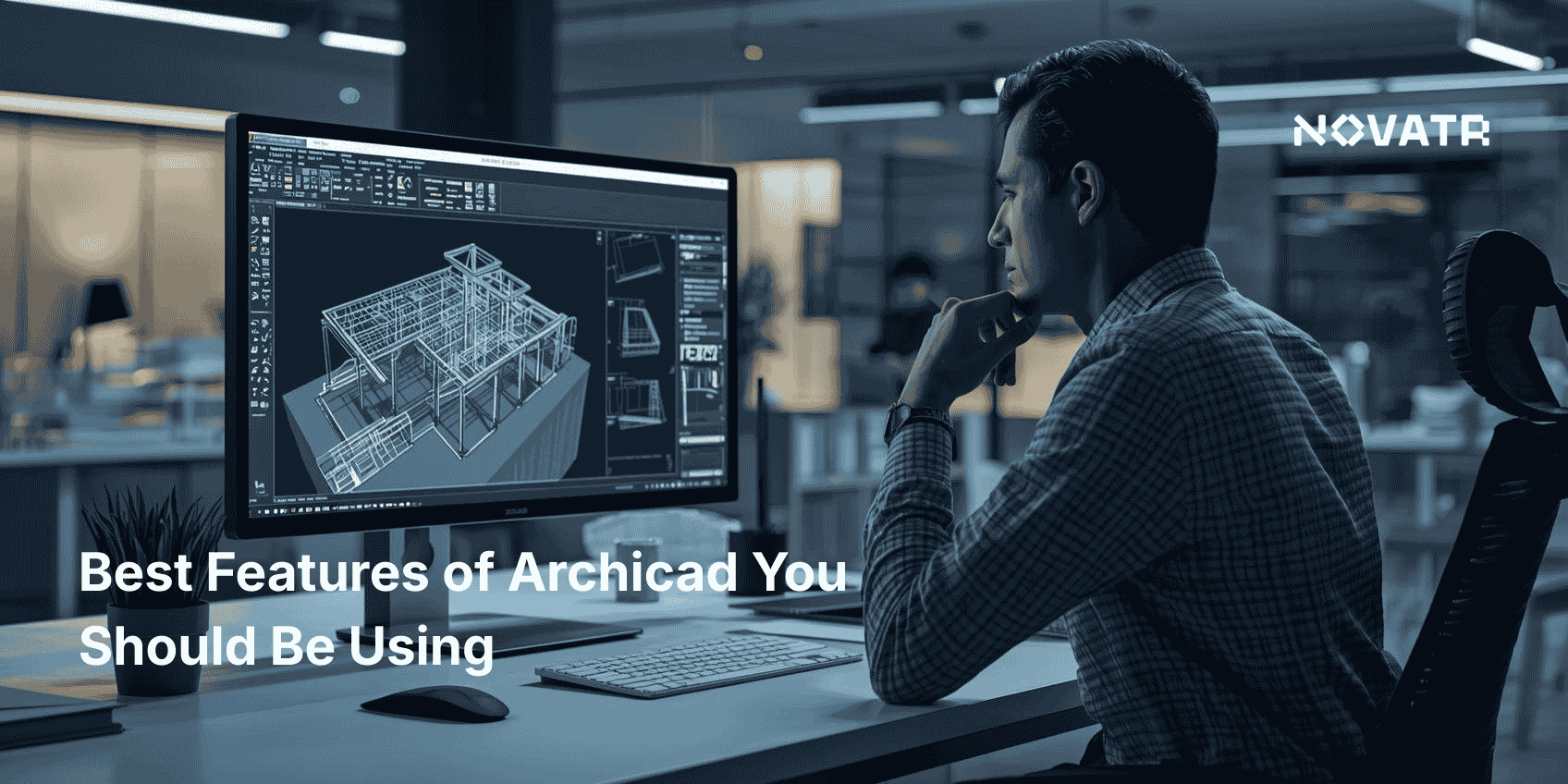
Teamwork is another critical factor. The collaboration features in Archicad, including Teamwork and BIMcloud, allow multiple professionals to work on the same model simultaneously, which improves coordination and reduces errors.
Knowing how to use Archicad for BIM modeling is now an industry expectation. It ensures seamless alignment between architectural, structural, and MEP systems.
Most importantly, understanding how Archicad skills help in architecture jobs can open doors to better ArchiCAD positions. Employers look for professionals who can confidently deliver integrated, BIM-ready designs. Whether you're in a large firm or freelancing, your ability to use Archicad for architects makes you more valuable in today’s tech-driven architecture world.
What Jobs Can You Get After Mastering Archicad Software?

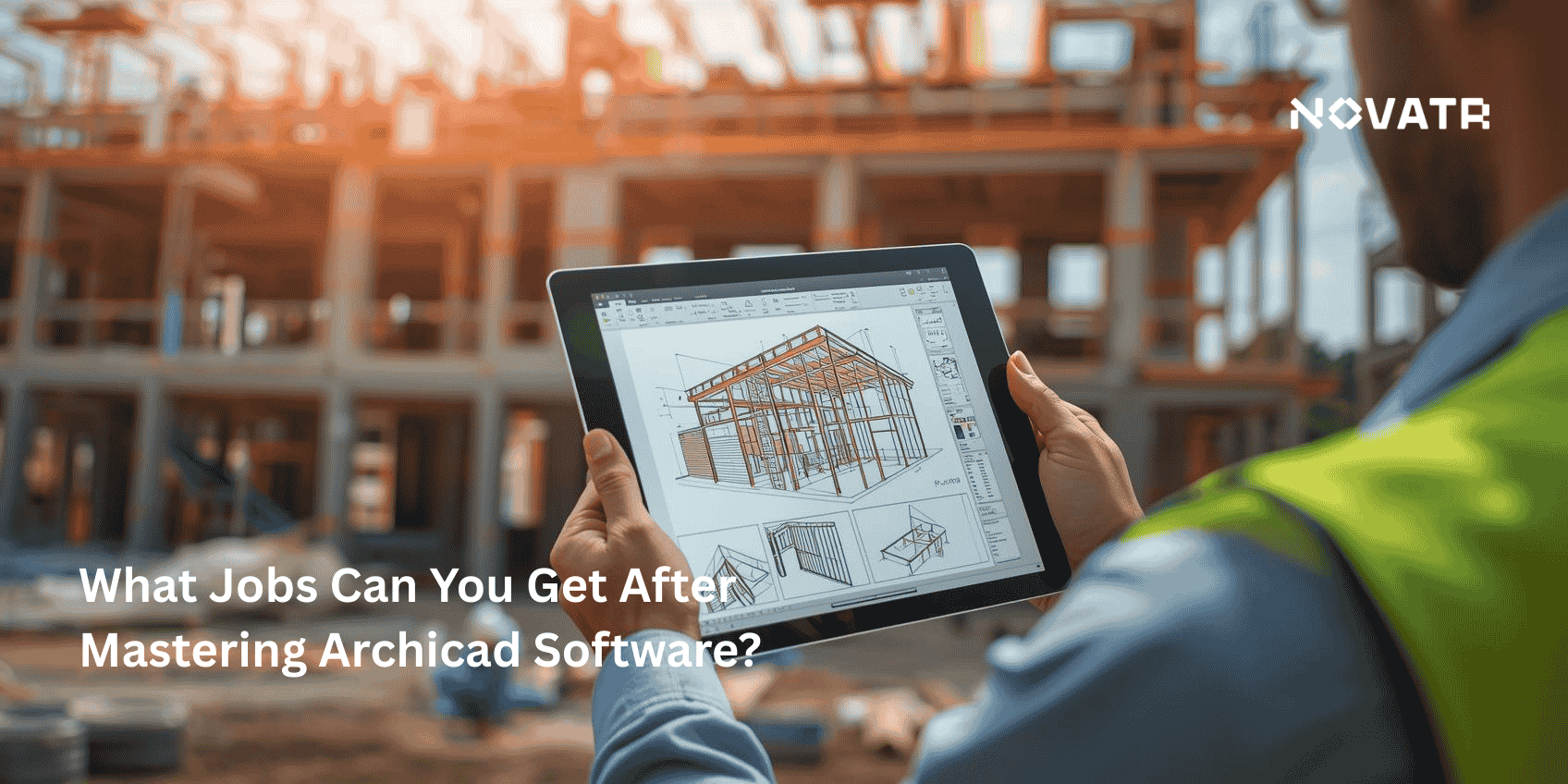
With advanced Archicad software skills, you unlock numerous Archicad jobs across architecture, interiors, engineering, and the public sectors. Here are the most sought-after ArchiCAD positions:
1. BIM Coordinator / Specialist
This role oversees BIM standards, model quality, and workflows. Using collaboration features in Archicad, you’ll manage shared models, integrate consultants’ contributions, and generate 4D schedules or detailed quantity take-offs. Many large firms explicitly list BIM-focused roles under career opportunities after learning Archicad. These professionals often lead BIM management efforts to ensure compliance, coordination, and seamless integration across project phases.
2. BIM Consultant / Trainer
Educate firms, universities, or architecture students on learning Archicad. As Archicad uptake grows, your expertise in installing templates, customizing libraries, and teaching top features of Archicad becomes valuable.
3. Project Architect / Architect
As a Project Architect, you handle design development, documentation, and coordination. Archicad skills required for architecture jobs include creating accurate plans, sections, elevations, and construction documentation. Your ability to leverage Archicad for architects boosts design precision and client communication.
4. Architectural Technologist / Draftsperson
If you gravitate toward technical documentation, this role makes the most of your ArchiCAD software proficiency. You’ll produce CE-certified drawings, assembly details, and BIM data-rich deliverables compliant with industry standards.
5. Interior Designer / Space Planner
Interior-focused roles benefit from ArchiCAD for architectural design, allowing creation of 3D layouts, lighting analysis, and finish coordination. Detailed floor plans and renderings become easy with Archicad’s room-mapping and annotation tools.
6. Visualization Specialist / 3D Artist
Combine 3d modeling tools in Archicad with rendering engines like Enscape or Twinmotion to produce photorealistic visuals. Roles labeled “Archicad visualization” are increasingly common as clients demand immersive presentations.
7. Construction Documentation Manager
In this role, you produce construction drawings, schedules, and sections from BIM models. Archicad software enables parametric updates, ensuring documentation reflects design changes accurately, minimizing RFIs during construction.
These Archicad jobs exist across private architecture firms, AEC consultancies, interior design studios, federal and municipal agencies, and BIM consulting firms. Even real estate developers invest in in-house BIM teams to streamline project delivery.
What Additional Skills Boost Your Career Alongside Archicad?
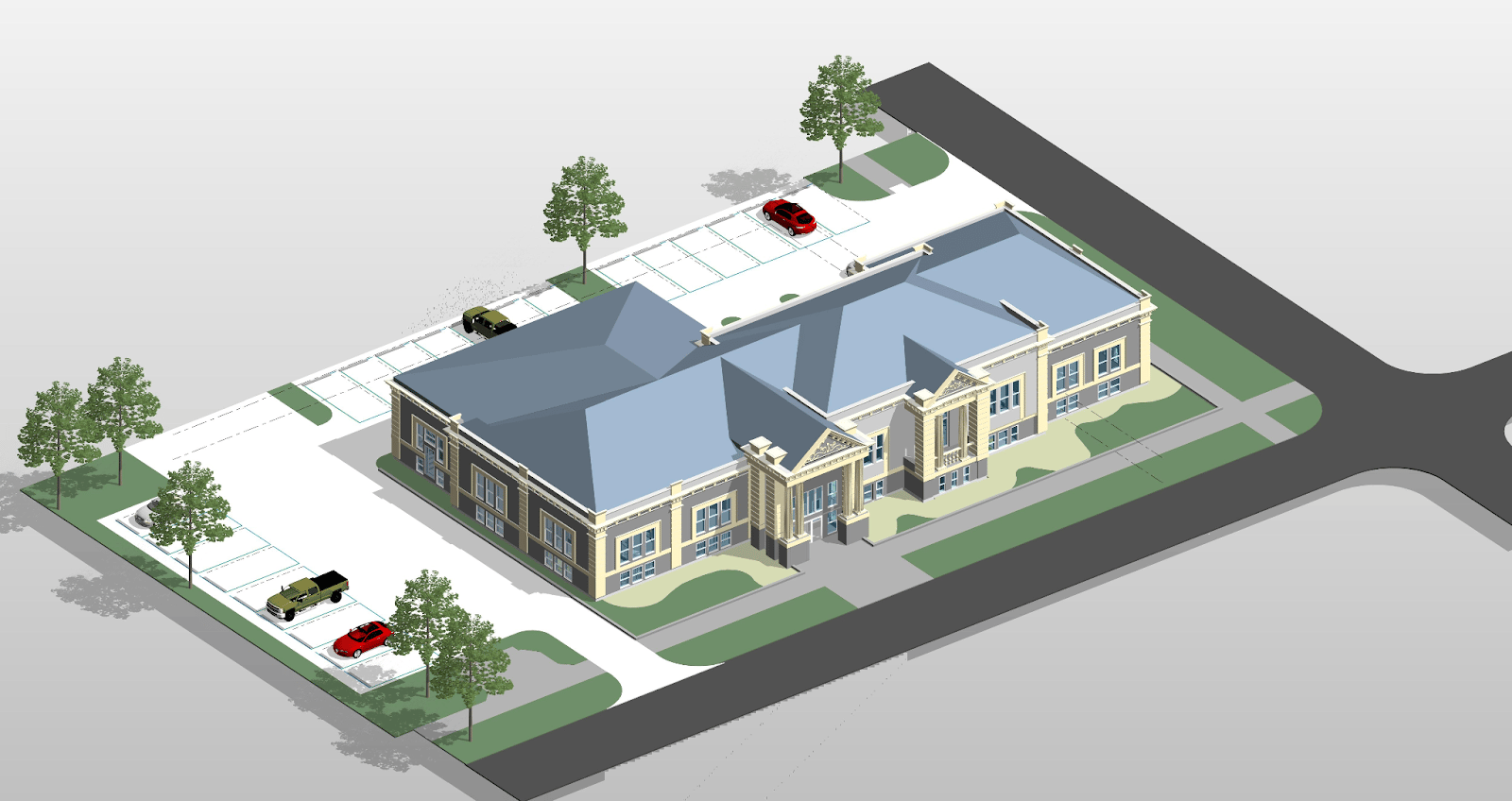
While ArchiCAD skills help in architecture jobs, pairing them with these abilities gives you a competitive edge:
-
Knowledge of Other BIM Platforms
Many firms use Revit, Tekla Structures, or Vectorworks alongside Archicad. Experience in both Archicad software and other BIM platforms enhances your value and provides seamless cross-team collaboration.
-
Parametric & Computational Design
Utilizing Archicad’s integration with Grasshopper or Rhino accelerates complex form-making. Employers appreciate this capability in hybrid roles like computational designer or digital design lead.
-
Regulatory & Sustainable Design Knowledge
Pair your Archicad for beginners expertise with knowledge of energy modeling, LEED, WELL, or Passive House standards. Tools within Archicad for architectural design support environmental analysis, and firms value candidates who understand them in context.
-
Project Management & Communication
Take on coordination roles confidently by adding scheduling, budgeting, and stakeholder engagement skills. A BIM Specialist often acts as the communication nexus between architects, engineers, contractors, and clients.
-
Rendering & Presentation Tools
Complement your Archicad visuals with external tools like Lumion, Enscape, or V-Ray. This full-stack skill set enhances your portfolio when applying to roles like Visualization Specialist.
-
Technical Detailing & Construction Knowledge
Understanding structural systems, MEP coordination, and materials lets you produce enriched BIM documentation. It’s especially valuable in roles centered on construction phase support and essential for showcasing architectural features in Archicad that comply with regional building codes.
-
Basic Coding & API Customization
Archicad’s API allows scripting of repetitive tasks, data extraction, and plug-in development. Even beginner-level Python or C# skills help automate model checks and task pipelines.
Combined with Archicad software, these complementary skills position you for roles such as BIM Manager, Digital Design Architect, or BIM Consultant positions that merge design, tech, and coordination.