
Why BIM Teams Use Automation in Revit?

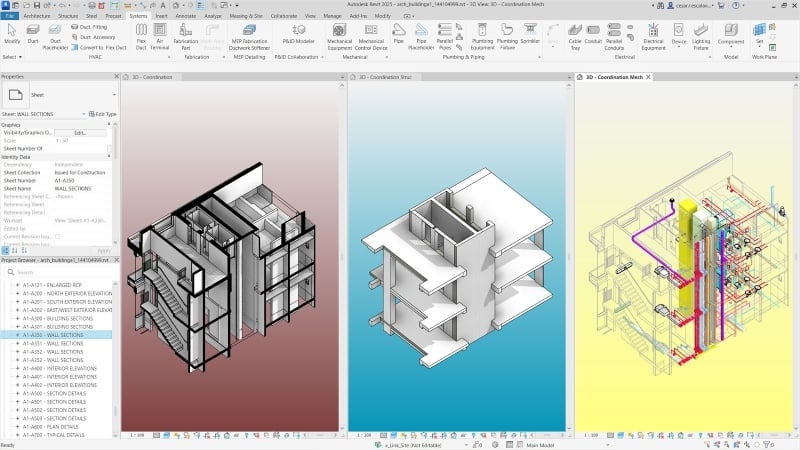
BIM teams frequently work with large digital models that require constant updates and data management. Automation tools help simplify these tasks and maintain consistency across projects.
Some key reasons why teams increasingly rely on automation within BIM workflows include:
- Reducing repetitive tasks such as parameter updates and sheet creation
- Improving accuracy when managing large project models
- Supporting consistent modeling standards across teams
- Saving time when reviewing model data and documentation
- Enhancing coordination between architecture, engineering, and construction teams
- Improving productivity through specialized Revit productivity tools
- Enabling faster project updates through Revit workflow automation
These advantages explain why many firms adopt BIM automation tools to improve digital construction workflows.
Automation allows BIM professionals to focus more on design coordination and project decision-making instead of repetitive manual tasks.
What Is pyRevit?
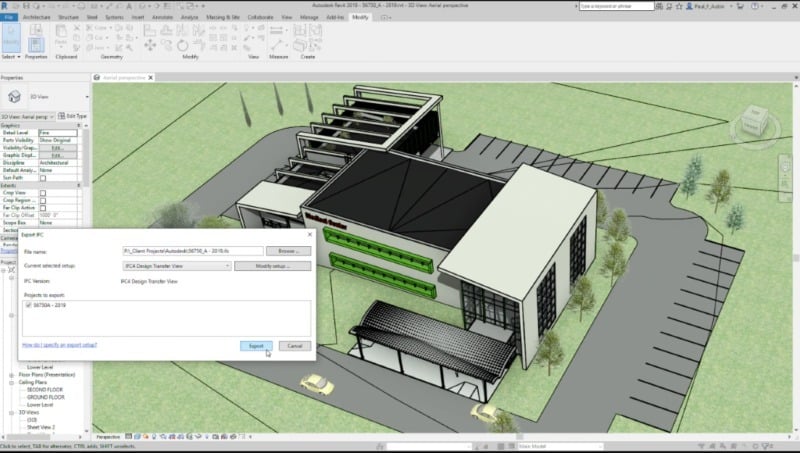
To understand how BIM teams use automation tools, it is helpful to begin with a simple explanation of pyRevit workflows.
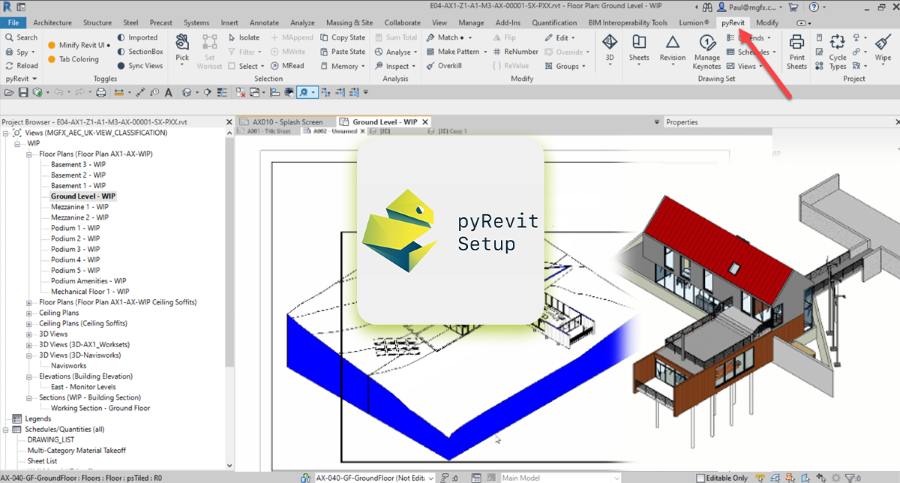
pyRevit is an open-source extension that allows users to customize and automate processes inside Autodesk Revit using Python scripting. The tool integrates directly with the Revit interface and enables professionals to create scripts that perform automated actions within project models.
The platform allows BIM specialists to develop scripts that automate tasks such as renaming views, checking parameters, generating sheets, and auditing models. Instead of repeating operations manually, scripts complete them automatically.
Many BIM teams rely on pyRevit scripts for Revit to improve workflows and maintain modeling consistency. Scripts can be developed internally or shared across teams to support standardized practices.
Another advantage of pyRevit is its flexibility. Because it is open-source, BIM teams can customize their tools according to project requirements. This adaptability makes pyRevit one of the most practical BIM management tools used in digital construction workflows.
The growing adoption of pyRevit automation workflows reflects the need for automation in modern BIM projects. By combining scripting with model management, pyRevit helps teams work more efficiently while maintaining data accuracy.
How BIM Professionals Use PyRevit?
BIM professionals use pyRevit in different ways depending on their role within a project. Its primary purpose is to automate repetitive modeling tasks and improve project coordination.
The following sections explain how different professionals use pyRevit workflows in their daily work.
1. BIM Managers
BIM managers are responsible for maintaining modeling standards and ensuring that project data remains consistent across teams.
For BIM managers, automation helps monitor model quality and enforce project standards. Through pyRevit for BIM managers, teams can create scripts that automatically check models for errors, missing parameters, or incorrect naming conventions.
These automated checks allow managers to identify issues early and maintain consistent BIM practices across projects.
Automation also enables BIM managers to develop custom tools that support internal workflows, making pyRevit a valuable component of modern BIM management tools.
2. BIM Coordinators
BIM coordinators play a critical role in ensuring that design teams collaborate effectively within shared models.
In many projects, coordinators manage large amounts of data and perform repeated updates across models. By using pyRevit automation workflows, they can automate tasks such as view organization, sheet generation, and model validation.
Automation helps BIM coordinators improve coordination and reduce the time required to manage complex project data.
Many teams also use custom pyRevit scripts for Revit to automate clash detection preparation, parameter updates, and model documentation.
3. Computational Designers
Computational designers combine programming and design to improve digital modeling workflows.
For these professionals, pyRevit offers the flexibility to create advanced automation scripts that interact with Revit models. Designers often integrate scripting with other digital design tools to develop parametric workflows.
Using BIM automation tools such as pyRevit allows computational designers to automate repetitive modeling processes while improving design efficiency.
This approach also supports advanced workflows where scripts generate geometry, manage data, or update models automatically.
4. Revit BIM Modelers
Revit modelers create detailed digital models used in construction documentation and coordination.
In large projects, modelers often perform repetitive tasks such as renaming views, organizing sheets, or updating parameters. These activities consume significant time when performed manually.
By implementing Revit workflow automation, modelers can automate these tasks using custom scripts. This reduces repetitive work and allows professionals to focus more on modeling accuracy and project coordination.
Many modelers also rely on Revit productivity tools to improve efficiency when working with complex models.
Benefits of Learning pyRevit for BIM Engineers
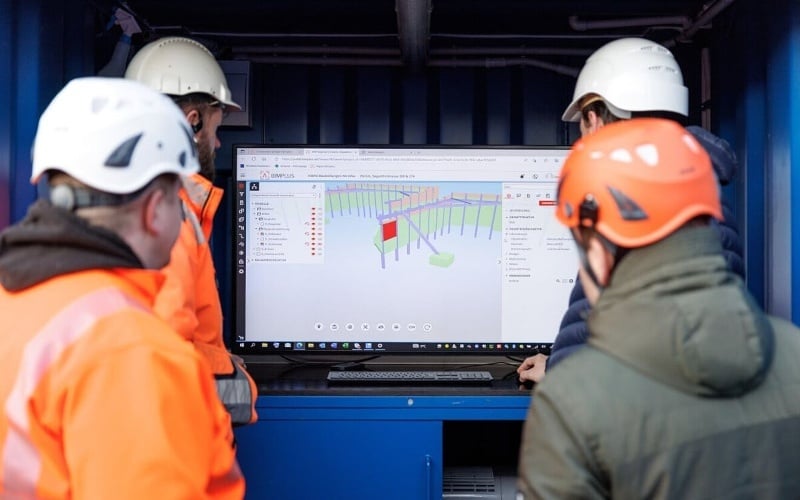
Learning pyRevit provides several advantages for professionals working in BIM environments. As digital construction evolves, automation skills are becoming increasingly valuable.
Some main benefits include:
- Improved productivity through automated modeling tasks
- Ability to create custom scripts that improve project workflows
- Better control over model quality and data management
- Reduced manual work during project documentation
- Increased efficiency when managing large BIM models
- Opportunities to work with advanced pyRevit automation workflows
Developing automation skills also improves career opportunities for BIM professionals. These skills are becoming increasingly valuable as firms adopt advanced BIM management tools to support collaborative project environments.
Learn PyRevit With 8+ BIM Software Tools

Professionals who want to build strong automation and BIM workflow skills often pursue specialized training programs focused on digital construction technologies.
One option is the BIM Professional Course for Civil Engineers by Novatr, a project-based program designed to prepare professionals for modern BIM workflows using 12+ industry software and plugins.
The course introduces tools including Autodesk Revit, Navisworks, Construction Cloud, and automation plugins such as DiRoots.One, pyRevit, EF-Tools, ProSheets, Issue, and Model Checker for Revit.
Participants gain:
- End-to-end understanding of BIM workflows including modeling, estimation, coordination, sequencing, and documentation
- Hands-on training aligned with ISO 19650 standards using real residential and commercial projects
- Globally recognized certifications including Novatr Course Certificate, Autodesk User Certification, and NSDC Skill Certificate
Learners can also choose advanced specializations such as:
- Visual Programming with Dynamo for parametric workflows
- 4D, 5D, and 6D BIM for schedule and cost integration
- Tekla for RCC modeling
- Civil 3D for infrastructure design
- BIM project strategy using Plannerly
Programs like this BIM Course for Civil Engineers help professionals build the practical skills required to work with automation tools and digital construction workflows.

-1.png)