


.png)

What Are the Most Common Autodesk Construction Cloud Issues Faced by Architects?
-
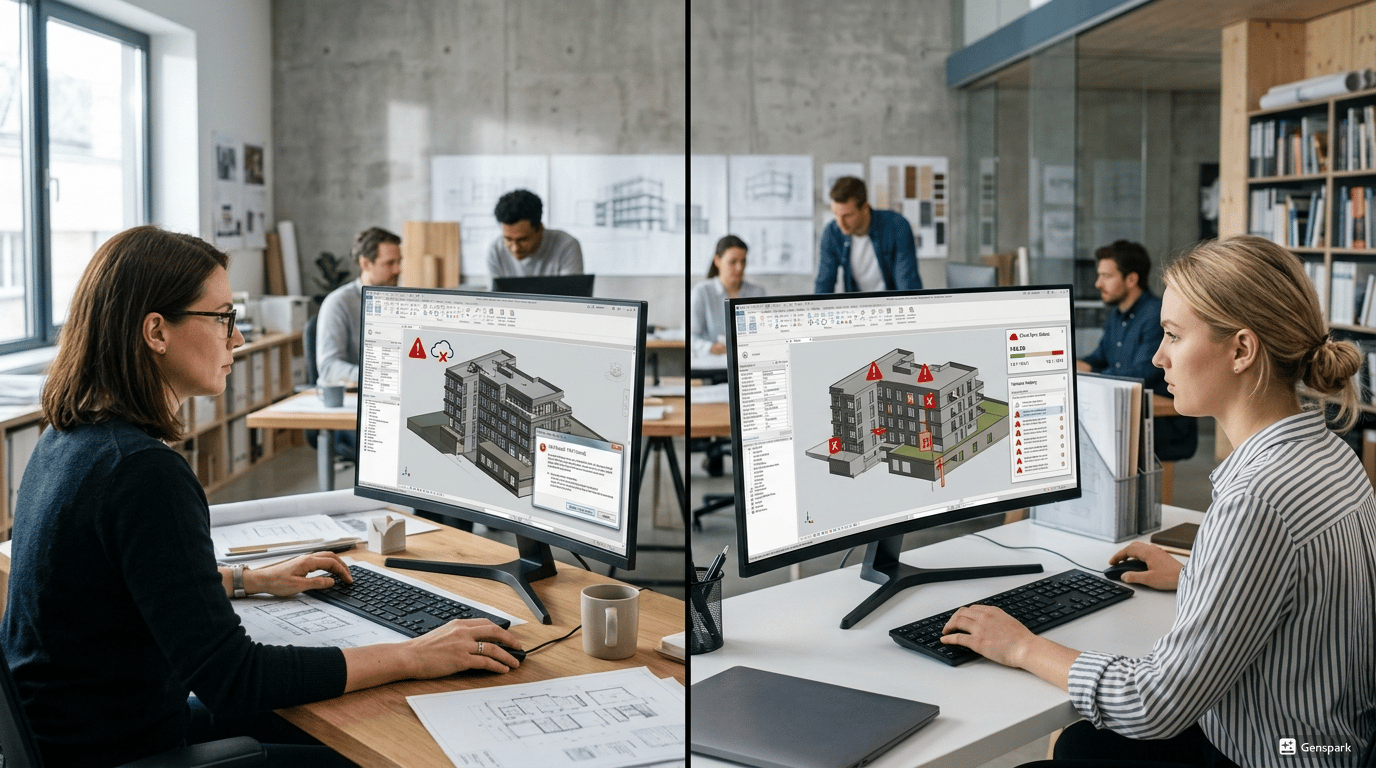
Logging in and Access Issues: The question “why is Autodesk Construction Cloud not working when I log in?” is commonly asked by users. Usually it is due to a problem with the user's credentials, a timeout on the session or access rights. Once you do know how to fix login problems in Autodesk cloud, you can have it back up and running in no time.
-
Project Setup Errors: Workflow can be compromised by errors in set-up. how to create a project in Autodesk Construction Cloud is a difficult task for users and sometimes they might not be able to how to delete a project in Autodesk Construction Cloud how they should, leading to confusion and loss of valuable data.
-
Upload/Download Problems: Many teams face the problems of how to upload files to Autodesk Construction Cloud and how to download files from Autodesk Construction Cloud, especially when the internet connection is weak, or the uploaded file is large.
-
Access Problems: If access permissions are not correct, the opening of models may be problematic. Now one of the most common problems faced while sharing files is how to open revit file from Autodesk Construction Cloud.
-
Data Organization Challenges: Confusion due to poor folder structure. Making it easy for teams to how to create a folder in Autodesk Construction Cloud may be tricky in the user experience.
What File Sync and Version Control Problems Happen in Autodesk Construction Cloud?
Version Control and File Syncing are key to project success. But they are also a large contributor of Autodesk Construction Cloud queries.
Common issues include:
-
File Sync Delays: One of the primary concerns is what causes file sync issues in construction cloud. This is often due to the size of the files, to outdated software or to slow Web connections.
-
Version Conflicts: If multiple users edit the same file several copies of the file can be created. This results in confusion of which version is correct.
-
Incomplete Uploads: When how to upload a revit model to Autodesk Construction Cloud, if there are issues on how to upload, then the uploaded model might be incomplete, leading to issues in the workflow.
-
Issues on archiving and storage: Long-term data management challenges are faced by teams when they don't know how to archive a project in Autodesk Construction Cloud.
How Can Collaboration and Access Issues Be Resolved in Autodesk Construction Cloud?

Common problems and solutions include:
-
Permission Errors: There are no reasons to not allow users access to files other than role. The proper permissions ensure collaboration in joint work.
-
Login Failures: Users often complain about “why is Autodesk Construction Cloud not working?” when they have login issues. This can be fixed by clearing the Cache and resetting passwords.
-
File Sharing Issues: Wrong settings for sharing may prevent teams receiving the updated files. Real-time access is provided as long as it is properly configured.
-
Communication Gaps: Lack of coordination results in delays. Enhance communication between teams with built in tools.
-
Navigating the platform is a challenge: Many users are struggling to navigate how to use Autodesk Construction Cloud. Training assists teams to grasp workflows better.
What Are Common Model Coordination and Clash Detection Errors and Fixes?
Some common Autodesk errors are:
-
Clash Detection Failures: If clash detection is not enabled or configured, it can result in non-resolution of clash resolutions.
-
Model Misalignment: Different teams may upload models with wrong coordinates which may result in alignment problems.
-
File Format Issues: When not compatible files or files are not uploaded correctly using how to upload a revit model to Autodesk Construction Cloud, problems arise.
-
Old Files: If files are not synced, teams can be working on old versions of files.
-
Coordination Gaps: However, with poor workflows there are no gaps in issues identified during coordination.
The following are the issues that should be addressed:
-
Ensure that the model is properly set up prior to upload.
-
Utilize consistent naming and version control
-
Conduct regular review of models for conflicts.
-
Adhere to the process of coordinated activities
Which Best Practices Help Prevent Autodesk Construction Cloud Issues in Projects?
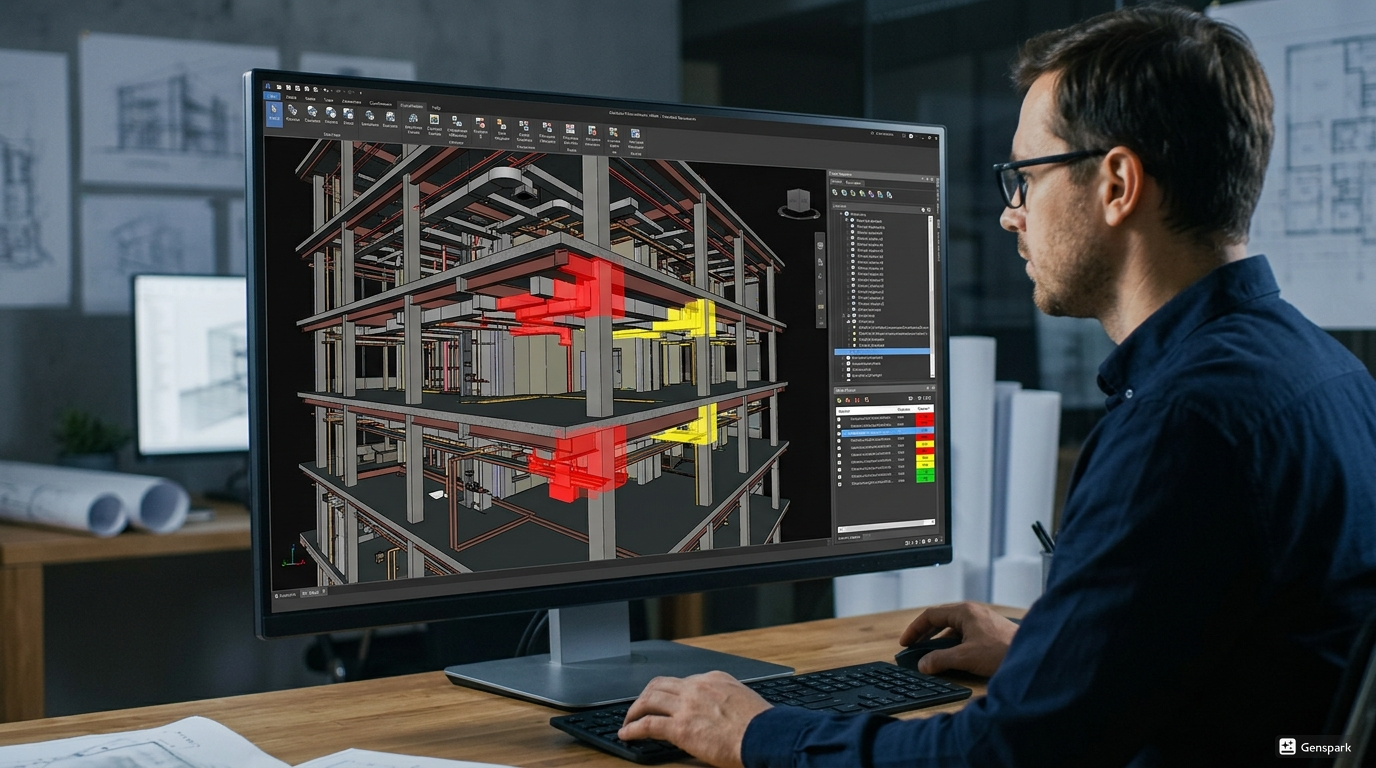
It's important to prevent problems earlier than to deal with them later.
Key practices include:
-
Maintain Organized Data: Employ organized folders and file naming practices. How to create a folder in Autodesk Construction Cloud enhances the management of files.
-
Good Training of Train Teams: Proper training will ensure that the users will not make any mistake and know how to use Autodesk Construction Cloud.
-
To Monitor File Sync and Updates: With regular checks, it's possible to detect potential what causes file sync issues in construction cloud early.
.png)
.png)
.png)
