---
title: Best BIM 360 Features for Architects in 2026
description: Discover the best BIM 360 features to improve collaboration, workflows, and project efficiency for architects and engineers in 2026.
image: https://blog.novatr.com/hubfs/Best%20Features%20of%20BIM%20360%20Architects%20Should%20Be%20Using%20This%20Year.png
---
[Blogs](https://www.novatr.com/learning-hub)
- [Architecture & Construction](https://www.novatr.com/learning-hub?category=Architecture+%26+Construction)
- [BIM](https://www.novatr.com/learning-hub?category=BIM)
- [Computational Design](https://www.novatr.com/learning-hub?category=Computational+Design)
- [Company News](https://www.novatr.com/learning-hub?category=Company+News)
- [Expert Talks](https://www.novatr.com/learning-hub?category=Expert+Talks)
Explore Courses
[Just Launched  BIM Professional Program v.2026 Take your career to the next level by mastering the real-world application of BIM. Know More](https://www.novatr.com/courses/bim-professional-program)
[ Master Computational Design Course Break into an advanced career by learning to apply the power of computation to the art of design. Know More](https://www.novatr.com/courses/computational-design)
[Blogs](https://www.novatr.com/learning-hub)
Explore Blogs
- [Architecture & Construction](https://www.novatr.com/learning-hub?category=Architecture+%26+Construction)
- [BIM](https://www.novatr.com/learning-hub?category=BIM)
- [Computational Design](https://www.novatr.com/learning-hub?category=Computational+Design)
- [Company News](https://www.novatr.com/learning-hub?category=Company+News)
- [Expert Talks](https://www.novatr.com/learning-hub?category=Expert+Talks)
Courses
- [BIM Professional Program v.2026](https://www.novatr.com/courses/bim-professional-program)
- [Master Computational Design](https://www.novatr.com/courses/computational-design)
- [Archi/](https://www.novatr.com/learning-hub?category=BIM)
Featured Article
# Best Features of BIM 360 Architects Should Be Using in 2026

Neha Singh
March 30, 2026
6 min read

The most valuable BIM 360 features help architects and engineers collaborate, manage data, and improve project delivery. These tools streamline workflows, reduce errors, and support real-time coordination across teams working on complex projects.
Digital construction continues to advance through connected platforms. The UK [National Digital Twin Programme](https://www.cdbb.cam.ac.uk/what-we-do/national-digital-twin-programme) emphasizes that improving data sharing and integration enhances infrastructure performance. This highlights why BIM 360 software remains an important part of modern project delivery.
Understanding what is bim 360 and how its capabilities fit into current workflows helps professionals use the platform more effectively and improve outcomes across projects.
Unlock High-Paying Careers With BIM
Master BIM workflows, software and skills on real projects.
Apply Now
\*Limited seats available
## **Why Is BIM 360 Still Relevant in 2026?**
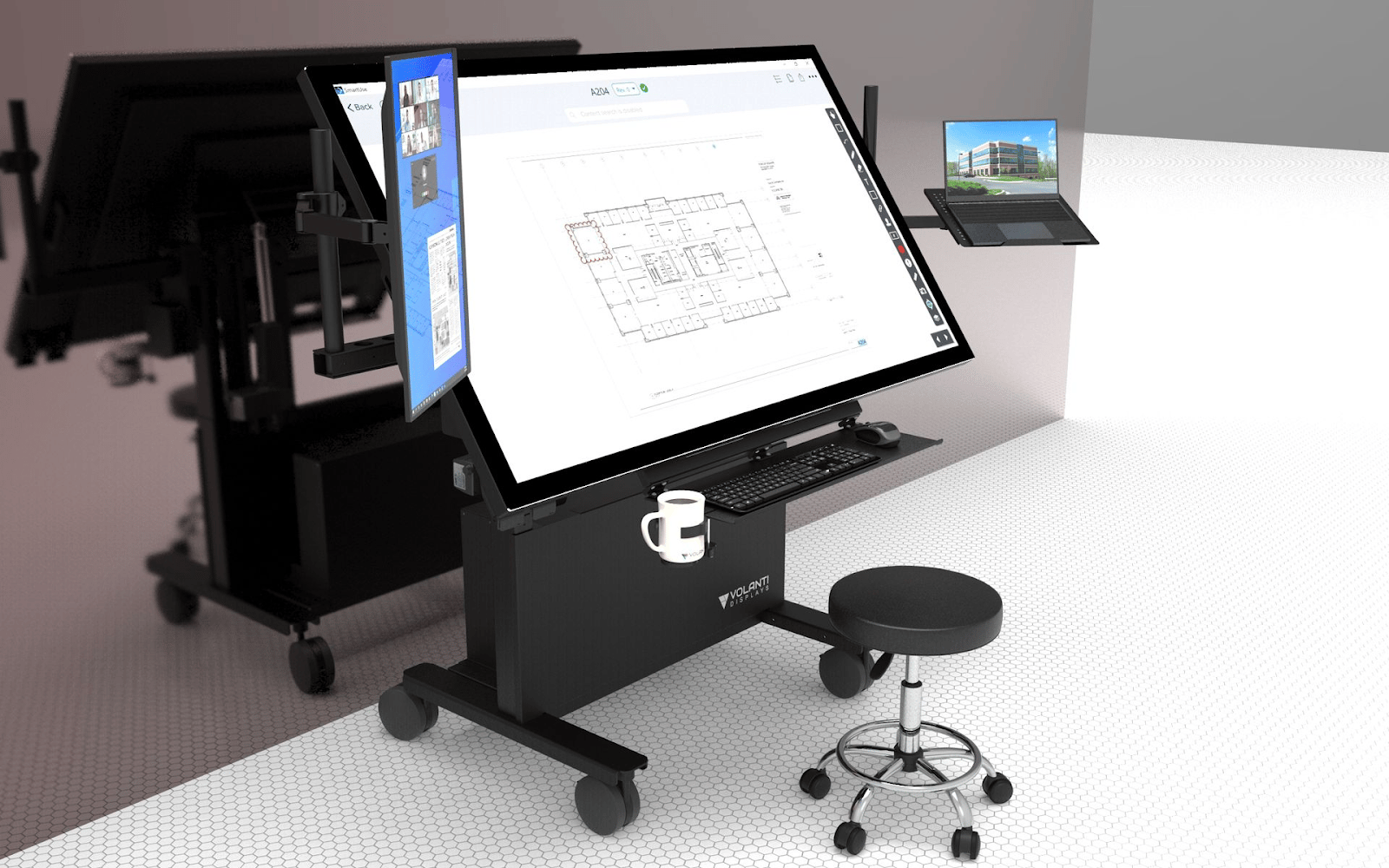
BIM 360 remains relevant because it supports real-time collaboration, structured workflows, and efficient project management across disciplines.
As projects grow in complexity, professionals rely on tools that combine design, data, and communication. BIM 360 for architects continues to play a key role in enabling coordination between design and construction teams.
Its continued relevance can be understood through the following:
- **Supports Modern Construction Needs**As a leading construction software, BIM 360 aligns with evolving industry requirements and digital workflows while supporting large-scale infrastructure delivery and multidisciplinary coordination across stakeholders.
- **Improves Workflow Consistency**Structured BIM 360 workflow processes help teams manage tasks efficiently and maintain project accuracy across different phases, reducing delays and improving predictability.
- **Enhances Collaboration Across Teams**With built-in BIM 360 collaboration, teams can work together seamlessly regardless of location or time zone differences, improving communication and coordination.
- **Adapts to New Technology Trends**Integration with emerging architecture technology ensures BIM 360 remains aligned with industry advancements and innovation in digital construction environments.
- **Scales Across Project Types**Using BIM 360 project management, teams can manage projects of varying sizes and complexity with consistent performance, improved visibility, and better resource allocation.
These factors ensure that BIM 360 continues to support efficient and reliable project delivery in 2026.
## **Top BIM 360 Features Architects and Engineers Should Use**
The platform offers a range of tools that improve coordination, data management, and decision-making. These features are essential for professionals working in BIM-driven environments.
To better understand their impact, the following key capabilities define the most important BIM 360 features:
### **1. Cloud-Based Collaboration**
Enables real-time teamwork through BIM 360 collaboration, allowing multiple stakeholders to access and update models simultaneously. This ensures that teams remain aligned throughout the project lifecycle and reduces communication gaps while improving transparency.
### **2. Document Management**
Structured BIM 360 document management ensures that all project files are organized, version-controlled, and accessible from a central location. This reduces duplication and improves file accuracy across teams while maintaining clear audit trails.
### **3. Issue Tracking and Resolution**
BIM 360 management tools allow teams to track issues, assign responsibilities, and resolve conflicts efficiently. This improves accountability and ensures timely resolution of project challenges while supporting better coordination.
### **4. BIM Integration**
Integration with BIM 360 design ensures smooth coordination between design and construction teams using shared models. This reduces design conflicts and improves alignment across disciplines throughout project stages.
### **5. Selective Sync for Mobile Devices**
Mobile access supports field teams by allowing selective data syncing. This ensures that only relevant information is available on-site, improving efficiency and enabling better on-ground decision-making in dynamic environments.
### **6. Data Analysis and Insights**
Using BIM 360 insight, teams can analyze project data, identify trends, and improve decision-making. This supports proactive planning and helps reduce project risks while improving forecasting accuracy over time.
### **7. Model Coordination and Clash Detection**
Coordination tools help identify design conflicts early, reducing rework and improving project timelines. This ensures smoother transitions from design to construction phases and better interdisciplinary alignment across teams.
### **8. Project Templates**
Standardized templates help teams maintain consistency across projects. They also reduce setup time and ensure that workflows follow established best practices for efficiency, repeatability, and quality control.
### **9. Connected Issues**
Linking issues across models and documents ensures better tracking and resolution. This improves visibility and helps teams address problems more efficiently across project stages and workflows.
### **10. Advanced Change Analytics**
Data-driven insights help teams understand changes and their impact on project performance. This allows for better planning and reduces unexpected disruptions during execution and delivery phases.
## **How Do These Features Improve Collaboration and Efficiency?**
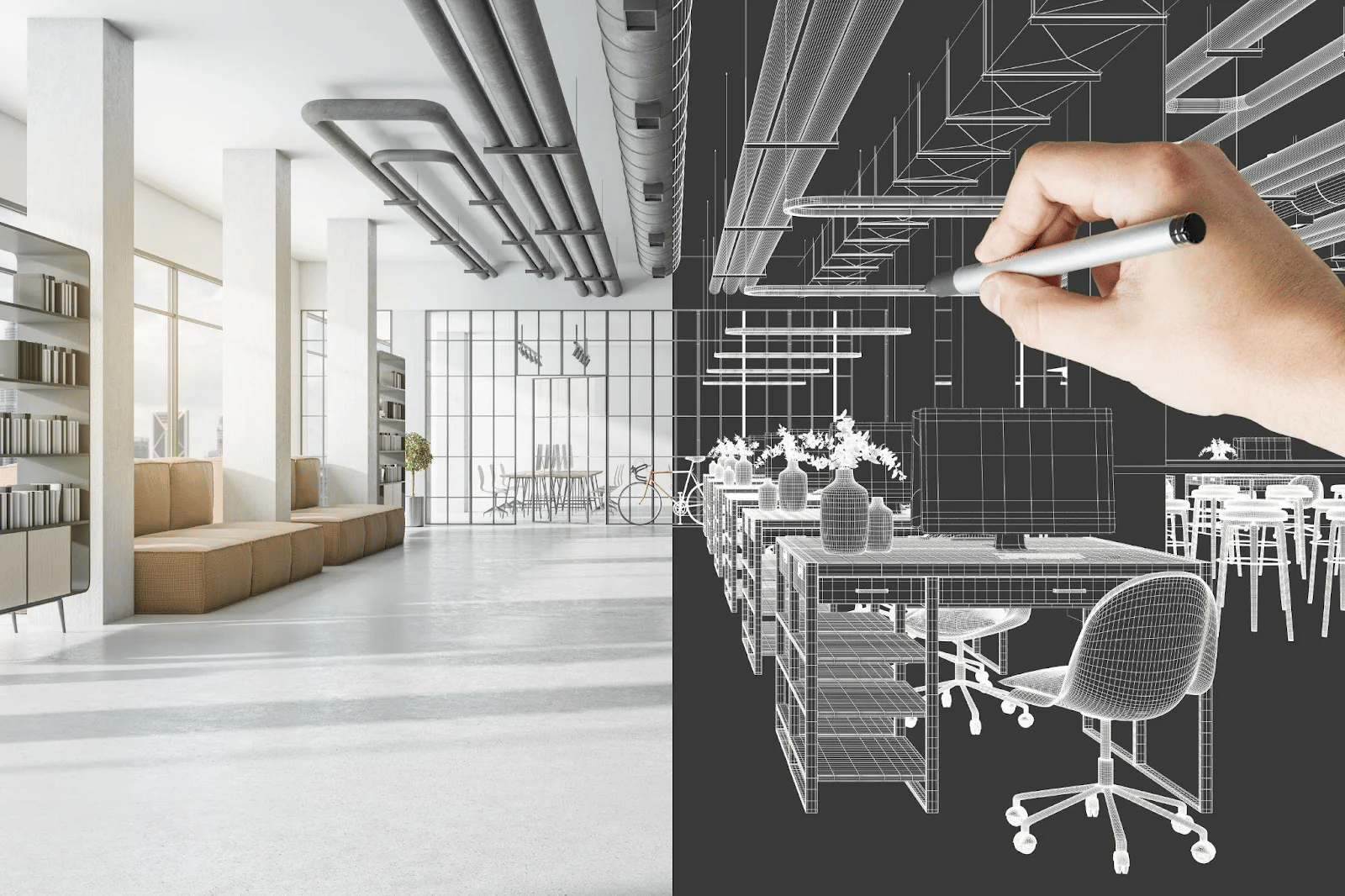
BIM 360 features improve collaboration by connecting teams, data, and workflows in a unified environment. This ensures that all stakeholders work with accurate and updated information.
The impact of these features can be seen in the following ways:
- **Improved Communication**Teams use BIM 360 tools to share updates, track changes, and maintain transparency across project stages, reducing miscommunication and improving clarity across teams.
- **Centralized Data Access**A shared platform ensures that all team members access the same information, reducing errors and duplication across project teams and improving consistency in workflows.
- **Faster Decision-Making**Real-time updates enable teams to respond quickly to project changes and challenges, improving responsiveness and overall efficiency in project delivery.
- **Efficient Workflow Management**Structured BIM 360 workflows ensure that tasks are completed systematically and without delays, improving productivity and maintaining project timelines.
- **Reduced Project Risks**Early issue detection and resolution improve project accuracy and minimize rework during execution, saving time and resources while improving outcomes.
- **Enhanced Coordination Across Disciplines**Integration between design and construction teams improves alignment and reduces conflicts, ensuring smoother workflows and better outcomes across all stages of the project lifecycle.
These improvements highlight the overall BIM 360 benefits in creating efficient and collaborative project environments.
## **Tips to Get the Most Out of BIM 360 Modules**
Maximizing the value of BIM 360 requires a clear understanding of its tools and consistent workflow practices. Teams that use the platform effectively can improve productivity and reduce errors.
To get the most out of BIM 360 modules, consider the following:
- **Standardize Workflows Early**Define processes for file management, model sharing, and issue tracking to improve consistency across teams and reduce confusion in complex projects.
- **Train Teams on Key Features**Ensure all users understand how to use BIM 360 design, document management, and coordination tools effectively for better results and smoother workflows.
- **Organize Data Efficiently**Maintain structured folders and naming conventions to improve accessibility and reduce confusion in large and complex projects.
- **Use Analytics for Decision-Making**Leverage BIM 360 insight to monitor performance and identify improvement areas across workflows and project stages for better outcomes.
- **Integrate Across Platforms**Connect BIM 360 with other tools to improve coordination and workflow efficiency across disciplines and teams.
- **Monitor and Update Models Regularly**Keeping models updated ensures accuracy and reduces conflicts during project execution, improving overall efficiency and reliability.
- **Encourage Team Collaboration**Promote communication and coordination to improve overall project outcomes and ensure consistent workflow performance across teams and stakeholders.
These practices help teams maximize the platform’s capabilities and improve project delivery.
Master BIM and Get Hired Faster
Join a community of 8500+ Architects and Engineers.
Explore Now
\*Limited seats available
## Conclusion
BIM 360 continues to support architects and engineers by improving collaboration, streamlining workflows, and enabling better project management. Its features provide the tools needed to handle complex projects efficiently and accurately.
Professionals who understand and apply these features effectively can improve coordination, reduce errors, and deliver better outcomes. As digital construction evolves, BIM 360 remains a key platform for managing modern projects.
To strengthen your BIM expertise and apply these features in real-world scenarios, consider enrolling in the [BIM Course for Architects](https://www.novatr.com/us/courses/building-information-modelling) by [Novatr](https://www.novatr.com/us). Visit our [resource page](https://www.novatr.com/learning-hub) to explore more insights, tools, and learning materials that support your professional growth.
Was this content helpful to you
Like Yes
Dislike No

TABLE OF CONTENTS
BIM Is The New Standard. Are You Certified?
Get Certified in BIM
SHARE ON YOUR SOCIALS
Link Copied Successfully
Related articles
[.png) MEP Digital Twin for MEP Engineers: Extending BIM into Building Operations 14 May 2026 6 min read](https://blog.novatr.com/blog/digital-twin-for-bim-operations) [ BIM Civil Want to Work on Mеtro Projеcts? Lеarn Thеsе BIM Skills 28 May 2026 7 min read](https://blog.novatr.com/blog/bim-skills-for-metro-projects-and-infrastructure-careers) [ Best Features of SketchUp Architects Should Be Using 8 April 2026 5 min read](https://blog.novatr.com/blog/best-features-of-sketchup-architects-should-be-using) [ Kickstart Your BIM Career (Beginners Guide - 2026) 17 July 2025 1 min read](https://blog.novatr.com/blog/kickstart-your-bim-career)
Download Syllabus
## BIM Professional Program
Next Cohort
June 2026
Program Duration
7 Months
Premium Program benefits
8 Credentials from Autodesk, NSDC, Novatr
1 program. 10 career paths. Infinite Growth.
40+ ISO 19650 & RIBA real-world projects to practice
1-on-1 guidance. Access 400+ industry experts.
Access the biggest AEC-Tech community on the planet. 8500+ and counting
Curated for you by 100+ global BIM leaders.
Lifelong access to course content
Enter your details to download the program syllabus.
##### BIM Professional Program
June 2026, 7 Months
Your Name Invalid name.
Phone Number Enter a valid phone number
Email Please enter a valid email address.
Select years of experience\* Currently studying 0-1 years 1-2 years 2-4 years 4-8 years 8-10 years 10-12 years 12+ years Invalid selection.
Specialisation Select your background\* Architecture Civil Engineering Mechanical Engineering Electrical Engineering Invalid selection.
Are you professionally trained in interior design?
Yes
No
I agree to the [Terms of Use](https://www.novatr.com/terms-and-conditions) and [Privacy Policy](https://www.novatr.com/privacy-policy), and consent to be contacted by Email, Call, WhatsApp, or SMS.
Submit
Ready to skyrocket your career?
Begin your next chapter in AEC
with Novatr!
We are here to help you take the industry by storm with advanced, tech-first skills.
[Explore Courses](https://www.novatr.com/#courses)
Join our newsletter
Submit
Thank you for signing up.
We’ll send you a nice letter once per week. No spam.

Dare to Disrupt.
Join thousands of people who organise
work and life with Novatr.
Company
- [About Us](https://www.novatr.com/about)
- [BIM Professional Program v.2026](https://www.novatr.com/courses/bim-professional-program)
- [Masters Computational Design](https://www.novatr.com/courses/computational-design)
- [Become a Mentor](https://www.novatr.com/apply-as-mentor)
- [Hiring from Us](https://www.novatr.com/hire-from-us)
- [Careers at Novatr](https://www.novatr.com/career)
Resources
- [Blog](https://www.novatr.com/learning-hub)
- [Media Room](https://www.novatr.com/media-room-home-page)
- [Career Builder](https://www.novatr.com/career-navigator)
- [Events & Webinars](https://www.novatr.com/webinars)
- [FAQs & Support Center](https://www.novatr.com/contact-us)
- [Contact Us](https://www.novatr.com/contact-us)
- [Privacy Policy](https://www.novatr.com/privacy-policy)
- [Terms of Use](https://www.novatr.com/terms-and-conditions)
©2023 Oneistox Network Pvt. Ltd.
All Rights Reserved
```json
{
"@context" : "https://schema.org",
"@type" : "BlogPosting",
"author" : {
"@type" : "Person",
"name" : "Neha Singh",
"url" : "https://blog.novatr.com/blog/author/neha-singh"
},
"dateModified" : "2026-03-30T12:03:02.552Z",
"datePublished" : "2026-03-30T11:59:35.000Z",
"headline" : "Best BIM 360 Features for Architects in {{year}}",
"image" : [ "https://blog.novatr.com/hubfs/Best%20Features%20of%20BIM%20360%20Architects%20Should%20Be%20Using%20This%20Year.png" ],
"mainEntityOfPage" : {
"@id" : "https://blog.novatr.com/blog/best-bim-360-features-for-architects",
"@type" : "WebPage"
},
"publisher" : {
"@type" : "Organization",
"logo" : {
"@type" : "ImageObject",
"url" : "https://blog.novatr.com/hubfs/Novatr%20Prev%20OX-2.svg"
}
}
}
```