.png)

What Does a Typical Autodesk Construction Cloud Workflow Look Like for Architects in 2026?
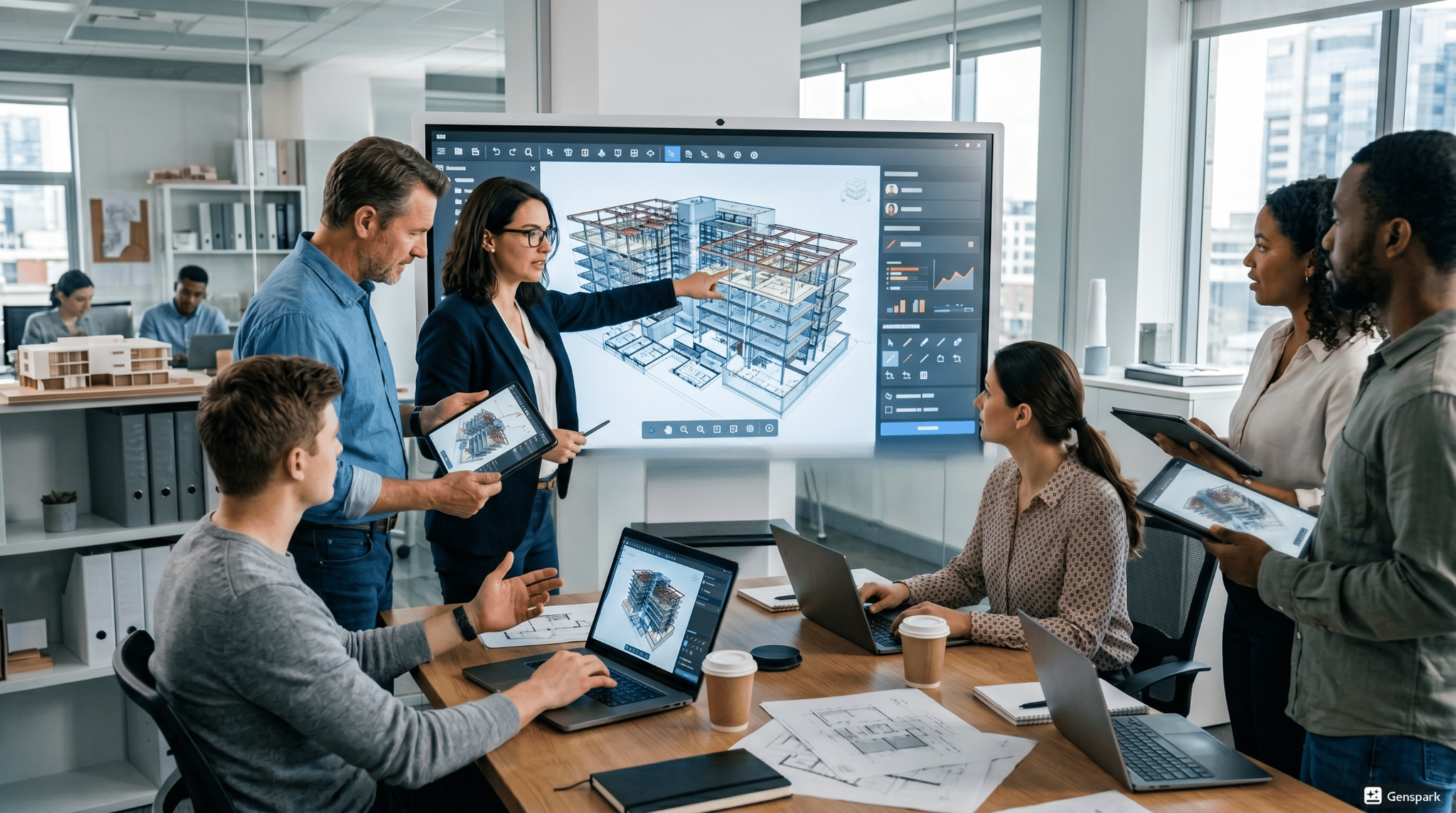
The significant time periods are:
-
Create and set up a model / Build and develop a model: BIM workflow is the starting point in architects design workflow. Modelling is undertaken in a suitable way for team working.
-
Data Organization and Storage: All files are managed with structured document management workflows and easy access with version control.
-
Architecture of collaboration and sharing: A ACC collaboration workflow architecture has been adopted at ACC, and models are shared in real time among disciplines.
-
Review and Co-ordination: Designs are reviewed and problems addressed in design coordination workflows to reduce errors.
-
Analysis and Optimization: Data analysis is improved and used to make informed decisions to improve performance.
-
Project delivery and handover: Final models and documents handed over, project workflow delivered successfully.
These stages are a breakdown of what are stages of Autodesk Construction Cloud workflow, and the benefits they provide when projects are successful.
How Do Architects Use Autodesk Construction Cloud Across Design, Plan, Build, and Operate Phases?
To create a project, from concept to completion, architects use Autodesk Construction Cloud at every stage of a job to ensure data continuity and flow.
Design Phase
-
Create and keep models within a formal BIM process
-
Share designs using cloud co-working tools
-
Add precision to the architecture process
Plan Phase
-
Share information, communicate, and collaborate with stakeholders based on the information.
-
Ensure schedules are coordinated with project teams
Build Phase
-
Provide site staff with up-to-date models
-
Improve communication with connected workflows.
-
In the digital construction workflows that architects handle, ensure that it all comes together.
Operate Phase
-
Communicate information to control projects
-
Record and use document management workflows
What Role Does Design Collaboration Play in Modern Architecture Workflows?
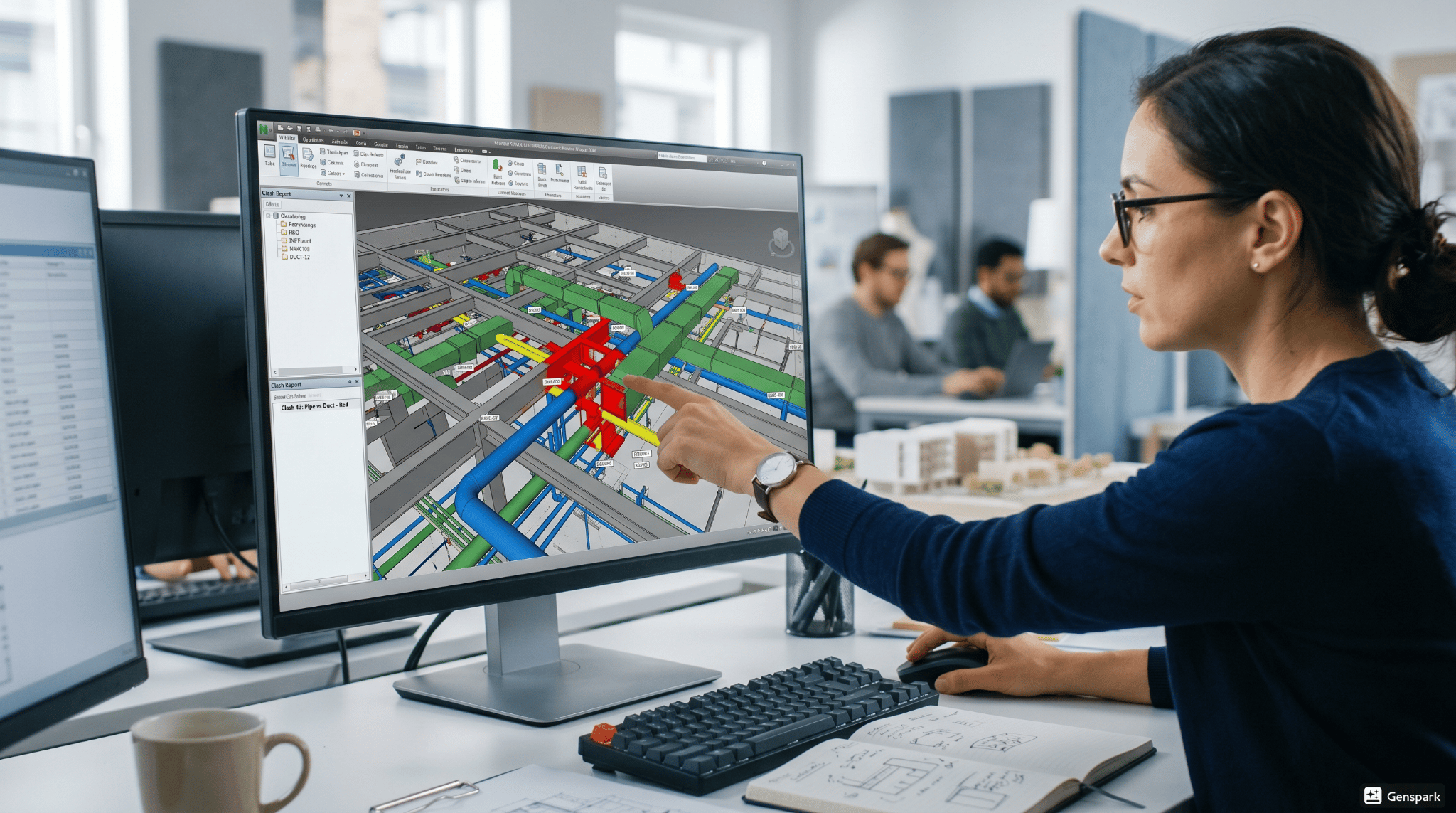
Design Collaboration is a key piece of any ACC collaboration workflow architecture in the ACC. It brings together Architects, Engineers and Contractors in one virtual place.
Its role includes:
-
Real-Time Collaboration: Groups work together on shared models (with the aim of being faster and not having time delays).
-
Improved Communication: Communication is a key element to a successful project collaboration process.
-
Centralized Data Access: The same data is shared with all stakeholders, which helps to ensure consistency.
-
Faster response to changes: Collaborative knowledge, teams can respond quickly to design changes.
-
Reduced Errors: Continuous coordination means that the design coordination workflows and rework are improved.
Model coordination makes sure that there are no clashes between various design elements. It's a key part of the Autodesk Construction Cloud project workflow.
Key processes include:
-
Model Aggregation: Assessment of models from various disciplines (models) where the disciplines are integrated.
-
Clash Detection: Using ‘clash detection’ tools to identify conflicts between systems at an early stage.
-
Issue Tracking: Assigning and resolving issues in the platform.
-
Coordination Meetings: Regularly reviewing and coordinating models and decisions with stakeholders.
-
Continuous Updates: Changes kept and updated in real time.
Such measures enhance the design coordination workflows and decrease costly construction errors.
How does document management and version control help in the day-to-day workflow?
One of the key factors of any type of architecture workflow is document management. Ensures project files are well organised and up-to-date.
Key functions include:
-
Centralized Storage: All files are stored in one platform, which allows for document management workflows.
-
Version Control: There are no ambiguities in teams since they are always working on the latest one.
-
Access Control: Ensure the control of access to project information.
-
Audit Trails: Transparency and accountability is ensured in change tracking.
-
Better Project Collaboration Process: Team members have the ability to easily share documents for a better project collaboration process.
These are a few examples of how does ACC workflow improve architecture projects by reducing errors and enhancing efficiency.
What Role Do AI and Automation Play in ACC Workflows in 2026?
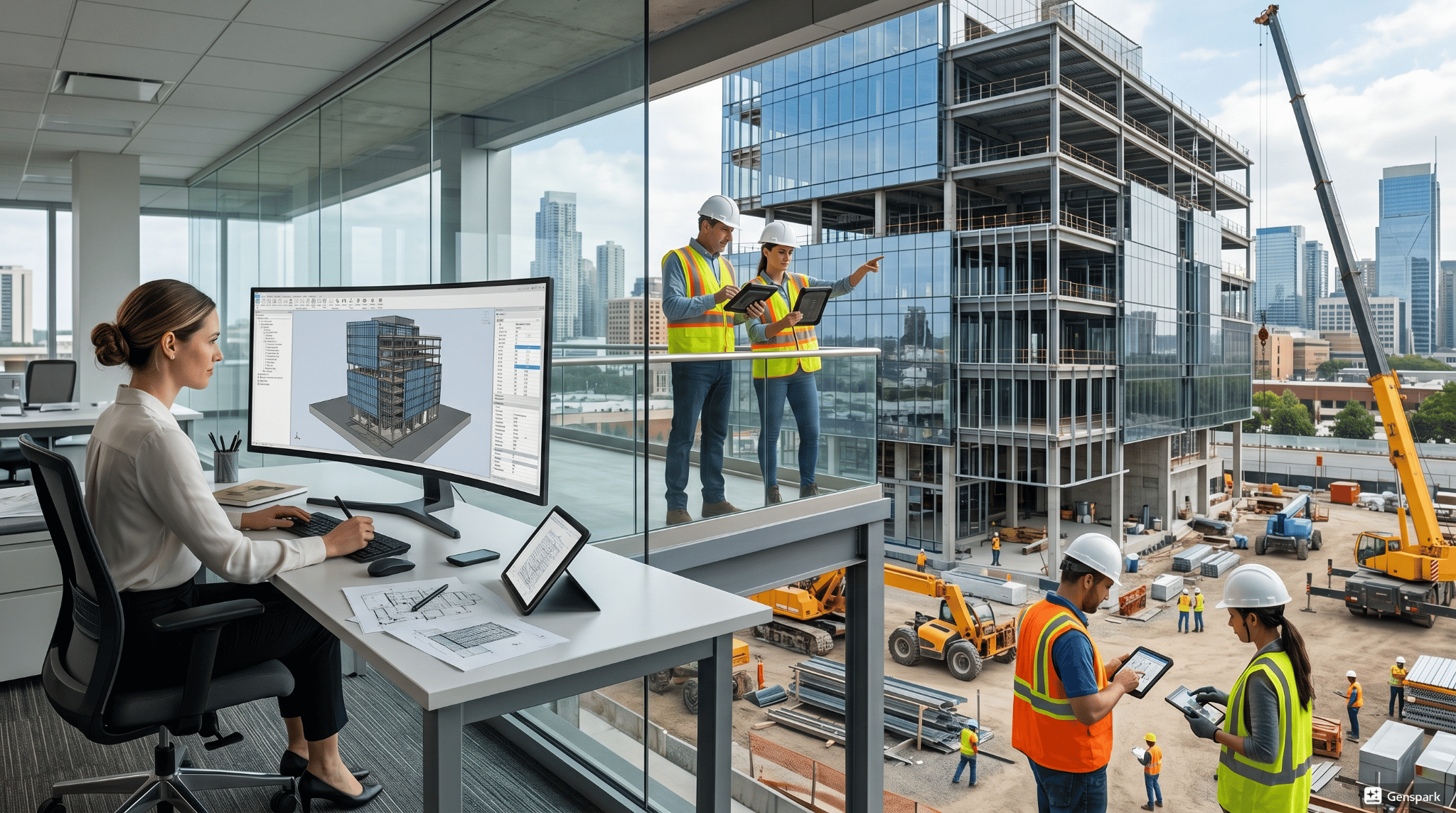
In present times, architects are able to leverage AI and automation in their digital construction workflows architects.
Their role includes:
-
Early Risk and Conflict Detection by AI: Detecting risks and conflicts earlier in the workflow.
-
Data Analysis: Project information and data help to enhance planning and decision making.
-
Task Automation: There is automation of repetitive tasks and time saved.
-
Predictive Insights: AI can anticipate delays and problems with projects.
-
Efficiency in the project workflow: Automation helps during the overall project workflow.
The following are some of the features that explain why use cloud workflows in architecture projects and enhance overall performance.
How Is Autodesk Construction Cloud Evolving With Autodesk Forma for Connected Workflows?
Autodesk Construction Cloud continues to transform with such features as connected workflows in Autodesk Forma.
Key improvements include:
-
Early Design Integration: Forma enables early stage planning and integration with ACC workflows.
-
Data Continuity: Concept to construction runs smoothly.
-
Better Design Insights: Advanced analysis increases design workflow decision making.
-
Improved Collaboration: Teams are kept connected all through the project.
-
Enhanced Workflow Efficiency: Integration helps to eliminate data gaps and facilitate a seamless BIM workflow.
The improvements reinforce how to create workflows in Autodesk Construction Cloud, and enhance the process of delivering projects.
.png)
.png)
.png)